
Telegram has become one of the most important platforms for messaging, communities, channels, and automation. For anyone building, operating, or marketing through bots, understanding Telegram bot users statistics in 2026 is no longer optional. It helps you judge market size, estimate engagement potential, choose the right use cases, and set realistic expectations.
In this guide, we will look at the most useful Telegram bot users statistics and what they actually mean in practice for creators, operators, and businesses.
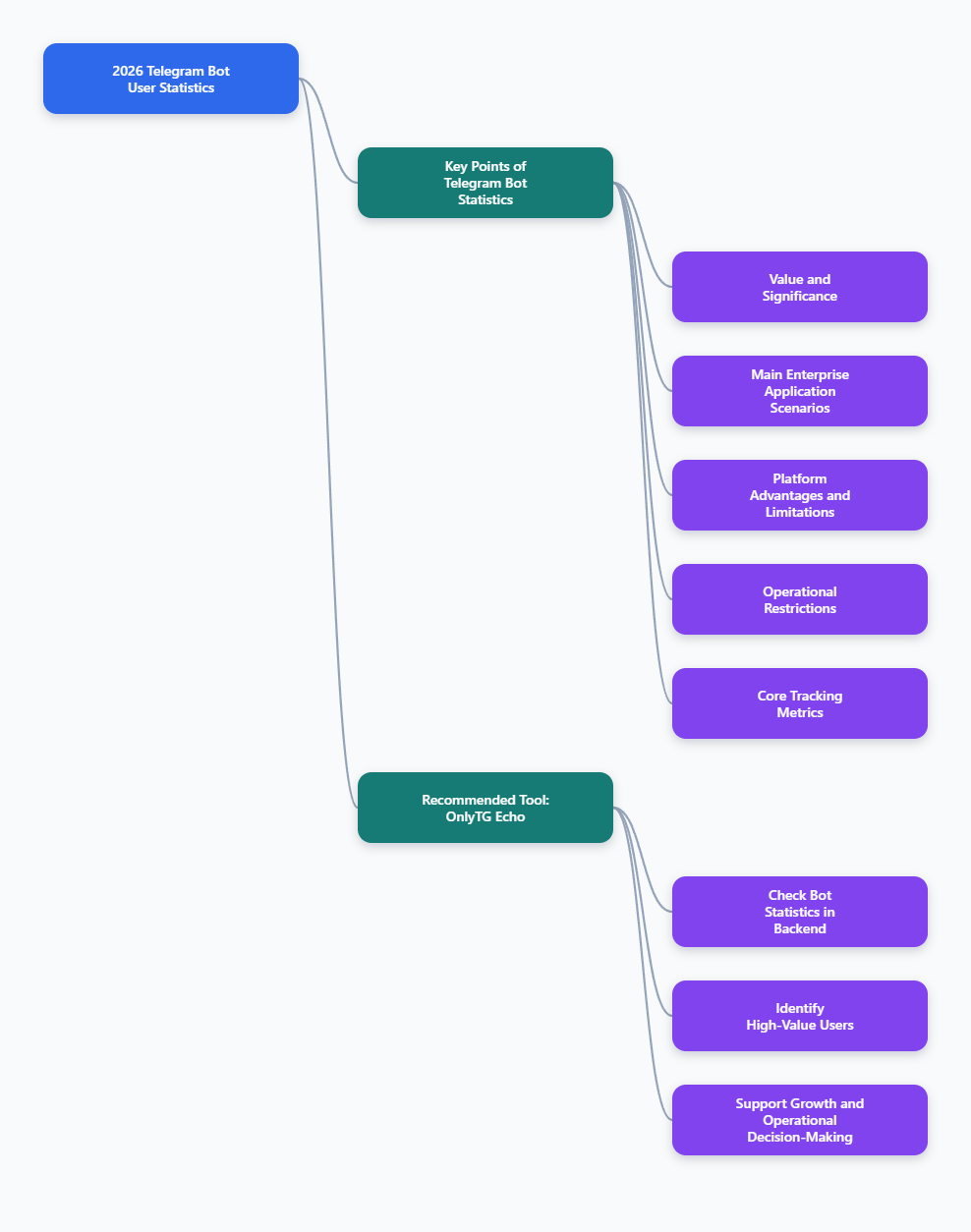
What businesses are using Telegram bots for in 2026
The most credible business references do not suggest that every Telegram bot is revolutionary. Instead, they show that bots are especially strong when they remove repetitive manual work.
Common use cases include:
- Customer support: answering FAQs, checking order status, routing tickets
- Lead generation: collecting names, phone numbers, emails, budgets, or intent data
- Content delivery: sending updates, alerts, files, or gated materials
- Community management: welcome flows, moderation, rule enforcement, access control
- Ecommerce support: product browsing, recommendations, order notifications
- Internal workflows: alerts, approvals, dashboards, task notifications
Several business-focused articles from 2025–2026 also highlight Telegram’s low friction compared with platforms that require stricter business verification or paid conversation-based messaging models.
That does not automatically make Telegram the best option for every company. But it does make it a practical option for teams that want speed, low setup friction, and strong automation flexibility.
Official bot platform limits you should know
When people search for Telegram bot users statistics, they often also need operating constraints. These are not audience metrics, but they directly affect scale.
Telegram’s official documentation and widely referenced platform-limit summaries indicate several important constraints:
- Bots can send up to about 30 messages per second to different chats in standard Bot API usage scenarios.
- For the same chat, practical limits are much lower, commonly described as around 1 message per second.
- Group messaging limits are also stricter than broad multi-chat broadcast scenarios.
- Bot API supports files and media, and official documentation notes file upload support up to 2000 MB in Bot API contexts.
Why include this in a statistics article?
Because user growth is only useful if your bot can handle delivery patterns properly. If you run campaigns, notifications, or onboarding at scale, messaging throughput and interaction design matter just as much as total audience size.
The most important metrics to track for Telegram bots
Global platform statistics are useful, but they do not tell you whether your own bot is healthy. These are the practical bot metrics that matter most.
User acquisition metrics
- New users per day or week
- Source of traffic: channel, group, ad, referral, QR code, website
- Start command conversion rate
- Deep-link performance by campaign
Engagement metrics
- Daily active users
- Weekly active users
- Commands per user
- Completion rate for key flows
- Button click-through rate
Retention metrics
- Day 1, Day 7, and Day 30 retention
- Repeat sessions per user
- Drop-off point in onboarding
- Reactivation after broadcasts
Business outcome metrics
- Lead capture completion rate
- Qualified lead rate
- Support deflection rate
- Purchase or order completion rate
- Revenue per user or per campaign
Without these metrics, even the best Telegram bot users statistics remain background noise.
Practical tool recommendation for Telegram bot analytics
How to use OnlyTG Echo for Telegram analytics
If you want a practical analytics tool for daily bot operations, OnlyTG Echo is worth considering. Its Admin Console includes statistics for your own bot, making it easier to understand who is interacting with it and how they behave over time.
In practical terms, this means the OnlyTG Echo backend can help you move beyond simply counting users. By reviewing bot user data inside the console, you can identify activity patterns, compare engagement trends, and better understand how users respond to your bot flows, messages, and campaigns.
This kind of visibility is useful for day-to-day operations because analytics becomes directly tied to decision-making. Instead of guessing what to improve, you can use the backend data to evaluate user behavior and make more informed operational choices.
For example, bot statistics in OnlyTG Echo can support questions like:
- Whether your bot is attracting enough new users
- How users are interacting with bot messages
- Which user segments appear more active or valuable
- Whether recent campaign or content changes improved engagement
- What should be adjusted in your next operating strategy
That is the main reason a tool like OnlyTG Echo can be practical: its Admin Console does not just display numbers. It gives you bot user data that can help analyze user behavior and support decisions about growth, messaging, and overall operating strategy.
Final thoughts
If you are building on Telegram, the smartest next step is not chasing inflated bot-count claims. It is focusing on the metrics you can control:
- User acquisition quality
- Onboarding completion
- Retention
- Flow conversion
- Channel and group distribution
- Operational analytics
At this stage, Telegram bot growth is less about whether the platform is big enough. It is about whether your bot is useful enough, measurable enough, and well integrated enough to earn repeat usage inside one of the world’s largest messaging ecosystems.