
OnlyTG
Empower your sales, marketing, operations and customer support on Telegram
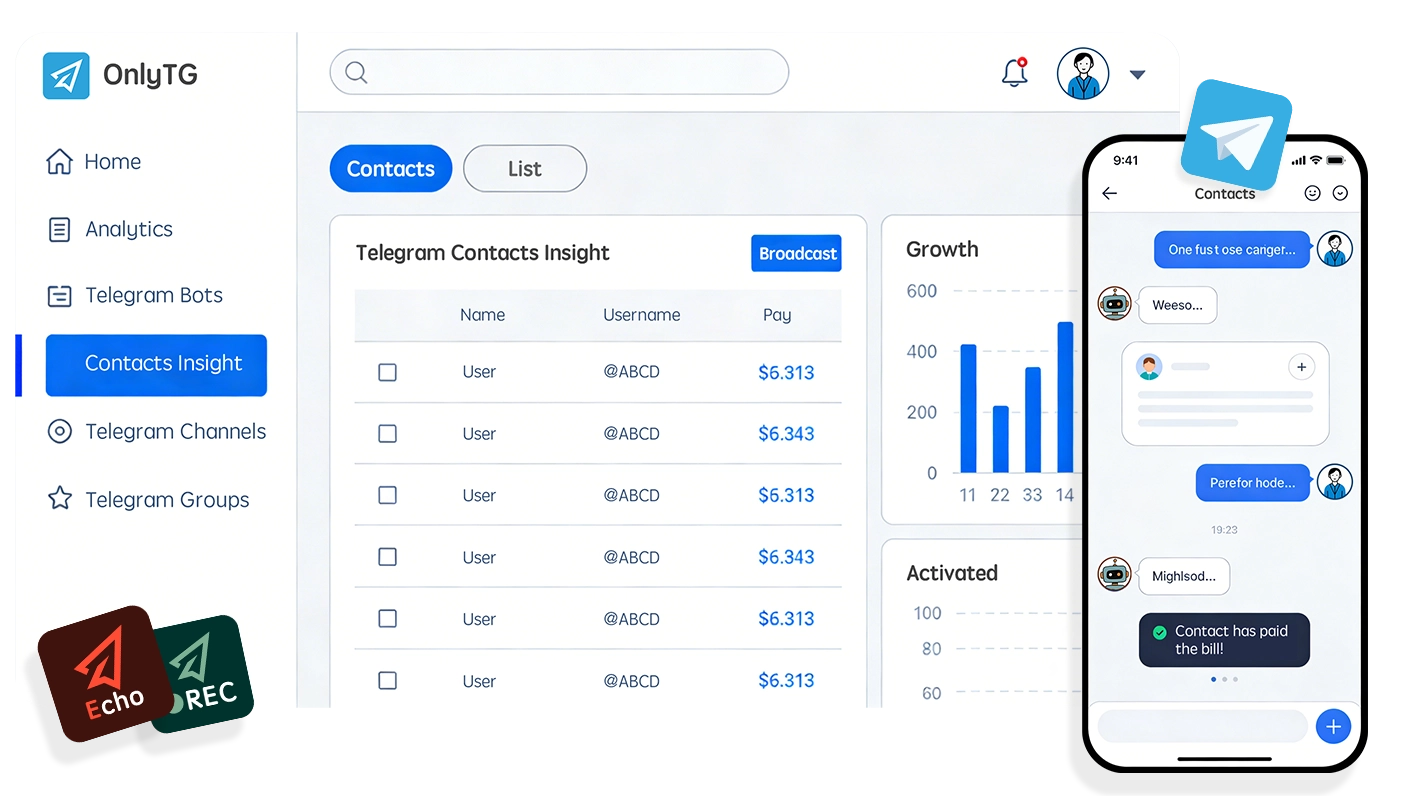
OnlyTG Products
OnlyTG Echo
Build your own smart bot on Telegram, no coding skills required.
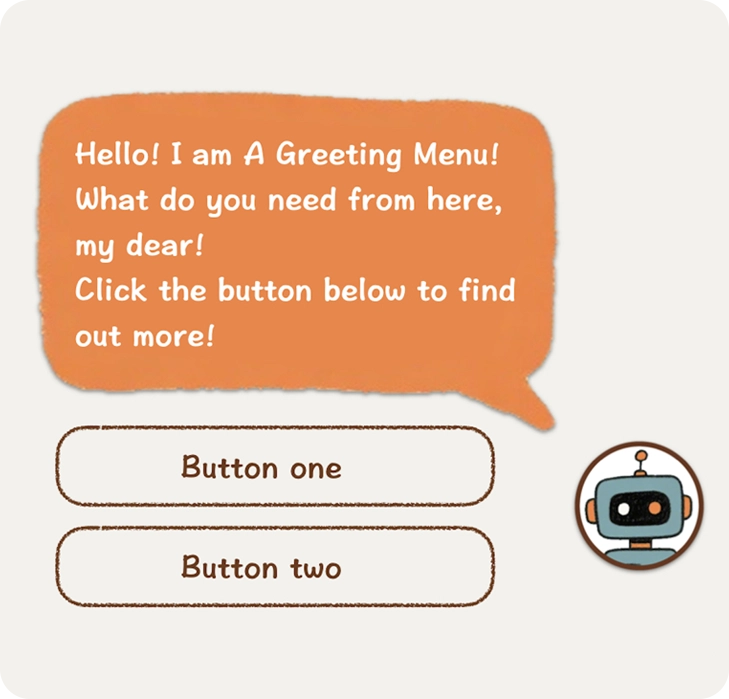
Multi-form Messages Builder
You can build multi-form messages with text, media and buttons through the bot, and send them to your contacts for more interaction.

Start Message
When a user first opens the bot or uses the /start command, a greeting message will be automatically sent. And it allows text, media and buttons.
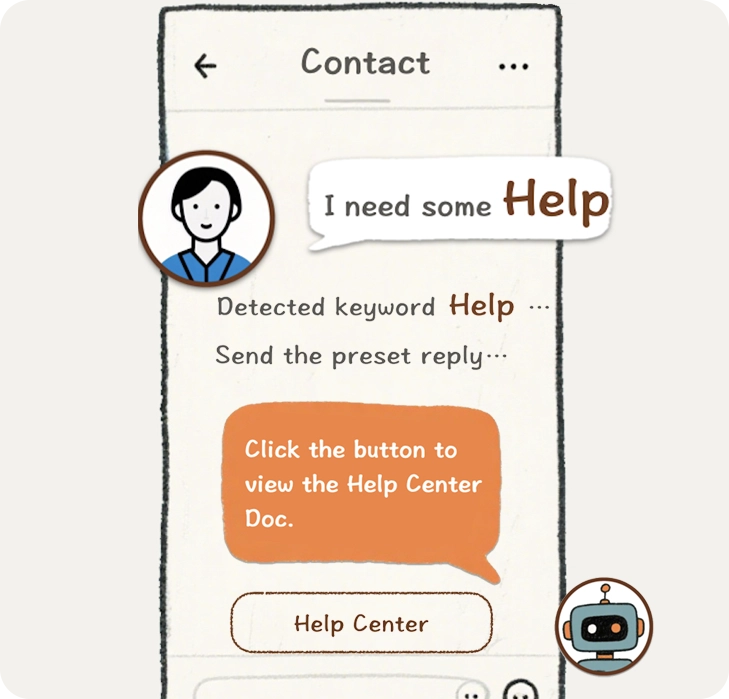
Auto-reply
You can set up specific keywords and corresponding messages. When some keywords are triggered by your contacts, the corresponding messages will be sent.
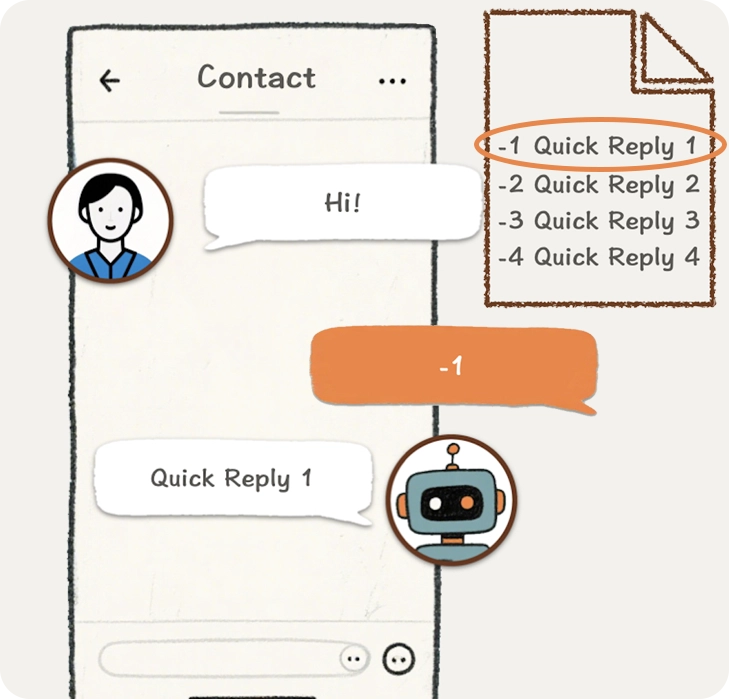
Quick Reply
Send complex preset messages via simple commands, greatly reducing repetitive work and improving work efficiency.
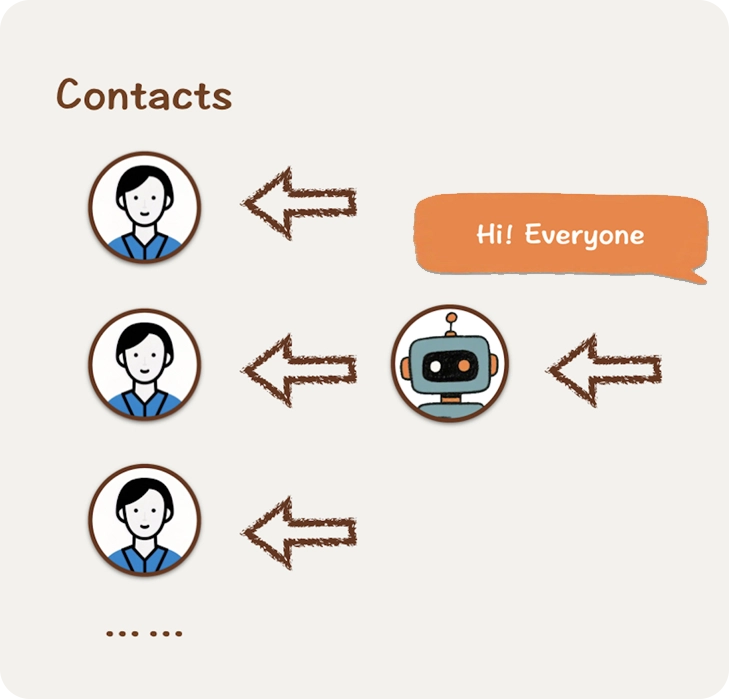
Broadcast
Arrange to send a broadcast to all your contacts. Ensure they can receive all your latest updates.

Analytics
View comprehensive information of users who interact with your bot. Analyze target user behavior in – depth to provide data support for business decisions.
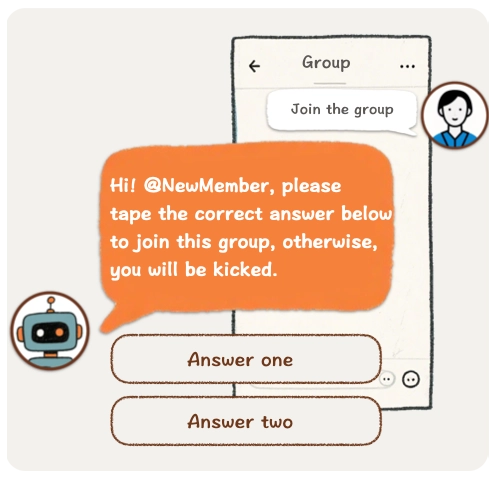
CAPTCHA
Verify new members of groups. Those who fail to complete the test within the specified time will be kicked out of the group.
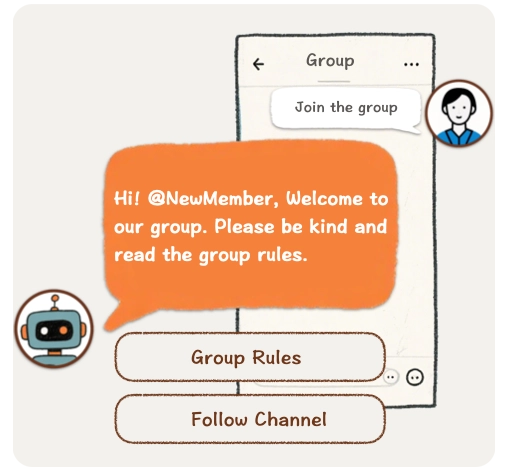
Group Greeting
When a new member joins the group and passes the CAPTCHA verification (if it is on), a preset greeting message will be automatically sent.
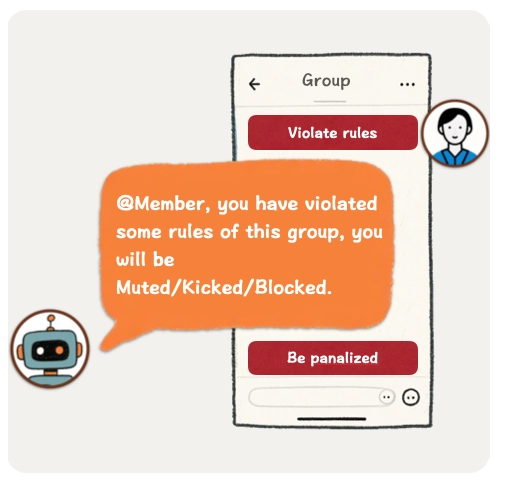
Group Rules
Set the rules of your group. Members who violate the rules will be penalized. Like prohibited words, no links, no forward, no bot, not spam…
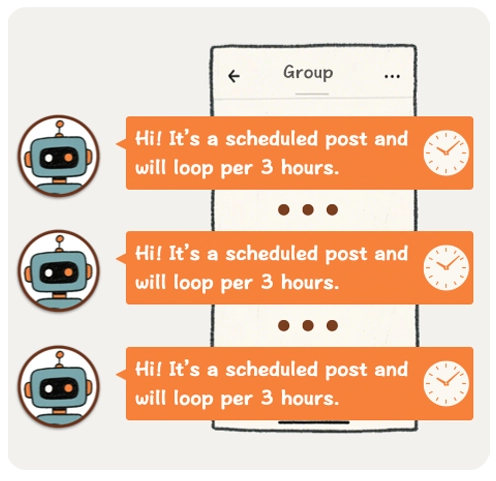
Post and Loop
You can post message with buttons into your group. Supports scheduling and looping posts in the group at set every intervals.
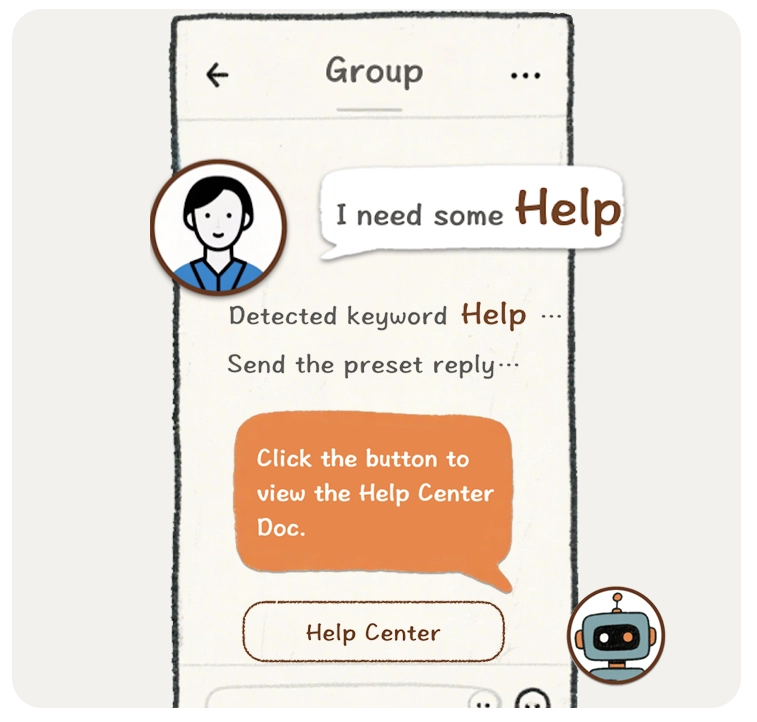
Keywords Reply
Keywords Reply are some preset messages which will be sent to groups when the bot detects some keywords. Makes your group a total auto-community.
Analytics
View comprehensive information of users who join your group. Analyze target user behavior in – depth to provide data support for business decisions.
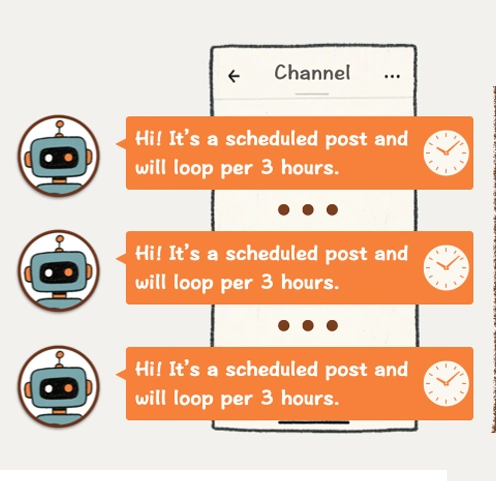
Post and Loop
You can post message with buttons into your channel. You can also loop posts in the channel at set every intervals.
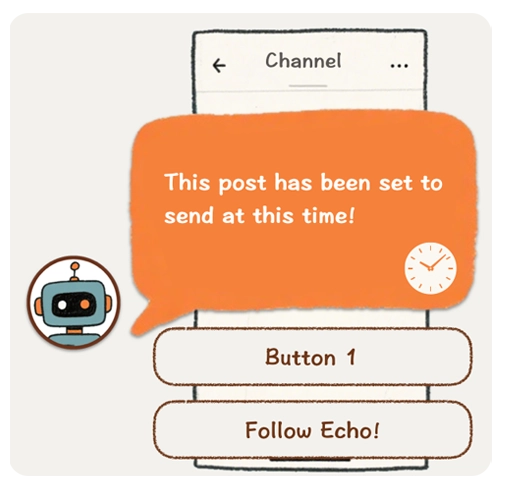
Schedule Post
Supports scheduling your post for a later time.
Analytics
View comprehensive information of users who follow your channel. Analyse target user behavior in – depth to provide data support for business decisions.
OnlyTG Recorder
Helps you quickly record Telegram messages into one page and share with others.
Privacy Protection
We implement strict forwarding protection. Unauthorized users are kept anonymous, while public groups and channels retain the original source path.
Targeted Sharing
With password protection, you can share messages precisely with specific users without worrying about content being leaked to unrelated people.
Prevent Information Loss
Store and back up important data to avoid message loss caused by special circumstances.
Original File Links
Our servers do not store images or files. We only keep the original message links, allowing users to access source files via these links.
Assist with Operations
Help manage groups by preserving high-quality messages, making it easy for members to search and browse.
Free to use
We provide sufficient free quota for regular users, and support commercial users in expanding their usage limits.
Why Choose OnlyTG
Only Telegram
Focused on Telegram development
Data Drive
Value data and assist in user management
All-in-one
All-in-one data analytics for user insights