
If you manage a Telegram group, you already know the pain point: the same announcements, reminders, onboarding notes, and community prompts need to be posted again and again, and missing even one update can make the group feel inactive.
In 2026, the good news is that there are reliable ways to automate this workflow. You can use Telegram’s built-in scheduled messages for one-time posts, use a bot or automation platform for recurring posting, and choose tools like OnlyTG Echo when you need looped posts, group management, and other automation features in one place.
Auto-Recurring Posting in Telegram Groups: Step-by-Step Guide
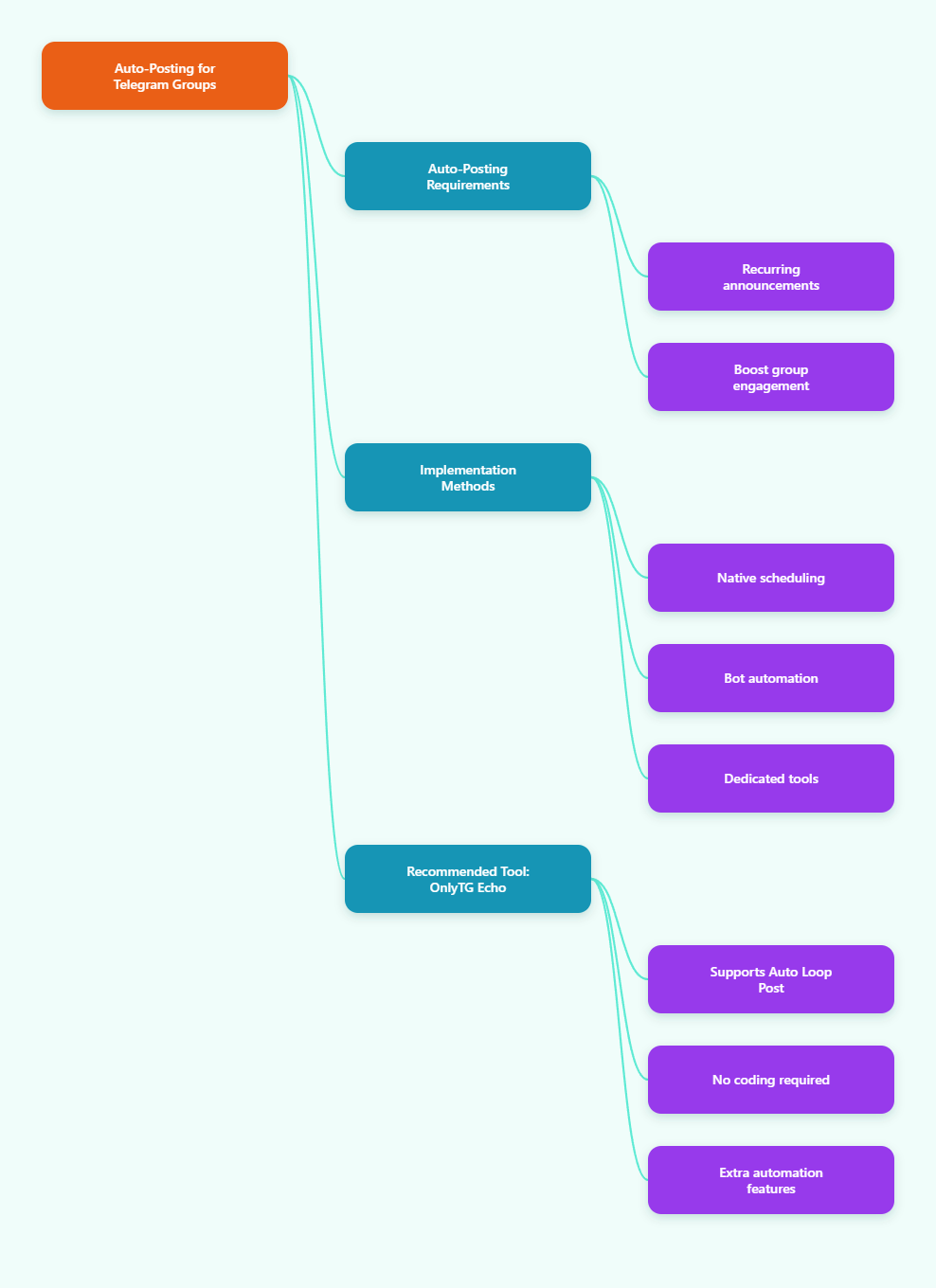
There are three practical approaches in 2026: native Telegram scheduling, bot-based recurring automation, and a dedicated tool for repeated posts. The best choice depends on whether you need a one-time reminder, a true repeating message, or a more complete community workflow.
- Use Telegram’s built-in scheduler for one-time posts. Open your group, type your message, then hold or long-press the send button and choose Schedule Message. Pick the date and time, confirm, and Telegram will post it automatically later. This is useful for event reminders, launch announcements, and timed updates.
- Check that you have the right permissions. In groups, posting automation usually requires admin access or posting rights. If you are using a bot, the bot typically must be added to the group and granted the necessary admin permissions to send messages.
- For recurring posting, use a bot or automation platform. Telegram’s native scheduler is designed for one-time delivery. If you need a daily tip, weekly reminder, monthly update, or repeated promotional post, use a bot-based workflow that supports intervals and repetition.
- Prepare the content template first. Write the message, attach media if needed, and decide whether the recurring post should be identical every time or generated from a template. Clear formatting helps keep repeated content readable and consistent.
- Choose the repeat interval carefully. Pick a schedule that matches user expectations. Common patterns include daily welcome prompts, weekly reminders, or monthly community check-ins. Avoid over-posting, which can create notification fatigue.
- Test the first run before going live. Send a test post to a private group or a small internal group first. Confirm the time zone, formatting, media delivery, and permissions before deploying the automation to a larger community.
- Monitor and update regularly. Recurring posts can become stale if left untouched. Review the content every few weeks, update links, and adjust the timing if engagement drops.
If your goal is a true recurring workflow, the key difference is simple: one-time scheduling is easy inside Telegram, while repeated posting usually needs a bot or third-party platform.
Methods Compared: Native Scheduler vs Bot Automation vs Dedicated Tool
| Method | Best For | Advantages | Limitations |
|---|---|---|---|
| Telegram built-in scheduled messages | One-time announcements and reminders | Simple, native, fast to set up, no external tool needed | Not designed for repeating posts automatically |
| Bot-based recurring automation | Daily, weekly, or monthly repeat posts | Supports recurring intervals and hands-off publishing after setup | Requires setup, permissions, and often some technical configuration |
| Dedicated Telegram automation tools | Groups that need recurring posts plus workflow management | Often include looping posts, media support, permissions control, and other admin features | May require onboarding, platform learning, or paid plans for advanced features |
In practice, the native scheduler is best when you only need a single future post. Bot automation is better when the same message must repeat. Dedicated tools are strongest when recurring posting is part of a broader moderation or community-management system.
Practical Tool Recommendation: OnlyTG Echo
If you want to set up auto-recurring posting in Telegram groups with less manual work, OnlyTG Echo is a practical option in 2026. Its group setting area includes a Loop Post function, which is designed for repeating content automatically at set intervals. This is especially useful for groups that need repeated announcements, reminders, onboarding posts, or timed promotional updates without having to reschedule every message by hand.
Here is a simple setup flow:
- Create a bot with @BotFather. Generate your bot token first, since OnlyTG Echo works through your own Telegram bot connection.
- Connect the bot to OnlyTG Echo. Add the token in the platform so the bot can be managed through the Echo workflow.
- Add the target group. Make sure the bot is inside the group and has the permissions needed to post.
- Open Group Settings and find Loop Post. Choose the group you want to automate, then configure the repeated post behavior.
- Set the content and interval. Write the message, attach media or buttons if needed, then choose how often it should repeat.
- Save and test. Verify that the looped post appears on schedule and make sure the formatting is correct across devices.
Beyond loop posting, OnlyTG Echo also offers other useful Telegram automation features, including group management, greeting messages, CAPTCHA-style onboarding flows, rules handling, quick replies, message relaying, multi-form messages, scheduled posting, and bulk broadcast options. That makes it more than a simple scheduler: it can help you build a more organized and consistent Telegram operation.
Best Practices for Recurring Telegram Posts
- Keep recurring posts short and useful. Repeated content should feel helpful, not noisy.
- Use a fixed posting rhythm. Predictable timing improves trust and engagement.
- Match the message to the group purpose. A support group, product community, and fan group should not receive the same style of repeat content.
- Review permissions after any admin change. Bots can lose access if rights are removed.
- Refresh the content regularly. Repeated messages should evolve as your community changes.
FAQ
Can Telegram schedule recurring posts by itself?
Telegram supports scheduled messages, but the native feature is mainly for one-time future posts. For recurring posting, you typically need a bot or automation tool.
Do I need admin rights to automate posts in a Telegram group?
Yes, in most cases. The account or bot posting on your behalf usually needs permission to send messages in the group.
What is the easiest way to set up repeating posts?
If you want a no-code workflow, use a Telegram automation platform or bot that supports recurring intervals. This avoids manual rescheduling.
Is Loop Post useful for community reminders?
Yes. Loop Post is a strong fit for recurring reminders, rules messages, event prompts, and other repeated group updates.
How often should recurring posts be sent?
That depends on the group. Daily or weekly is common, but the right cadence is the one that stays useful without feeling repetitive.
Conclusion
Auto-recurring posting in Telegram groups is easiest when you match the tool to the task. Use Telegram’s native scheduler for one-time posts, a bot for repeated automation, and OnlyTG Echo if you want looped posts plus broader group management features. The best recurring systems are simple, consistent, and useful. Set a clear posting rhythm, test before launch, and refresh content often so your group stays active without becoming noisy.