
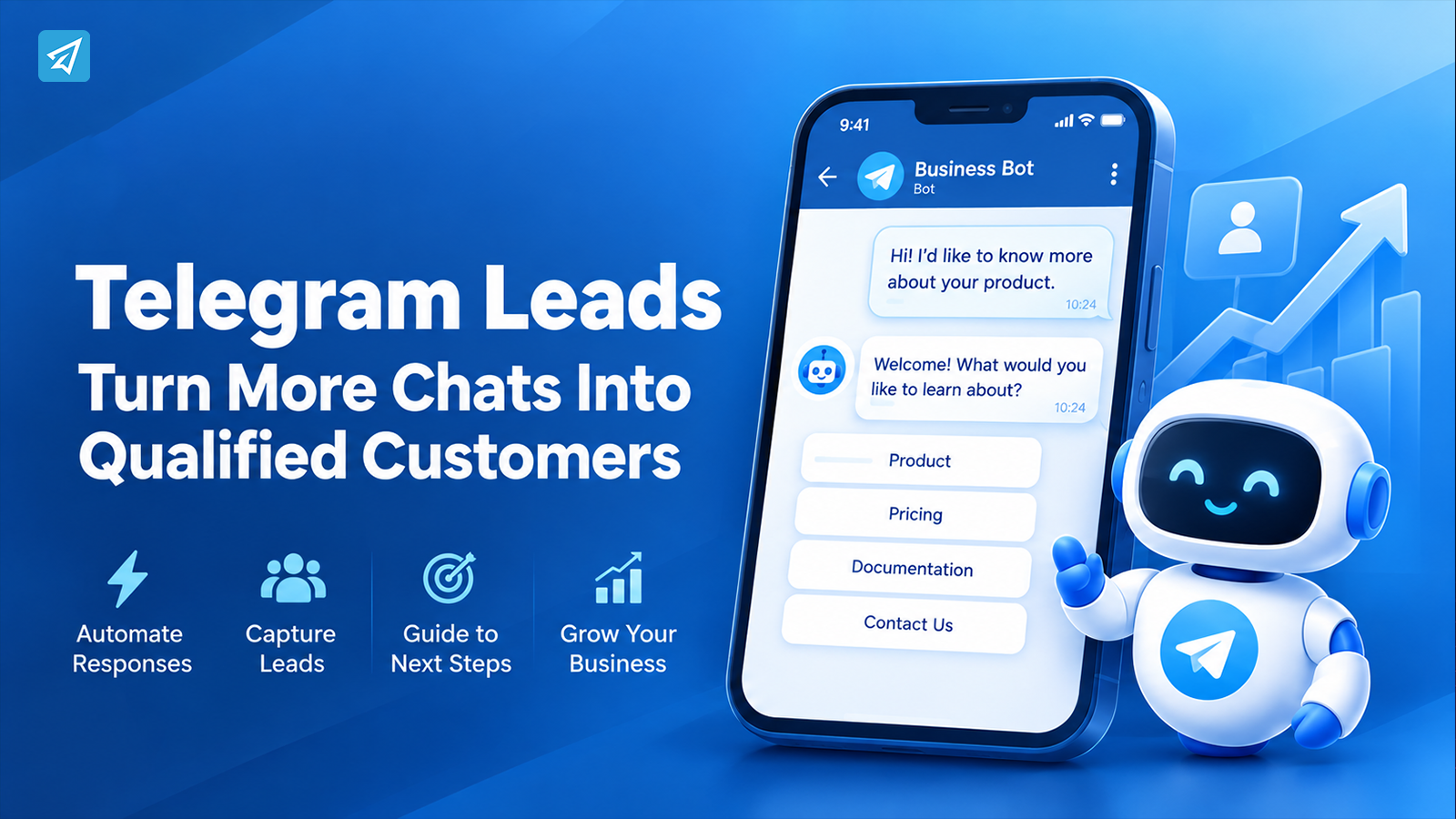
Telegram can be a powerful source of leads, but getting people to start a conversation is only the beginning. Once prospects begin asking questions, requesting information, or joining your community, businesses need a reliable way to respond and keep conversations moving.
The challenge is that Telegram conversations can quickly become repetitive and difficult to manage manually. Slow replies, missed questions, inconsistent information, and poor follow-up can weaken the experience even when the original lead was highly interested.
A better approach is to combine human interaction with automation. By using a structured Telegram lead workflow, businesses can respond faster, handle repetitive requests automatically, and give promising leads a clearer path toward the next action.
Why Is the Existing Approach Not Good Enough?
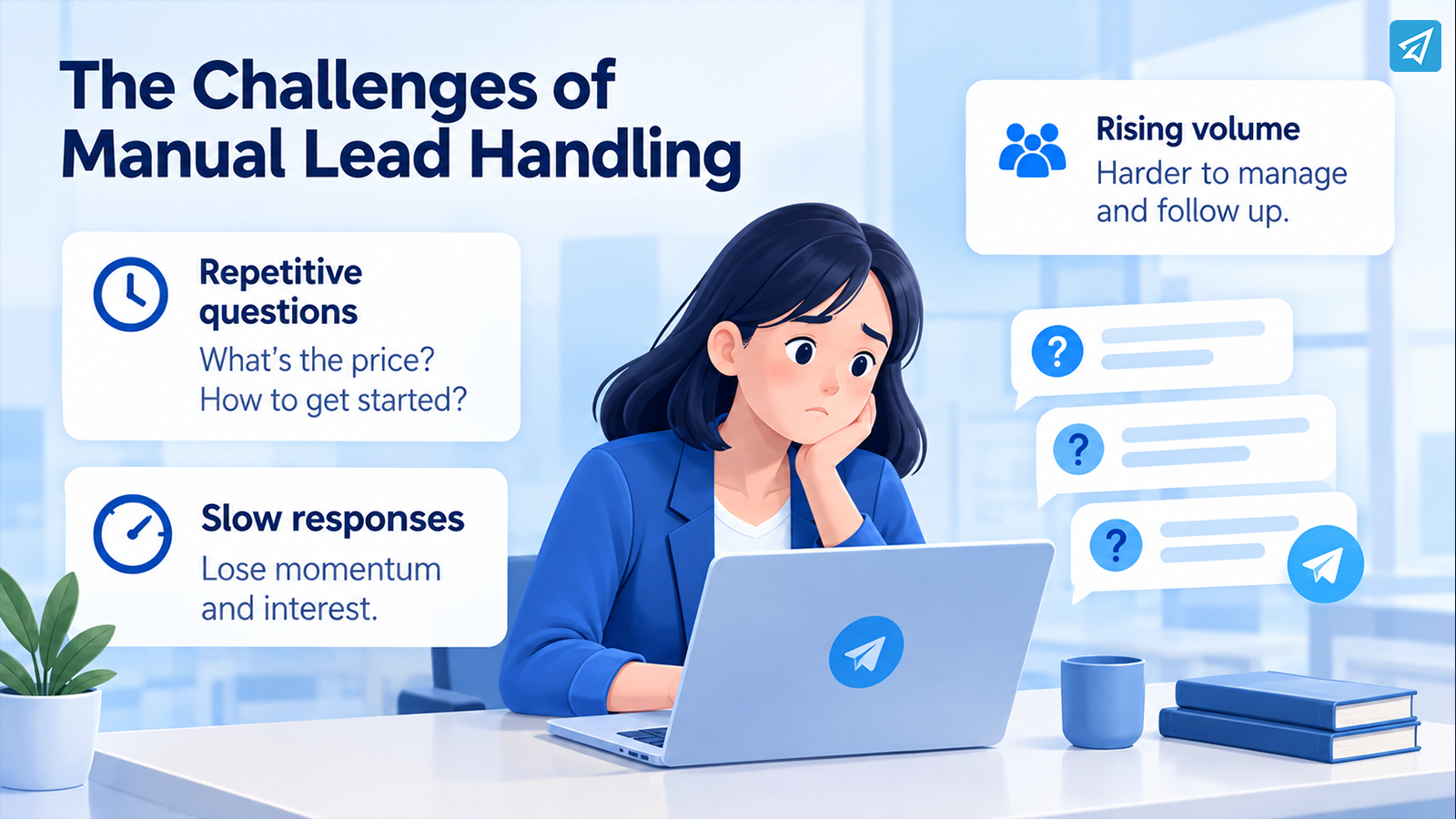
Managing a small number of Telegram leads manually may seem simple. The problems become much more obvious as conversation volume increases.
1. Repetitive Questions Consume Valuable Time
Many leads ask the same basic questions:
- What does the product do?
- How much does it cost?
- How can I get started?
- Where can I find the documentation?
- What happens after I join the group?
When team members answer every question individually, a significant amount of time goes toward repeating information rather than handling conversations that require human judgment.
2. Slow Responses Can Interrupt the Buying Journey
A potential customer may be actively interested when they send a message. If the response comes much later, the conversation can lose momentum.
Manual processes make it difficult to provide consistent first responses, especially outside working hours. Even a simple automated reply can acknowledge the request and direct the user toward useful information while a human team member handles the more complex part of the conversation.
3. Growing Lead Volume Creates Operational Complexity
As more people enter a Telegram channel, group, or bot, communication becomes harder to maintain manually.
Businesses may need to welcome new users, answer recurring questions, distribute updates, publish content, and monitor community interactions at the same time. Without automation, these tasks compete for the same limited human attention.
What Are Telegram Leads?
Definition
Telegram leads are people who show potential interest in a business, product, service, community, or offer through Telegram.
A lead might:
- Start a conversation with a bot
- Ask about a product
- Respond to a keyword
- Join a Telegram group
- Interact with business content
- Request additional information
- Follow a channel and engage with its content
Lead generation is therefore only one part of the process. Businesses also need a way to respond, educate, qualify, and guide those users.
Traditional Process
A basic manual Telegram lead workflow often looks like this:
User sends a message → Admin reads it → Admin identifies the question → Admin writes a response → User asks another question → Admin responds again
This can work with low conversation volume. However, repetitive interactions become expensive when the same team must handle dozens or hundreds of conversations.
Automated Process
A more structured workflow can look like this:
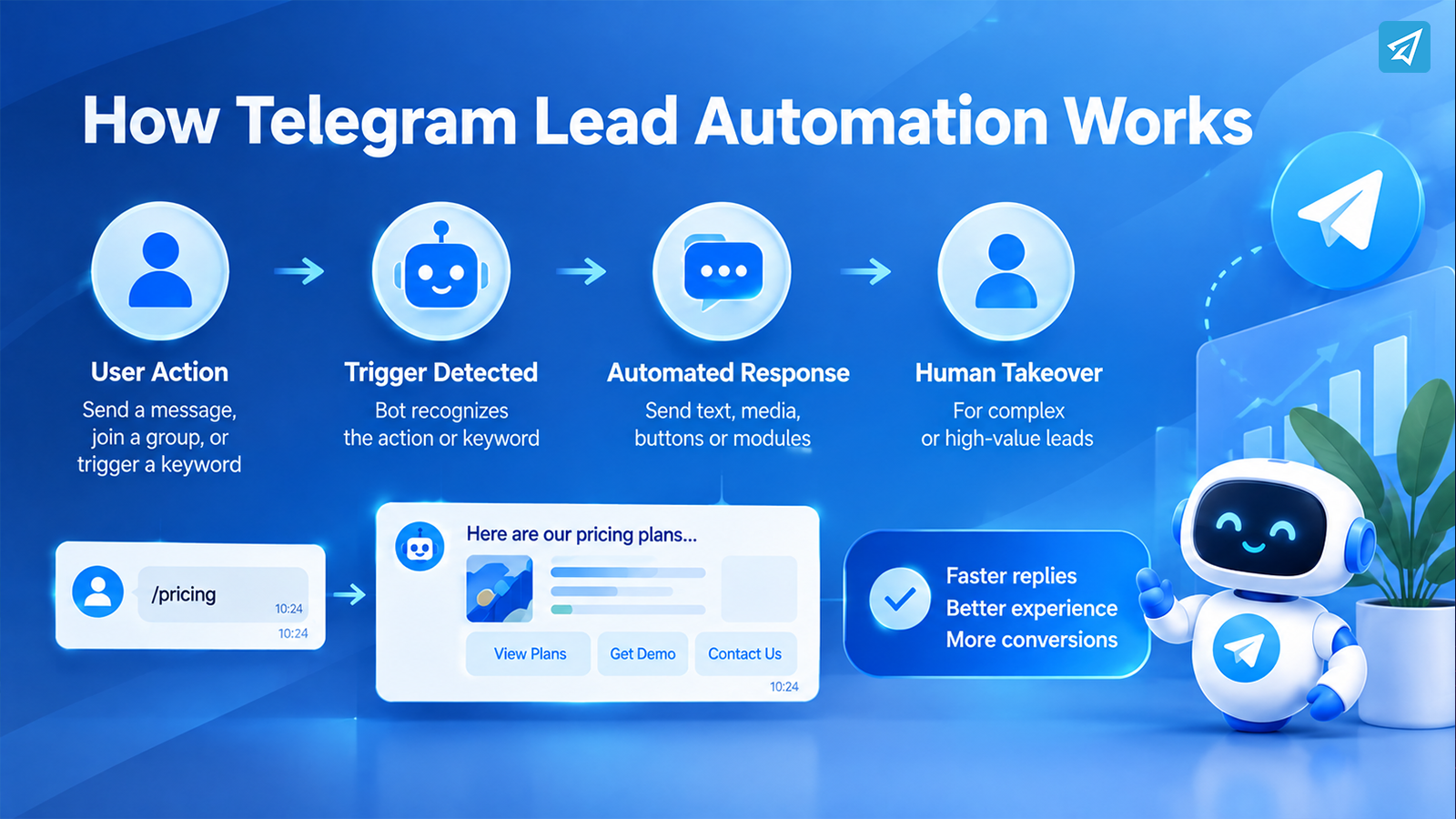
User action → Trigger detected → Automated response → User receives relevant information → Human takes over when necessary
For example, a user might send the keyword “pricing.” Instead of waiting for an administrator to notice the message, a configured Telegram bot can immediately provide a predefined response.
OnlyTG Echo supports keyword-based auto-replies and can send configured text, media, buttons, or modules when matching keywords are detected.
The goal is not to remove humans from the process. It is to let automation handle predictable interactions so people can focus on conversations that require judgment.
What Value Can Telegram Lead Automation Bring?
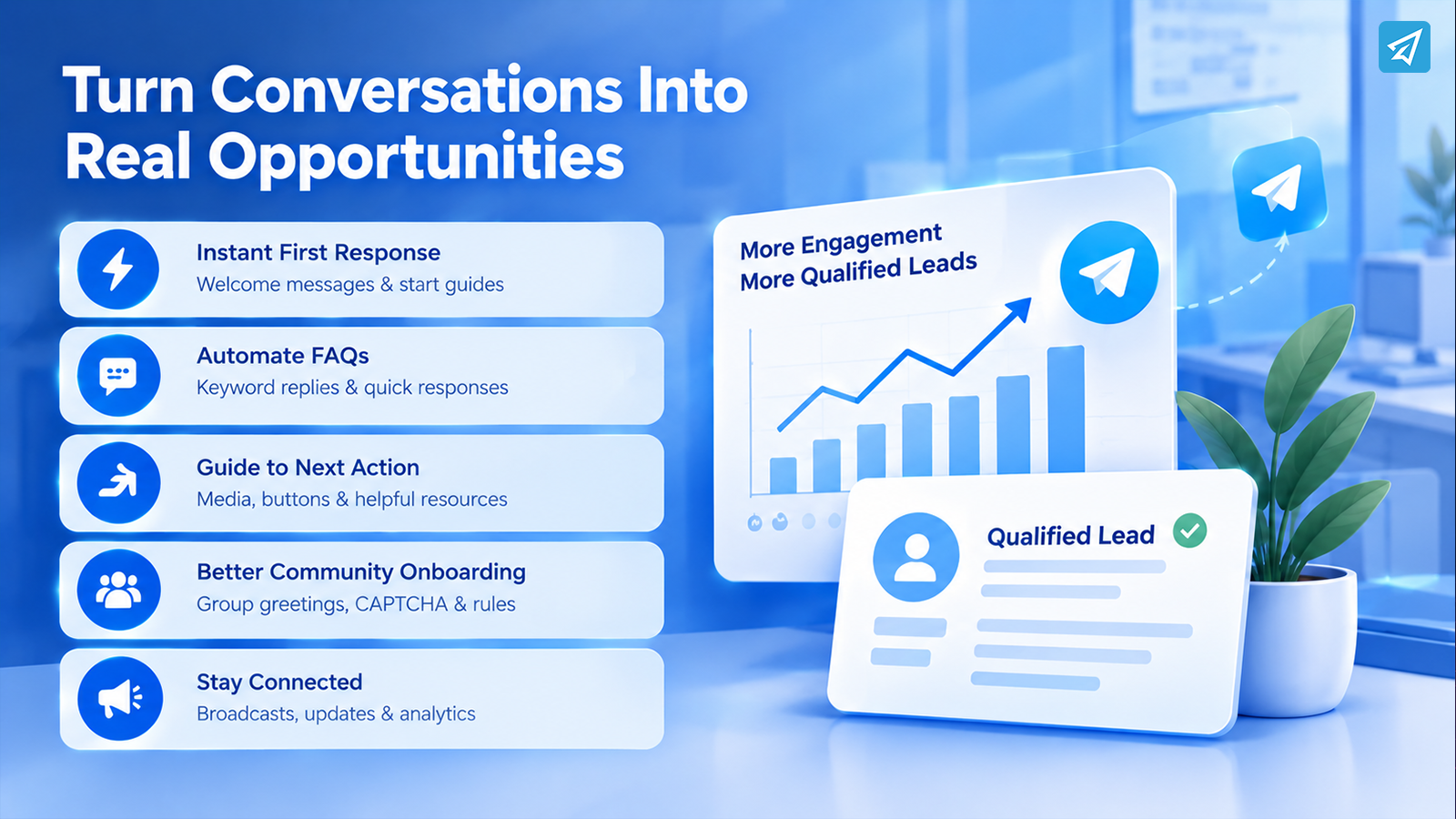
1. Give New Leads an Immediate First Response
The first interaction sets the direction for the rest of the conversation.
A Telegram bot can provide a predefined Start Message when someone opens the bot or uses /start. The message can contain text, media, and buttons.
For example:
User: Starts the business bot
Bot: “Welcome! What would you like to learn about?”
Buttons: Product / Pricing / Documentation / Contact Us
This creates a clear entry point without requiring an administrator to respond manually to every new user.
2. Automate Answers to Frequently Asked Questions
FAQ automation is one of the most practical uses of Telegram lead automation.
Businesses can create keyword-triggered replies for terms such as:
- pricing
- demo
- features
- documentation
- support
- refund
- onboarding
With OnlyTG Echo, multiple keywords can trigger predefined messages, and an auto-reply can contain multiple configured messages.
This turns common questions into predictable workflows instead of repetitive manual tasks.
3. Guide Leads Toward the Next Action
An automated reply does not have to be a simple text message.
Depending on the workflow, businesses can use media and buttons to provide additional information or direct users toward a relevant next step. OnlyTG Echo’s Multi-form Messages Builder supports configured text, media, and buttons.
For example:
Lead asks about a feature → Bot explains the feature → Button directs the user to documentation → Human handles the specific business question
This makes the conversation easier to navigate.
4. Improve Community-Based Lead Onboarding
Telegram groups can also become an important part of a lead journey.
A new member may need to understand the group’s purpose, rules, and next steps before becoming an active participant. OnlyTG Echo supports CAPTCHA verification and automated Group Greeting messages for new members. When CAPTCHA is enabled, the greeting can be sent after the member passes the verification process.
This allows businesses to structure the onboarding experience instead of relying entirely on administrators.
5. Maintain Communication With Existing Contacts
Lead management does not end after the first conversation.
Businesses may need to send updates, announcements, or other relevant information to their contacts. OnlyTG Echo includes a Broadcast function for sending updates to contacts, while its Analytics capability provides information about users interacting with the bot.
This creates another layer of communication between initial lead acquisition and ongoing engagement.
How to Use OnlyTG Echo
A practical implementation can be kept relatively simple.
Step 1 — Create a Telegram Bot
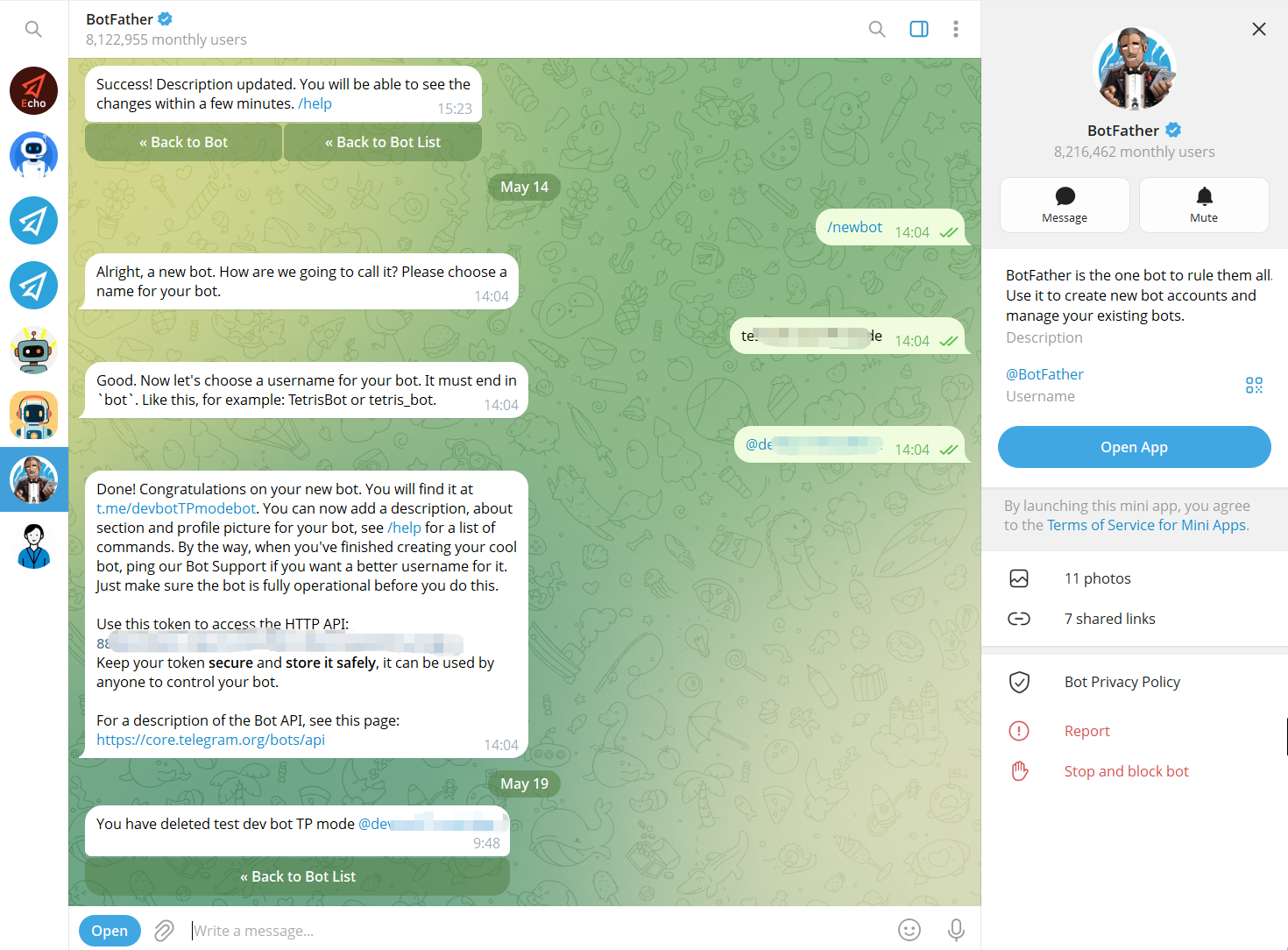
Use Telegram’s BotFather to create a bot and obtain its bot token. The bot becomes the communication interface that users interact with.
Step 2 — Connect the Bot to OnlyTG Echo
Connect the newly created Telegram bot to OnlyTG Echo using the bot token.
The purpose of this step is to give the business a no-code environment for configuring the bot’s communication behavior rather than requiring a custom automation workflow to be developed from scratch.
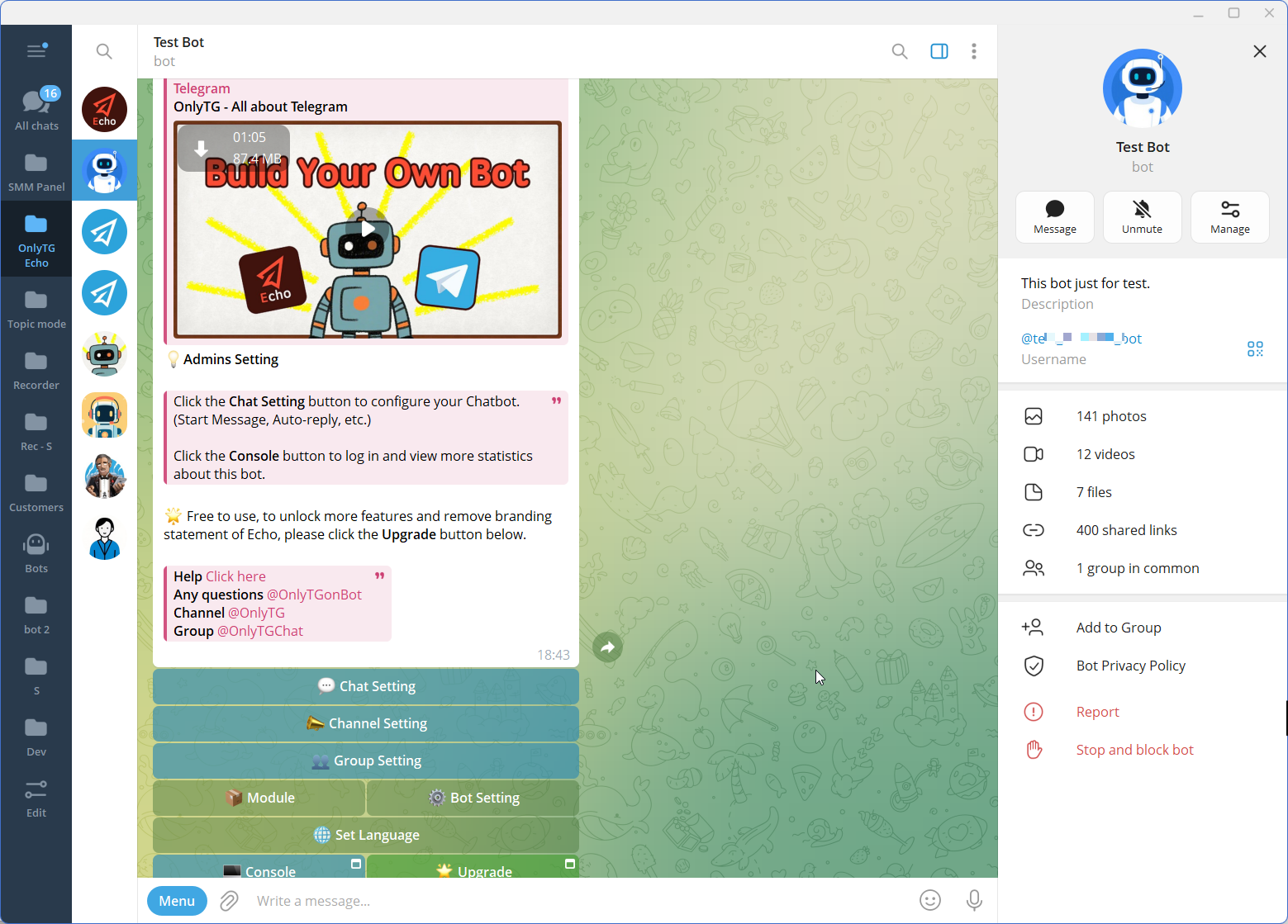
Step 3 — Configure the Features
Traditional Telegram Lead Handling vs. Automated Workflow
| Capability | Traditional Manual Approach | Telegram Automation With OnlyTG Echo |
|---|---|---|
| Initial greeting | Admin responds manually | Start Message can be automated |
| FAQ responses | Repeated manual replies | Keyword-based replies |
| Repetitive actions | Performed manually | Quick Replies can simplify preset actions |
| Rich responses | Created manually for each interaction | Configured text, media, and buttons |
| Contact updates | Manually sent | Broadcast function available |
| New group member onboarding | Admin welcomes members manually | Group Greeting available |
| Member verification | Manual moderation | Group CAPTCHA available |
| Group FAQs | Admin answers recurring questions | Group Keyword Reply available |
| Group rules | Manually monitored | Configurable Group Rules |
| Interaction data | Manual observation | Analytics available |
The comparison reflects documented OnlyTG Echo capabilities rather than a claim that automation replaces human sales or support work.
Who Should Use Telegram Lead Automation?
Telegram lead automation is particularly relevant for businesses and teams that receive recurring interactions through Telegram.
Small Businesses
Small teams can automate basic questions without dedicating a person to every initial interaction.
Sales and Marketing Teams
Teams generating leads through Telegram can use automated responses to provide information quickly while reserving human attention for qualified conversations.
Customer Support Teams
Support teams can automate recurring answers and direct users toward relevant information before a more complex issue reaches an agent.
Community Managers
Community managers can automate greetings, keyword responses, verification, rules, and recurring posts while continuing to handle conversations that require human judgment. OnlyTG Echo provides these group-management capabilities.
Telegram Channel Owners
Channel operators can use scheduled or loop posts and analytics as part of a broader communication workflow.
FAQ
What are Telegram leads?
Telegram leads are users who show potential interest in a business, product, service, or community through Telegram. They may start a bot conversation, ask questions, interact with content, or join a business community. Lead management focuses on organizing and responding to those interactions so potential opportunities do not depend entirely on manual communication.
How can I generate and manage leads on Telegram?
You can generate Telegram leads through channels, groups, content, communities, direct conversations, and Telegram bots. To manage them more efficiently, identify recurring interactions and automate predictable steps such as welcome messages, FAQ responses, keyword replies, and updates. Human team members can then focus on qualification, complex questions, and relationship building.
Can a Telegram bot automatically respond to leads?
Yes. A Telegram bot can be configured to respond automatically to specific user actions or keywords. OnlyTG Echo supports Start Messages, keyword-based Auto-reply, Quick Reply, Broadcast, and analytics for bot interactions.
Turn More Telegram Conversations Into Structured Lead Workflows
Generating Telegram leads is only the first step. If every new question, welcome message, FAQ, and update requires manual handling, the workload grows together with your audience.
A more scalable approach is to automate predictable interactions while keeping human involvement where it matters. OnlyTG Echo provides the tools to build this workflow through bot automation, keyword replies, broadcasts, analytics, and community features.