
I keep seeing the same problem in Telegram teams: replies start fast, then break down under volume. One person forgets a message. A group bot misses context. A channel funnel gets messy. If you are trying to auto reply when you chat via Telegram bot, the hard part is not the first response. The hard part is keeping the whole flow clean, useful, and human.
In this guide, I will walk through what still works in 2026. I will focus on the pain points I see most often, the Telegram rules that matter, and the reply patterns that hold up in real marketing work. I will also show where a no-code layer can save time when the setup starts getting repetitive.
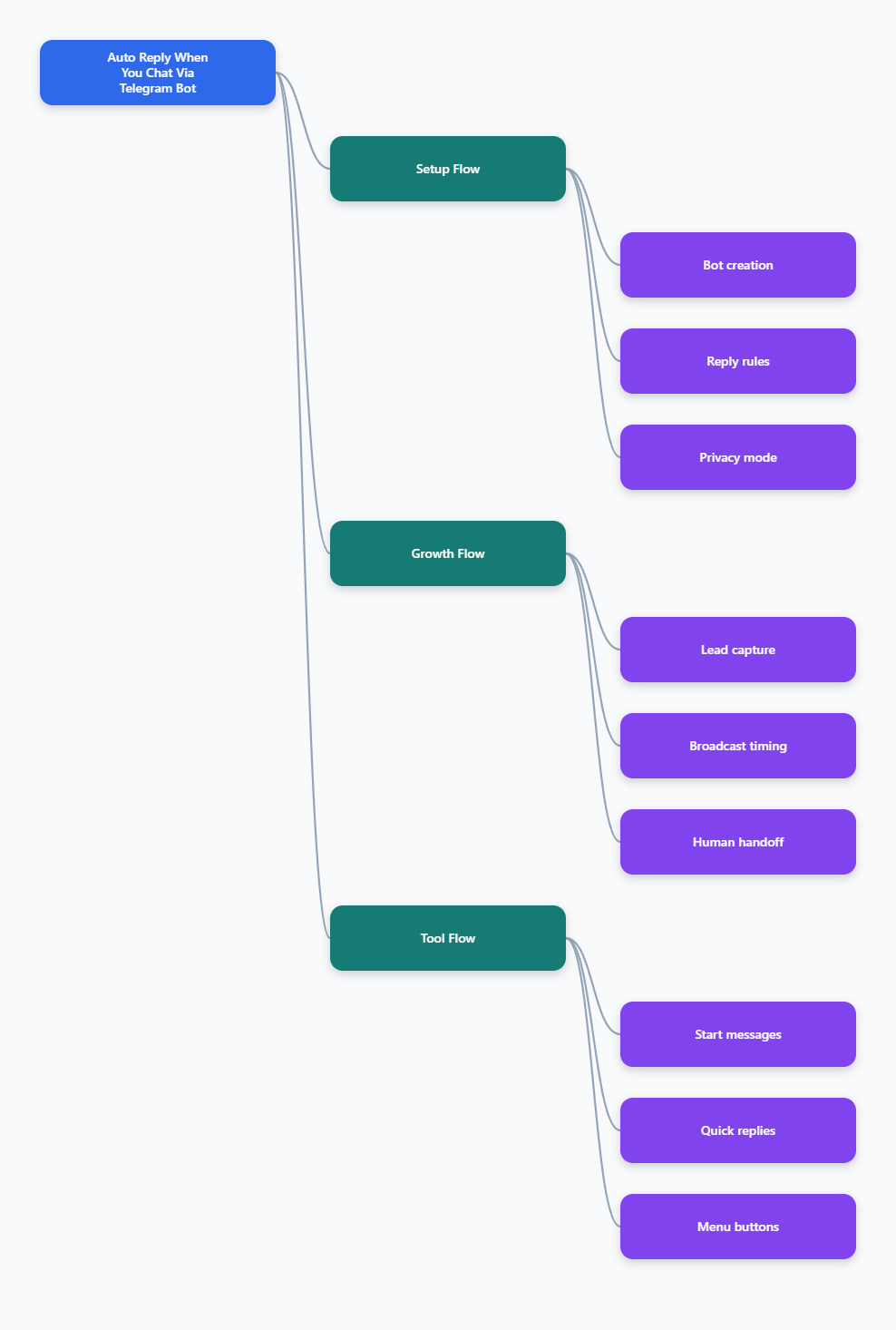
Why does Telegram bot auto reply still feel harder than it should?
Telegram looks simple from the outside. But once you move beyond one-line replies, the friction shows up fast. Private chat, group chat, and channel behavior are not the same. Telegram also does not ship a native one-click auto reply toggle for every business case. You still need a bot workflow.
The biggest mistake I see is treating every incoming message the same. That creates poor routing, slow answers, and confused users. A strong setup starts with intent. Is the user asking for pricing, support, a download, or a human handoff? If you skip that question, your automation feels robotic very quickly.
- One message can mean many things.
- Groups need different rules than DMs.
- Channels need a different engagement plan.
- Automation without fallback creates dead ends.
What Telegram Bot API gives you in 2026
Telegram’s Bot API is still the backbone here. Telegram bots are built around updates, and you can receive those updates through long polling or webhooks. That matters because reply speed and infrastructure choice affect how reliable your bot feels.
Another detail that trips people up is privacy mode in groups. By default, bots do not see every group message. They usually see commands, replies to the bot, mentions, and service messages. If your bot must read all group messages, you need to change that setting in BotFather, or make the bot an admin where appropriate.
That is why many teams think their bot is broken when it is really just restricted. I have seen this mistake waste hours. The code was fine. The message visibility rules were not.
| Approach | Best For | Strength | Main Trade-Off |
|---|---|---|---|
| Manual replies | Very small communities | Feels personal | Falls apart at scale |
| Custom Bot API build | Dev-heavy teams | Full control | Needs hosting and maintenance |
| No-code bot layer | Marketers and operators | Fast setup | Depends on platform limits |
How do I design a reply flow that feels human?
I start with one rule: answer the user’s intent before you answer the user’s question. That sounds small, but it changes everything. A good reply flow should feel like a short conversation, not a ticket form.
1. Capture intent fast
Your first reply should narrow the path. Ask one simple question. Offer two or three choices. Do not open with a wall of text. People on Telegram want speed.
2. Keep the next step obvious
After the first reply, send one clear action. Maybe it is a keyword, a button, or a short menu. Do not make users guess what to do next. Confusion kills engagement.
3. Add a human escape hatch
Some requests need a person. I always keep a route for that. It protects trust, especially in support, sales, and high-value lead funnels. The best bots know when to stop.
Where the real pain shows up in Telegram marketing
Most Telegram teams do not fail because they lack ideas. They fail because the operational layer gets messy. New leads arrive from a post, a group, or a channel. Replies need to be fast. The team needs context. The bot needs a rule set. One weak link and the whole sequence feels clunky.
I see four repeat pain points in 2026. First, repetitive questions eat time. Second, group visibility rules confuse operators. Third, broadcast timing gets sloppy. Fourth, onboarding is often too long. These are not glamorous problems, but they decide whether your Telegram setup looks polished or amateur.
- Repetitive DMs drain the team.
- Group chats hide important context.
- Slow onboarding kills conversion.
- Broad broadcasts feel noisy without segmentation.
How I use OnlyTG Echo@EchoOnBot without making it the whole strategy
When the manual side becomes too repetitive, I like to move the bot logic into a simple workflow layer. That is where OnlyTG Echo@EchoOnBot fits naturally. I treat it as a practical bridge between a raw Telegram bot and a usable marketing flow.
The basic setup is straightforward. First, create your bot in BotFather and copy the token. Then connect that token inside OnlyTG Echo@EchoOnBot. After that, choose the conversation mode that matches your workflow. In the public tutorials, the platform shows a setup path for Single Mode and Topic Mode, plus core actions like Start Messages, Auto-Reply, Quick Reply, and Broadcast.
That is the part I find most useful. It keeps the setup close to Telegram’s own logic, instead of forcing you to rebuild everything from scratch.
Three real-world use cases I would actually run
- A lead magnet bot for a webinar campaign. I would use a start message, then a short auto reply sequence that delivers the file and asks one qualifying question. That keeps the funnel moving without dragging a human into every first contact.
- A creator support inbox in a private group. I would route common questions into quick replies, then leave complex requests for a person. That works well when the same three questions appear all day.
- A channel onboarding flow for new subscribers. I would greet users, show a short menu, and point them to the right next step. This is cleaner than dumping five links into the first message.
OnlyTG Echo@EchoOnBot also includes supporting features that are handy, but I would keep them secondary in most setups. Start Messages help with onboarding. Quick Reply speeds up repetitive answers. Broadcast is useful when you need controlled outreach to contacts. The key is to use each feature as part of a workflow, not as a standalone trick.
What I check before turning auto reply live
Before I switch any bot on, I run a short checklist. It saves me from messy launches and embarrassing dead ends. You do not need a giant automation map. You need a clean one.
- Confirm whether the chat is private, group, or channel.
- Check BotFather privacy mode for group visibility.
- Test the first message and the fallback message.
- Keep one human contact path available.
- Use short replies and one clear next action.
- Review every broadcast before sending it live.
I also like to test the experience on mobile, not just on desktop. Telegram is a phone-first habit for many users. A bot that looks fine on desktop can feel crowded on a phone screen.
FAQ: auto reply when you chat via Telegram bot
Can Telegram auto reply without coding?
Yes, but not natively in the app for every use case. You usually need a bot workflow or a platform layer that sits on top of the Bot API.
Why does my bot miss group messages?
Group privacy mode is usually the reason. By default, bots do not see every group message. Check BotFather settings and group permissions.
Should I use webhooks or long polling?
Both are valid. Webhooks push updates to your server. Long polling asks Telegram for updates. For production setups, webhooks often feel cleaner.
How do I keep replies from sounding robotic?
Use short messages, one question at a time, and clear buttons or keywords. Also keep a human fallback for edge cases.
Can auto reply work in channels?
Channels behave differently from chats and groups. The bot must fit the channel role, and the workflow should be planned around that.
What is the fastest way to start?
Create the bot in BotFather, connect the token, then build one simple trigger flow. Do not start with five branches.
Where does OnlyTG Echo@EchoOnBot fit best?
It fits best when you want a faster no-code path for replies, onboarding, menus, and controlled broadcasting.
Final thoughts
If you want auto reply when you chat via Telegram bot, start with the user problem, not the tool. That is the real shortcut. Telegram gives you the infrastructure. Your workflow decides whether the bot feels useful or noisy.