
If you need to separate personal chats, client work, community management, and support inboxes, multi account Telegram is still one of the easiest ways to stay organized in 2026. Telegram supports multiple accounts inside the app, but the real win comes from setting them up with clear rules so you can switch quickly without mixing messages or losing access.
The goal is not to create more accounts for the sake of it. The goal is to keep each identity clean, secure, and easy to manage on the devices you already use.
- Keep one account for personal use.
- Keep one account for work or clients.
- Keep one account for communities, testing, or backups.
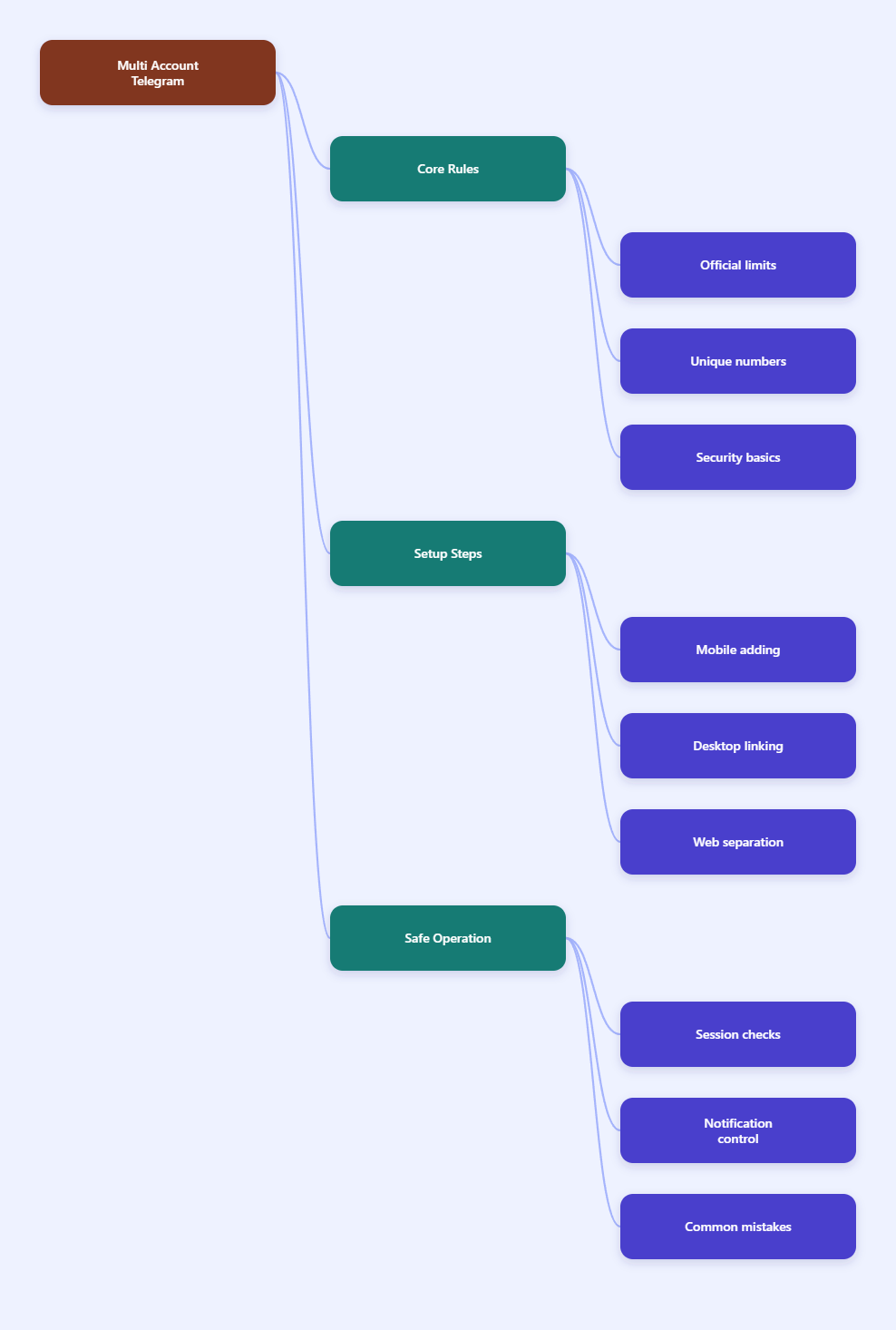
Multi Account Telegram: What the Official App Supports in 2026
Telegram’s official FAQ is simple: each phone number is a separate account. In the official mobile and desktop clients, you can add multiple accounts and switch between them without logging out, which is why the feature works so well for people who manage different roles from one phone or laptop.
In practice, the standard app experience supports up to three accounts per installation. Telegram has supported multi-account switching for years, and the feature is still present in current official clients in 2026. That said, app behavior can change over time, so it is smart to verify the current limit inside your own Telegram version before building a workflow around it.
- One phone number = one account.
- Switching does not require re-login.
- Official clients are the safest starting point.
This matters because account confusion is usually a process problem, not a Telegram problem. If you separate the numbers, devices, and login methods from the start, the setup stays manageable.
Why the limit matters
The limit is not just a technical detail. It shapes how you should organize your accounts, how you log in on desktop, and how you keep notifications under control.
If you try to force too many identities into one messy browser or reuse the same login path everywhere, you increase the chance of verification checks, missed messages, or simple operator mistakes.
Before You Add Another Account
Before you build a multi account Telegram workflow, make sure the foundation is clean. Telegram uses phone-number-based accounts, so every new profile needs its own number. If you do not have a spare number, do not assume there is a magic workaround inside the official app.
Also decide why each account exists. A work account should have a different purpose from a private account, and a support account should not share the same daily habits as a personal one. Clear intent makes it much easier to avoid mistakes later.
- Use a unique phone number for each account.
- Turn on two-step verification on every important account.
- Set a passcode lock on devices that may be shared.
- Review your active sessions before adding more logins.
Telegram’s privacy and security tools matter even more when you use multiple accounts. Two-step verification adds another layer of protection, and the passcode lock keeps the app private if someone picks up your unlocked phone or laptop.
Use a role for each account
Do not create duplicate accounts without a job for each one. That usually leads to lost logins, forgotten recovery access, and inbox clutter.
A clean rule is easier to follow than a complicated one. For example, one account can handle friends and family, one can handle work, and one can handle channel administration or testing.
Check access before you scale
If an account matters to your business, check how you will recover it. Telegram can send login codes through the official flow, and you should make sure the connected number is still reachable.
It is also worth reviewing the Devices or Active Sessions screen before you add more accounts. That keeps old logins from turning into hidden security risks.
How to Set Up Multi Account Telegram on Mobile, Desktop, and Web
The setup itself is straightforward, but the details matter. On mobile and desktop, the official app lets you add another account from the profile or settings area, then log in with a different phone number. Once the account is added, switching is fast and you stay signed in.
On desktop and web, the big rule is separation. A standard browser session usually behaves like one Telegram Web login, so if you need multiple web accounts, use separate browser profiles or separate browsers instead of piling everything into one tab.
Mobile setup
- Open Telegram and go to Settings.
- Tap Add Account or the account switcher.
- Enter the new phone number.
- Verify the code that Telegram sends.
- Repeat the process only if you need another account and your client supports it.
After setup, test the switcher before you depend on it. Make sure the right profile photo, name, and chat list appear under each account.
Desktop setup
- Sign in to the first account on Telegram Desktop.
- Add the next account from the same client if the option is available.
- Use the Devices screen on mobile to link a desktop session when needed.
- Keep the desktop app updated so the account switcher behaves as expected.
Telegram also supports QR-based login for linked devices. On a trusted computer, this is one of the fastest ways to add a desktop session without typing a password into a browser that you may not use every day.
Web setup
- Open Telegram Web in a browser.
- Log in with the account you want to keep separate.
- Use a different browser profile for the next account.
- Do not rely on one shared browser profile for everything.
This matters because Telegram Web can become confusing fast when several identities share the same browser state. Separate profiles make cookies, sessions, and login history easier to manage.
| Setup | Best for | Main watchout |
|---|---|---|
| Official mobile app | Daily switching on a phone | Keep roles clearly separated |
| Telegram Desktop | Long work sessions on a computer | Review linked devices often |
| Telegram Web in separate profiles | Extra isolation on one machine | Do not reuse one browser profile |
| Linked device via QR | Trusted computer access | Confirm the session in Active Sessions |
The table above is the simplest way to choose a setup. If you want convenience, use the official app. If you want cleaner separation, use browser profiles or a linked desktop session.
Build a Workflow That Stays Clean
The best multi account Telegram setup is the one you can run every day without thinking about it. That means each account needs a purpose, a login path, and a routine for checking security.
One useful habit is to create a quick personal checklist for each account. Keep it short, and make sure it covers login, device access, and recovery.
- Know which number belongs to which account.
- Know which device is the primary one.
- Know where the recovery email or password lives.
- Know how to check active sessions.
For teams, the biggest risk is accidental cross-posting. A support reply sent from the wrong identity can create confusion fast, especially if the account name, avatar, and notification tone look similar.
For solo creators, the biggest risk is missed messages. If you use one account for public communities and another for private clients, make sure notifications are intentional, not random.
Use security as a habit
Telegram gives you tools, but you still need a routine. Open Settings > Devices regularly and terminate sessions you do not recognize.
Also enable two-step verification on accounts that matter. If one phone number is lost, stolen, or reissued, the extra password can make the difference between recovery and a locked-out account.
Keep notifications readable
Too many accounts can create notification noise. The fix is not to ignore alerts; the fix is to decide which accounts deserve immediate attention and which ones can wait.
If an account is only for testing or low-priority tasks, keep it quiet. That way your main account stays responsive when it really matters.
Common Mistakes to Avoid
Most problems with multi account Telegram come from bad habits, not from the feature itself. If you avoid the mistakes below, you will save time and reduce risk.
- Using one number for everything. Each account needs its own number.
- Mixing accounts in one browser profile. That makes web sessions harder to control.
- Ignoring old sessions. Remove devices you no longer use.
- Skipping two-step verification. It is a small step with a big payoff.
- Creating accounts without a purpose. Every profile should have a job.
If you are already managing several Telegram identities, audit your setup now. Check which accounts still matter, where they are logged in, and whether the recovery details are still current.
FAQ for Multi Account Telegram Users
Can I use more than one account?
Yes. Telegram supports multiple accounts in the official app, and each one must use a different phone number.
Can I switch without logging out?
Yes. That is one of the main benefits of the feature. Once the accounts are added, you can switch between them inside the app.
Is Telegram Web enough for multiple accounts?
It can work, but use separate browser profiles if you want cleaner separation. A single shared browser session is usually not the best place to manage several accounts.
Final Takeaway
In 2026, multi account Telegram is most useful when you treat it like an organization system, not just a login trick. Use unique numbers, separate roles, and clean device management, and the official Telegram clients will handle the rest with very little friction.
If you keep your logins tidy, check active sessions, and protect each account with two-step verification, Telegram becomes a reliable tool for work, personal life, and everything in between.