
If you are trying to figure out how to register Telegram in restricted countries, the short answer is this: you still need a phone number you can control, and you need a clean way to receive the verification code. In 2026, the biggest problems are usually not the app itself, but access limits, blocked sign-up pages, delayed SMS codes, and numbers that simply do not work well with Telegram.
In this guide, you will get a practical walkthrough for how to register Telegram in restricted countries without guesswork. You will also learn which number options are worth considering, what to do when the code does not arrive, and how to secure the account immediately after signup. The goal is simple: help you get into Telegram once, then keep access stable.
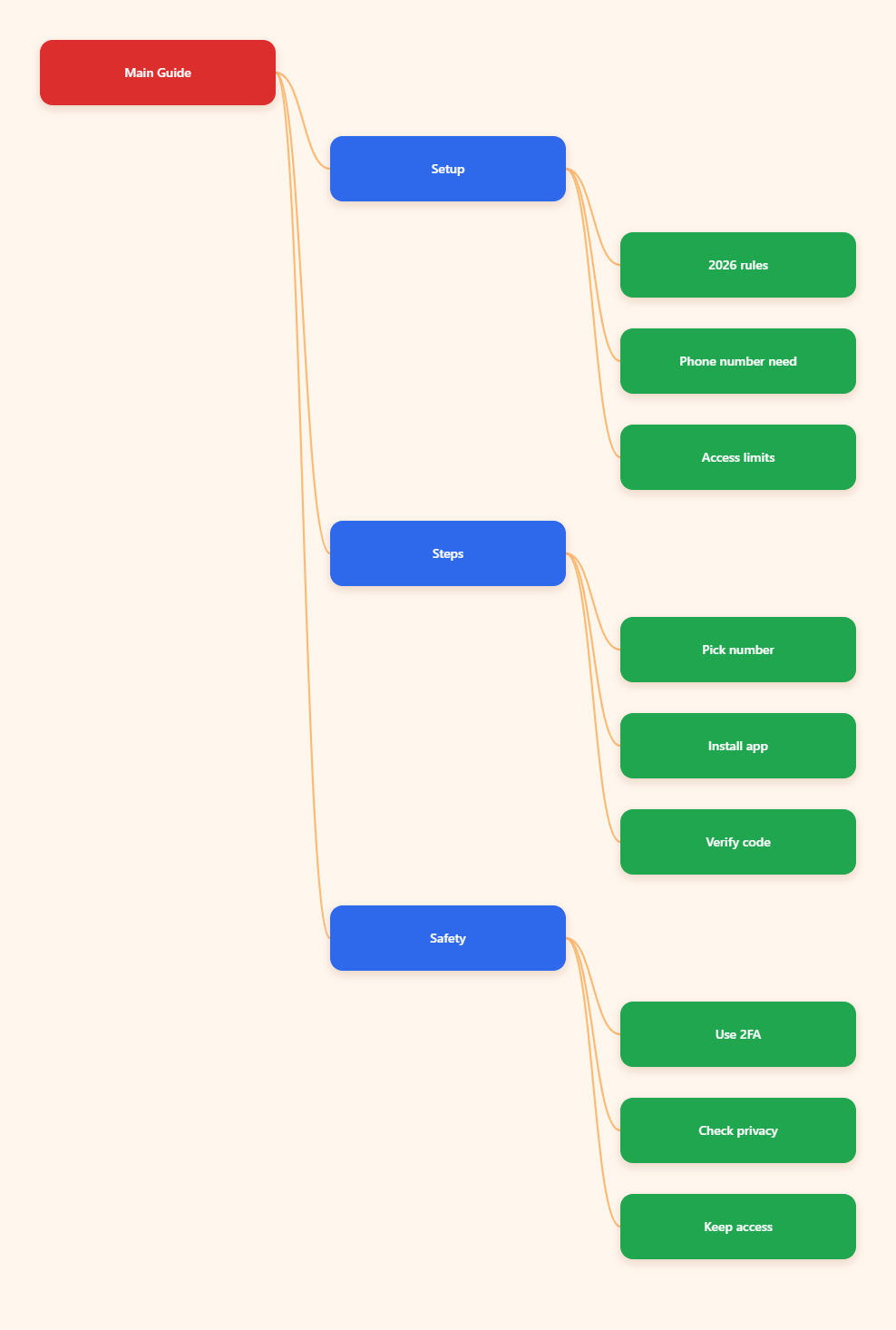
Why Telegram Sign-Up Is Harder in Restricted Countries
Telegram is built around phone-based identity. That is convenient for normal sign-ins, but it becomes a pain point in countries where the app is blocked, the network filters traffic, or SMS delivery is unreliable.
Telegram’s own help materials make one thing clear: accounts are linked to mobile numbers, and landline numbers are not supported. So if your local setup cannot receive a usable code, signup stops before it really begins.
There is also a practical issue on the user side. In some cases, Telegram sends the login code to an already logged-in device before it falls back to SMS or a call. If you are starting from zero, you do not have that fallback. That is why a clean setup matters.
Phone Number Reality
For most users, the main question is not whether Telegram can be used, but which number should be used for registration. A number that works for ordinary SMS does not always work well for account verification.
- Personal SIMs are the most reliable option if they are available to you.
- eSIMs or travel SIMs can help if they are legally and practically usable in your region.
- Virtual numbers may work in some cases, but reliability varies a lot by provider.
Network and App Limits
In restricted countries, the app may be hard to download, hard to open, or hard to keep connected long enough to finish signup. That is especially true if the local network blocks Telegram domains or limits messaging traffic.
For that reason, the safest approach is to use the official Telegram app, a stable connection, and a number you can re-access later. Do not treat signup as a one-time throwaway step, because account recovery depends on the same number path later.
What You Need Before You Start
Before you try to create the account, gather the basics first. A few minutes of preparation can save you from repeated code requests, lockouts, and failed attempts.
The biggest rule is simple: use a number that belongs to you or is clearly under your control. If you cannot access that number again, you are setting up a future recovery problem.
A Number You Control
The best option is a number tied to a SIM or eSIM you can access directly. That gives you a real path for SMS, voice fallback when available, and later account recovery.
- Make sure the number is active.
- Keep the SIM or eSIM ready before signup.
- Do not rely on inboxes you cannot open again.
A Stable Network
If Telegram is restricted where you live, you may need a lawful and reliable way to reach the service. The key is stability, not speed.
A shaky connection often causes the app to time out just when the verification code arrives. If you know your connection is inconsistent, fix that first and then begin the signup flow.
The Official App
Use the official Telegram app from a trusted app store or the official website. Third-party clients can introduce login issues, and unofficial signup flows are not worth the risk.
Also, update the app before you start. In 2026, many verification problems are still caused by outdated app versions, stale permissions, or broken system notifications.
How to Register Telegram in Restricted Countries Step by Step
Once your number and network are ready, the signup process is straightforward. The important part is to move slowly and avoid changing inputs after you request a code.
If you are learning how to register Telegram in restricted countries for the first time, treat the steps below as the cleanest path.
1. Install and Open Telegram
Download the official app and launch it on the device you want to keep using. Choose your language, then start the signup flow.
Enter your phone number in international format. Double-check the country code and the digits before moving forward.
2. Request the Verification Code
Tap to send the code and wait. If the number is valid and reachable, Telegram will try to deliver the code through the method it considers best for that account.
Do not keep restarting the request unless the app truly freezes. Repeated requests can slow things down and make the process more confusing.
3. Enter Your Name and Finish Setup
After verification, Telegram will ask for a first name and, depending on the flow, a last name. Keep it simple and consistent.
Then complete the account and immediately review your security settings. That matters more than people think, especially in restricted environments where losing access is harder to fix.
Which Number Options Work Best in 2026?
There is no perfect answer for every country, but there are clear trade-offs. The right choice depends on reliability, privacy, and whether you need long-term access to the account.
| Option | Works for Signup? | Risk Level | Best Use |
|---|---|---|---|
| Personal SIM | Yes | Low | Best for long-term accounts |
| eSIM or travel SIM | Yes | Low to medium | Useful when local service is limited |
| Trusted virtual number | Sometimes | Medium | Useful if provider is reliable |
| Disposable SMS inbox | Unreliable | High | Not recommended for real accounts |
| Landline number | No | High | Not supported for signup |
The table above reflects the practical reality in 2026. A number that works once is not enough if you cannot recover the account later.
Personal SIM or eSIM
This is the safest choice for most people. It gives you the strongest chance of receiving the code and later proving control over the account.
If you are building a real Telegram presence for personal or business use, this should be your default option.
Trusted Virtual Numbers
Some virtual numbers work, but not all of them do. Telegram may reject weak, recycled, or suspicious numbers, and some providers are far more stable than others.
If you test this route, use a reputable provider with a clear reputation for receiving verification texts. Avoid anything that looks temporary, shared, or designed purely for one-time use.
What to Avoid
Do not build an account on a number you cannot access later. That includes throwaway inboxes, random public SMS services, and numbers you do not control.
- Do not assume every virtual number is safe.
- Do not use a number tied to someone else.
- Do not rely on a method you cannot recover.
Why the Telegram Code Does Not Arrive
Verification failures are common, and they are usually fixable. The trick is to identify the cause instead of guessing.
In 2026, the most common issues are a bad number format, network restrictions, code delivery to another device, or a provider that blocks the message path.
Code Sent to Another Device
If Telegram already sees another active session on the same account, it may send the code there first. That can confuse users who expect SMS immediately.
If you are genuinely starting fresh, this usually means the number has old account history or an existing logged-in session elsewhere.
SMS Delays or Carrier Blocks
Some numbers receive SMS slowly, and some carriers filter short-code or verification traffic. In those cases, waiting a minute or two is often better than hammering the resend button.
If the delay persists, try a different trusted number rather than forcing the same broken path over and over.
Desktop and Web Limits
Telegram login behavior is not always identical across devices. In some cases, desktop or web sign-up paths depend on an existing mobile session or a later code handoff.
If the code is not arriving, move back to the official mobile app and complete the first signup there. That is usually the least fragile route.
How to Keep the Account Safe After Signup
Getting in is only half the job. In restricted countries, account safety matters because device changes, network changes, and lost numbers can break access later.
Spend five minutes on security immediately after signup. That is much easier than trying to recover the account months later.
Turn On Two-Step Verification
Set a strong password in Telegram’s two-step verification feature. This adds a second layer beyond the SMS code and protects you if someone gets access to your number.
Store the password somewhere safe. If you forget it, recovery becomes much harder.
Check Privacy Settings
Review who can see your phone number, who can add you to groups, and who can find you by number. Telegram is privacy-friendly, but the default settings are not always what you want.
- Limit number visibility.
- Review group invite settings.
- Trim unnecessary profile data.
Keep Recovery Access Current
If you change numbers later, update the account before you lose access to the old one. That way, the account stays recoverable.
This matters even more for users in restricted countries, because a future login problem can become a total lockout if the number is gone.
Conclusion
Learning how to register Telegram in restricted countries is mostly about preparation, not tricks. You need a number you control, a stable way to reach Telegram, and the official app. You also need to accept one hard truth: Telegram still depends on mobile-number verification, and there is no official email-only signup.