
If you want to hide Telegram number from new contacts, the good news is that Telegram already gives you the right control in its privacy settings. The catch is that the setting only works as well as the rest of your contact and discovery setup.
This guide keeps it practical. You will see what Telegram actually does with phone numbers, how to change the setting on mobile and desktop, and which extra steps matter in 2026 if you want fewer surprises from new contacts.
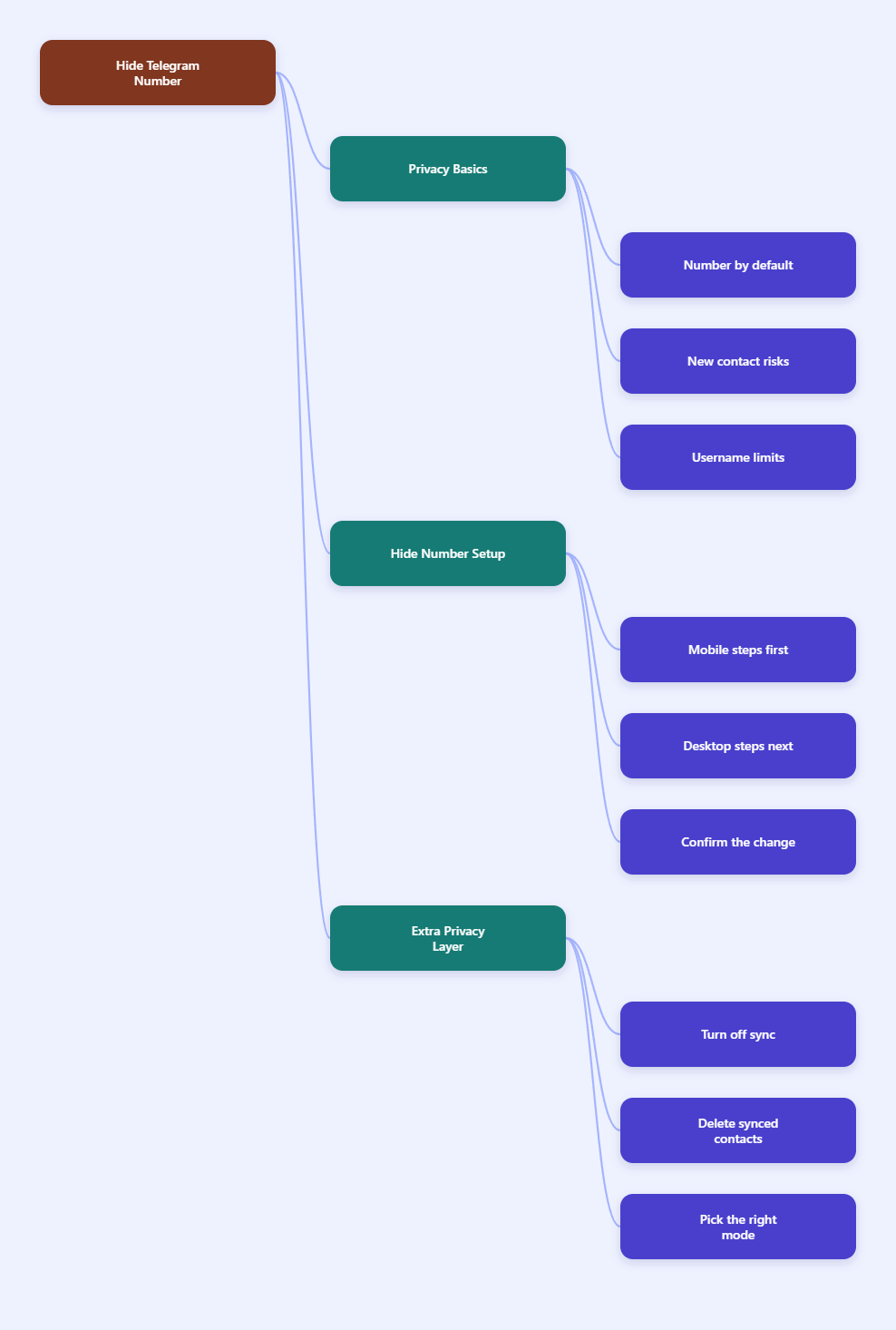
How Telegram Handles Phone Numbers in 2026
Your account begins with a number
Telegram still uses a phone number as the core account identifier, even with newer sign-in features like passkeys. In other words, passkeys can improve login convenience, but they do not remove the phone-number requirement at signup.
That is important because some people assume a username makes the number irrelevant. It does not. A username helps other people contact you without sharing the number, but the account itself still starts from that phone number.
What “new contacts” means in practice
For Telegram privacy, “new contacts” usually means people who have just added you, people you have just added, or people whose numbers are present in synced address books. If your settings are loose, those people may be able to see more than you expect.
Telegram’s own FAQ says your number is limited by default, and you can further control it in Settings > Privacy and Security > Phone Number. That is the control point you want if your goal is to keep your number away from fresh contact connections.
Why a username is not the same thing
A username is useful, but it is not a privacy shield by itself. It simply gives other people a different way to reach you.
- Good for sharing your account without exposing a number.
- Not enough alone if your phone number visibility is still open.
- Best used together with stricter phone number settings.
So if you want to hide Telegram number from new contacts, think of the username as a convenience layer, not the main protection layer.
Hide Telegram Number from New Contacts: Step by Step
On iPhone and Android
The mobile path is the fastest way to lock this down. Telegram uses the same general privacy menu on both platforms, so the steps are almost identical.
- Open Telegram.
- Go to Settings.
- Tap Privacy and Security.
- Select Phone Number.
- Set Who can see my phone number to Nobody.
That last step is the key one. If you want the strongest privacy outcome, Nobody is the simplest choice because it removes number visibility from other users inside Telegram.
On desktop
Telegram’s desktop app follows the same logic. The menu labels may look slightly different depending on your version, but the privacy path is the same.
- Open Telegram Desktop.
- Open Settings.
- Go to Privacy and Security.
- Find Phone Number.
- Change the visibility to Nobody.
If you use Telegram on both phone and desktop, it is worth checking both once. That way, you do not assume the setting changed everywhere when only one device was updated.
Confirm the change
After you change the setting, do a quick check. Open the Phone Number menu again and make sure the choice still says Nobody.
- Look for exceptions if Telegram shows them.
- Check your username if you plan to share a public handle.
- Review synced contacts so older address book data does not keep working against you.
This final check matters because privacy mistakes usually come from incomplete setups, not from the main setting itself.
Extra Privacy Settings That Make the Change Stick
Turn off contact syncing
Telegram can sync your address book, and that is useful for convenience. It is also one of the easiest ways to make contact-based discovery feel messier than expected.
If your goal is to hide Telegram number from new contacts, reducing address book sync is a smart move. Privacy International and other privacy guides note that you can delete synced contacts and control contact permissions so Telegram is not constantly rebuilding your network from your phone book.
Turning off sync does not change your account identity. It simply reduces the amount of contact data Telegram can use to connect people back to your profile.
Delete synced contacts
Turning off a future sync is only half the job. If Telegram has already stored synced contacts, those old entries can still matter.
- Remove synced contacts inside Telegram if the option is available.
- Clear old address book links on devices you no longer use.
- Recheck privacy after you clean up contacts, not before.
This is especially useful if you joined Telegram years ago and have changed phones several times. Older sync data can keep a profile discoverable longer than people expect.
Review contact-based discovery
Some users want to be found by friends, but not by every fresh number in their ecosystem. In that case, the best setup is usually a combination of phone number hidden, username enabled, and contact syncing limited.
That combination keeps Telegram usable while removing most of the friction that causes unwanted exposure. It is a much cleaner setup than just hoping people never look at your profile details.
Phone Number Visibility Options Compared
What each option really means
Telegram’s Phone Number menu is simple, but the privacy result depends on how you use each option. The table below keeps the trade-offs clear.
| Setting | What it does | Best use |
|---|---|---|
| Nobody | Hides your number from other Telegram users | Strongest privacy for most users |
| My Contacts | Limits visibility to saved contacts | People who want partial sharing |
| Username | Lets others message you without your number | Public profiles and creators |
| Contact Sync Off | Reduces address-book-based discovery | Extra privacy and less clutter |
The most important takeaway is that these settings work together. A hidden number is good, but a hidden number plus clean contact data is better.
Which option suits you
- Choose Nobody if you want the safest default.
- Choose My Contacts if you only trust people you know well.
- Use a username if you need people to reach you publicly.
For most people who want to hide Telegram number from new contacts, Nobody is the easiest and least ambiguous answer.
A fast decision rule
If you would feel uncomfortable reading your number in a stranger’s chat preview, set the visibility to Nobody. If you still want easy contact, share your username instead of your phone number.
That rule keeps the setup simple and avoids the common trap of picking a weaker setting just because it sounds more flexible.
Common Mistakes That Break Telegram Privacy
Thinking a username hides everything
One of the biggest mistakes is assuming a username replaces number privacy. It does not.
A username is only a contact path. If your number visibility is not restricted, the number can still be exposed in ways you did not intend. The safest habit is to treat the username as a public-facing handle and the phone number as private data.
Forgetting old synced contacts
Another common issue is old contact data. If Telegram already synced your address book, the app may still have relationships it can use for discovery until you clear them.
That is why people sometimes change one setting and still feel visible. The fix is usually to clean up both the visibility setting and the contact data behind it.
Ignoring 2026 login changes
Telegram’s newer passkey support in 2026 improves sign-in convenience, but it does not change the fact that Telegram still depends on a phone number for account creation. That means privacy settings still matter even if login feels more modern.
Do not confuse easier login with less exposure. They are separate issues, and only the privacy menu controls visibility.
If you use Telegram publicly
If you post in communities, run channels, or share your account broadly, a username is the right way to stay reachable. That lets people contact you without asking for your number.
In that setup, hiding the number from new contacts is almost always the right move. Public presence and private phone data should not be tied together more than necessary.
If privacy is your priority
If your main goal is to reduce exposure, use this checklist:
- Set Phone Number to Nobody.
- Turn off contact sync.
- Delete synced contacts.
- Use a username instead of your number.
That combination gives you the clearest answer to how to hide Telegram number from new contacts, while still keeping Telegram practical for everyday use.