
If you want to create telegram account for business use in 2026, the process is still simple, but the risk profile is not. Telegram remains a fast channel for communities, customer support, affiliate traffic, and private sales funnels, yet new users often make avoidable mistakes during signup, privacy setup, and first-day messaging. Those mistakes can slow growth, expose a phone number, or trigger unwanted restrictions.
The fix is not complicated. Use the official app, sign up with a valid phone number, secure the account immediately, and shape the profile around a real business purpose instead of a rushed throwaway setup. In this guide, you will learn how to create telegram account the right way, protect it with the settings Telegram already provides, and prepare it for legitimate marketing workflows without looking spammy.
- Use a phone number you can actually access later.
- Finish privacy and recovery settings before outreach.
- Keep the account focused on one business role.
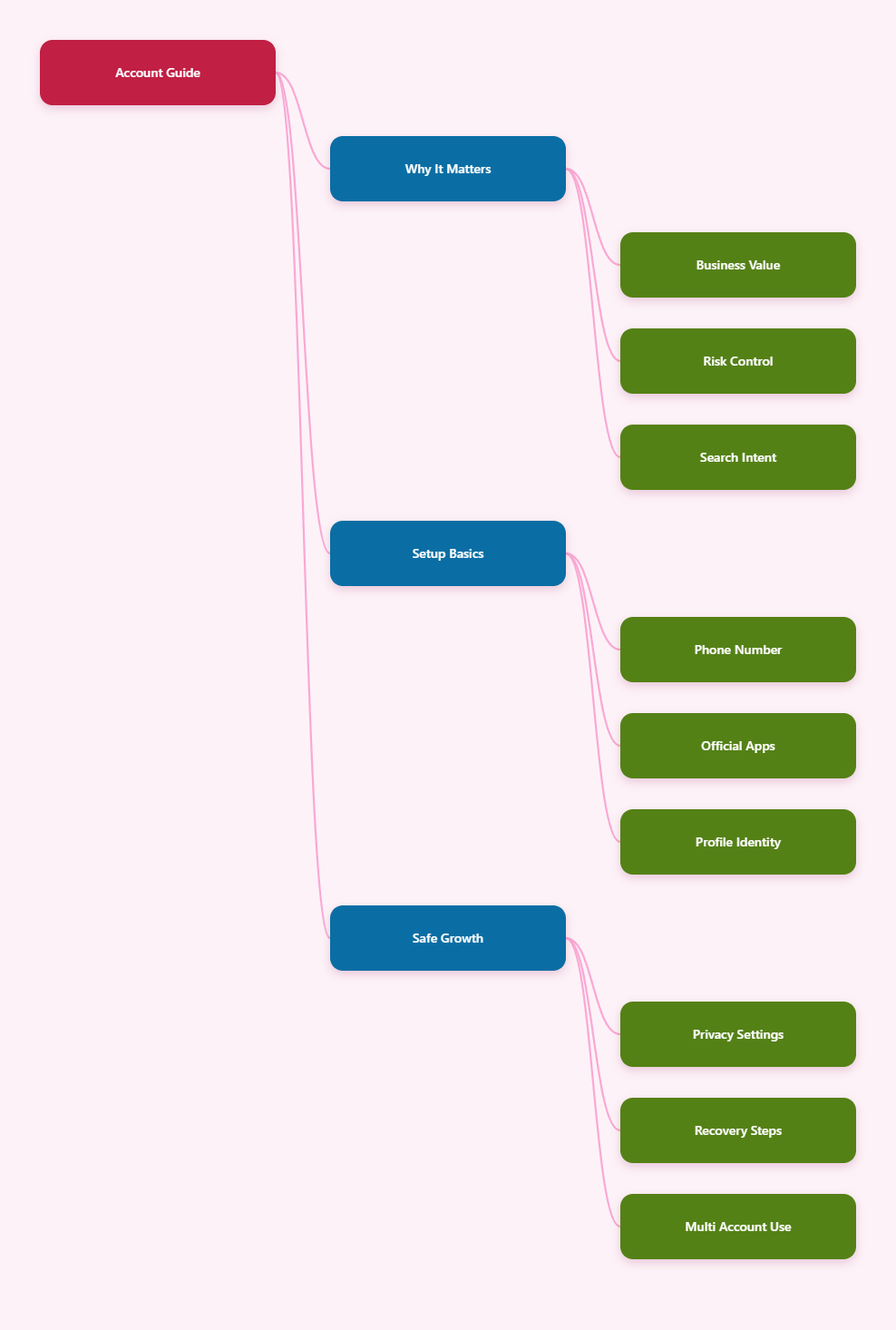
Why Telegram Still Matters for Business in 2026
Telegram is still attractive for cross-border operators because it combines speed, large-scale broadcasting, and flexible community formats. Brands use it for customer groups, launch channels, support desks, creator communities, and lightweight CRM-style communication. For affiliate teams and independent sellers, it is often the fastest bridge between paid traffic and private conversion.
What makes Telegram different is not just messaging. Public channels can reach large audiences, groups can turn into supergroups, and usernames let people find you without exposing a phone number in every conversation. That matters for marketers who want a public-facing identity while keeping the core number private.
But the same flexibility also creates risk. Telegram’s Terms of Service prohibit spam, scams, violence promotion, illegal content, and abusive behavior. In practice, that means the platform is useful for commercial communication, but not for unsolicited bulk outreach or deceptive funnels. If you plan to use Telegram for business, the account should look and behave like a real operator from day one.
The safest strategy is to treat Telegram as a relationship channel, not a shortcut channel. Build a profile that can support repeat contact, trust, and a clear topic. That approach is better for deliverability, better for compliance, and better for long-term brand value.
- Use Telegram for community, support, and repeat engagement.
- Avoid cold mass messaging to strangers.
- Keep your public identity aligned with your niche.
What You Need Before You Start
Telegram sign-up still requires a phone number. There is no email-only registration flow, and you cannot create a new account in the web app alone. You need the official mobile app or desktop app to begin, then receive a verification code on a number that can receive SMS or call-based verification.
If you are building a business account, choose a number you can retain access to. A personal SIM, business line, or a legitimate virtual number can work if it reliably receives codes and you control the recovery path. The key is continuity: losing access to the number can make account recovery harder later.
Before you start, decide what this account will do. A sales inbox, a brand channel admin profile, and a creator community account are not the same thing. If you mix roles too early, you create confusion in your bio, your contacts, and your first messages.
| Setup Option | Best For | Main Advantage | Watch Out |
|---|---|---|---|
| Primary SIM | Personal or founder account | Simple recovery path | Tied to your real number |
| Business number | Brand support or sales | Clear ownership | Needs long-term control |
| Virtual number | Distributed teams | Flexible operations | Must be reliable for codes |
Once the number is ready, prepare a profile photo, a short name, and a one-line description. That way you can complete the setup quickly and move into security settings before you start chatting.
Step-by-Step: Create Telegram Account
Open the official Telegram app on iPhone, Android, Windows, macOS, or Linux. The web client is useful after signup, but it is not the place to create a new account. Enter the phone number you want to register, confirm the country code, and wait for the verification code sent by SMS or call.
After the code arrives, Telegram will ask you for basic profile information. Add your name, then choose a username if you want a public handle. A username is useful for business because people can contact you without seeing your phone number, and you can place the link on landing pages, social profiles, and support docs.
Do not rush this stage. The first login is where you set the account’s identity. If the profile is unfinished, people may see an empty shell instead of a credible brand contact. That creates friction for legitimate inbound leads and makes the account look disposable.
Best first actions
- Confirm the phone number and code.
- Set a real name or brand name.
- Create a clean username.
- Upload a recognizable profile image.
- Open privacy settings before messaging.
For business teams, this is also the moment to decide whether the account is personal-facing or brand-facing. A founder account should sound human. A support account should sound stable and service-oriented. A campaign account should sound tied to one specific offer, not every offer at once.
When the basics are done, test login on a second device only if you actually need that workflow. Telegram supports multiple accounts in the official app, but every extra login should serve a clear operational purpose rather than a convenience experiment.
Lock Down Privacy and Recovery
The most important security move after signup is to turn on two-step verification. Telegram supports an extra password on top of the login code, which helps if someone gains access to your SIM or intercepts a verification code. Set a strong password and add a recovery email you control.
Then review your privacy controls. Telegram lets you limit who can see your phone number, who can find you by number, and who can add you to groups or calls. For most business accounts, the practical default is to hide the number from strangers and let only trusted contacts see it if needed.
Also check active sessions. If you log in on desktop, tablet, and phone, Telegram can keep multiple sessions active. That is helpful for distributed work, but it also means you should review devices regularly and log out from anything you do not recognize.
- Turn on two-step verification immediately.
- Add a recovery email you own.
- Hide your phone number from unknown users.
- Review active sessions after each new device login.
If the account ever gets limited, Telegram’s spam and restriction tools matter. @SpamBot is the official place many users check for basic restriction status and appeal guidance. For genuine businesses, the better solution is to avoid behavior that looks like unsolicited outreach in the first place.
Think of privacy settings as operational protection, not optional polish. They reduce exposure, improve trust, and make it easier to keep one account alive across campaigns, support work, and community management.
Build a Business-Ready Profile
Once the account is secure, shape it for the business outcome you want. A business-ready Telegram profile should answer three questions fast: who you are, what you handle, and how people should contact you. If the profile does not answer those questions, people hesitate, and hesitation lowers reply rates.
A strong setup usually includes a clear name, a focused username, a professional photo or logo, and a short bio with one promise. For example, a seller might mention order support, a creator might mention updates, and an affiliate operator might mention niche alerts or channel updates. Keep it specific.
If you are building a public presence, consider a channel for broadcasts and a group for discussion. Telegram channels are built for one-to-many communication, while groups are better for conversation. Telegram also supports very large communities, so this structure can scale as your audience grows.
The most effective profiles also avoid clutter. Do not overload the bio with every offer, every link, and every region at once. One clear use case is better than five vague ones. Your goal is not to look busy; your goal is to look reliable.
Profile checklist
- Use one clear business identity.
- Keep the bio short and specific.
- Match the profile to the funnel.
- Add one primary link only.
For many operators, this simple profile discipline is what separates a useful Telegram asset from a disposable account. If the account can be understood in five seconds, it is easier to trust, easier to share, and easier to manage across teams.
Manage Multiple Accounts Without Risk
Telegram officially supports multiple accounts in the app, which is useful for agencies, cross-border sellers, and teams that separate support, sales, and community duties. In the official app, users can add and switch between up to three accounts on the same installation, and Premium expands that to four.
That limit is important because it keeps your workflow realistic. If you need more than one role, create a clean account map instead of improvising inside one inbox. A good map reduces confusion, lowers the chance of message mistakes, and makes it easier to trace which account owns which audience.
For legitimate business use, the safest model is role separation. One account can handle founder networking, another can manage support, and a third can manage channel administration. Each account should have its own purpose, its own login path, and its own privacy configuration.
This is also where many teams create trouble for themselves. They copy the same bio across every account, reuse the same image set, and start sending identical messages. That pattern looks automated even when a human is behind it. A cleaner approach is to vary the role, the messaging style, and the contact context.
- Use distinct roles for each account.
- Keep each bio tied to one purpose.
- Do not copy identical outreach scripts everywhere.
- Audit logins and devices per account.
If you run campaigns at scale, Telegram is best used as a distribution layer, not a registration factory. One strong business account, one clear channel, and one disciplined support flow will outperform a pile of weak identities that all look the same.
Common Mistakes That Trigger Restrictions
Telegram’s platform rules are straightforward, but operators still make the same mistakes. The biggest one is sending unsolicited messages to people who did not ask for contact. That behavior often looks like spam, especially if it is repeated, copy-pasted, or sent in bulk.
Another common mistake is launching a new account and immediately pushing links, promotions, or repeated joins. New accounts need a normal warm-up pattern: profile completion, a few genuine interactions, and measured activity. If every first action is commercial, the account can look low trust even before it becomes useful.
Users also get into trouble by neglecting account recovery. If you set up Telegram and never add two-step verification or a recovery email, losing the phone number becomes a real business problem. That is especially painful for teams that tie channels, groups, and vendor relationships to one inbox.
Use this simple risk filter before any message goes out:
- Did the person ask to hear from you?
- Is the content relevant to the chat?
- Would this message still look normal tomorrow?
- Can you explain the value in one sentence?
If the answer to any of those is no, pause. Telegram is not built to reward aggressive outreach. It rewards clarity, relevance, and repeat engagement. That is good news for real businesses, because the safest way to grow is also the most durable way to grow.
FAQ
Can I create Telegram account with email only?
No. Telegram sign-up requires a phone number or a valid alternative number that can receive the verification code.
Can I create a Telegram account in the web app?
No. The web client is for use after signup. You need the official mobile or desktop app to register.
How many Telegram accounts can I use on one app?
The official app supports up to three accounts on the same installation. Premium expands that to four.
Should I hide my phone number?
For most business accounts, yes. Use Telegram privacy settings to limit who can see your number and who can find you by it.
What should I do right after signup?
Set two-step verification, add a recovery email, update your profile, and review privacy settings before you message anyone.
Is Telegram good for marketing?
Yes, if you use it for real community, support, and opt-in communication. It is not a good place for unsolicited spam.
What happens if I get restricted?
Check your status with Telegram’s official support tools such as @SpamBot, then review your messaging behavior and stop any risky outreach.
Conclusion
If you want to create telegram account for business in 2026, keep the process simple and disciplined. Register with a number you control, secure the account with two-step verification, and hide your phone number where appropriate. Then shape the profile around one clear business role instead of trying to use the account for everything.
The three actions that matter most are: finish setup on the official app, protect recovery from day one, and keep outreach relevant and opt-in. Do that, and Telegram becomes a durable business asset rather than another account you have to replace.