
When people ask me how to get user data after create Telegram Bot, I usually start with a reality check. Telegram is huge, but the Bot API is not a magic identity vault. You only get what the user, the chat, or a supported flow intentionally gives you.
That matters more in 2026 than ever. Telegram keeps growing at a massive scale, and that brings more lead gen, support, and community automation use cases. It also means more teams are tempted to overreach. I do not recommend that. The best Telegram flows are still the ones built on consent, clarity, and clean data capture.
In this guide, I will break down what user data Telegram bots can actually see, what they cannot see, and the safest ways I use to collect useful profile details without turning the experience into friction.
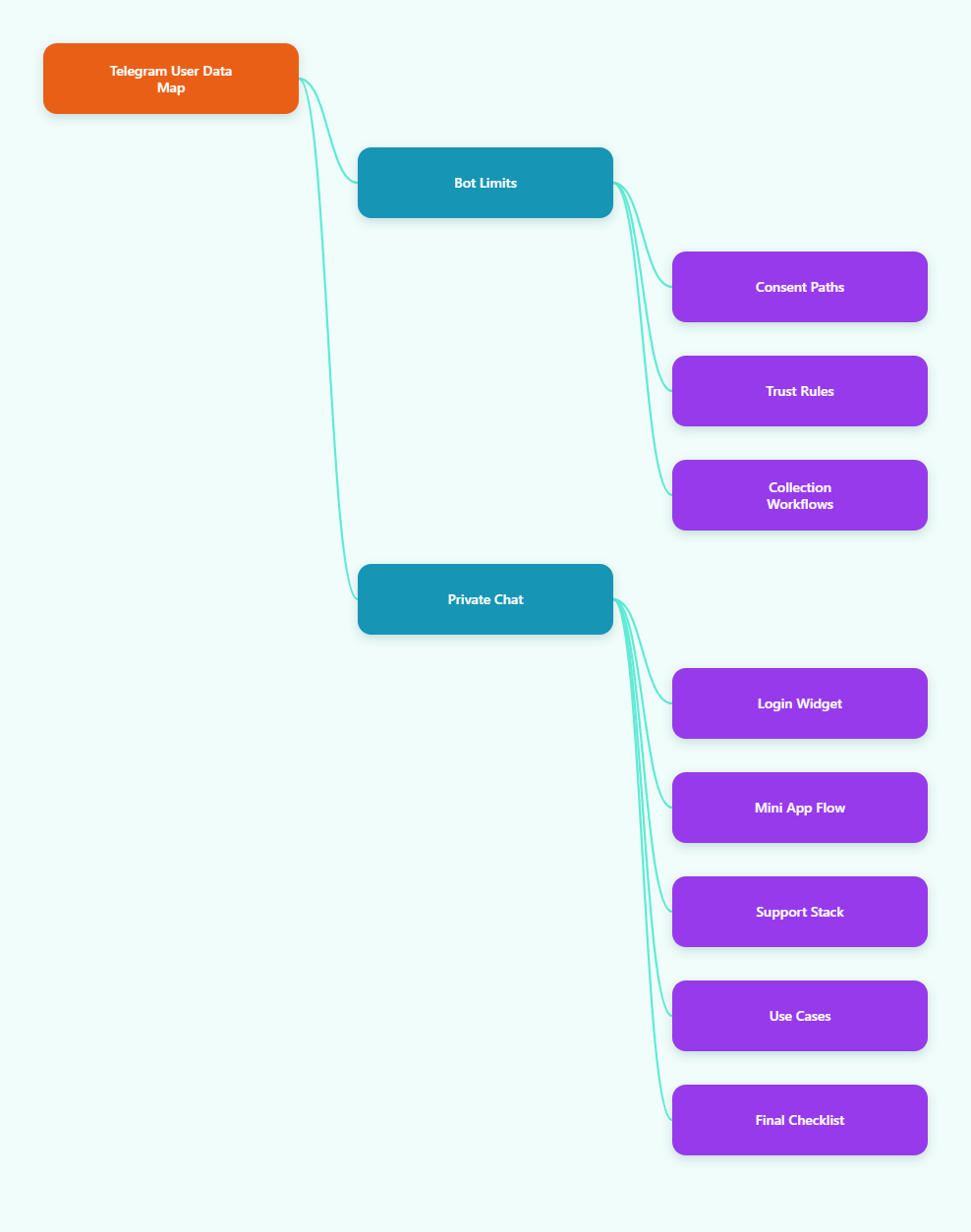
What Telegram Bots Actually Know in 2026
The first mistake I see is treating a bot like a browser cookie tracker. It is not. A bot gets structured updates. Those updates can include a user object, message metadata, and sometimes extra context from supported features. That is useful, but it is limited.
At the most basic level, a bot can read the sender’s Telegram user object from incoming updates. That usually gives you an internal Telegram ID, first name, and maybe a username or language code if the user has one. It does not give you a phone number, email, or full profile by default.
That limitation is actually healthy. It keeps Telegram closer to an opt-in messaging system than a scraping surface. If you need more data, you have to ask for it through a supported interaction.
Why privacy mode matters
Telegram bots added to groups run in privacy mode by default. In practice, that means they do not receive every group message. They mainly see commands, mentions, and messages addressed to them. That is why group bots often look “blind” at first.
If you are trying to collect user data in a group, do not assume the bot will see everything. In most cases, I would move the sensitive part of the flow into a private chat. It is cleaner, easier to explain, and much easier to structure for consent.
What you should not expect
I still see people hoping a bot can identify a user by username and quietly pull their phone number. That does not happen. Telegram does not expose that kind of data by default. If you want a phone number, the user has to share it.
You also cannot use the Bot API as a backdoor to add users to chats or harvest private details from random accounts. The API is strict here, and that is a good thing.
How to Get User Data After Create Telegram Bot Without Guessing
Once the bot exists, the next question is simple: which data path fits the job? I usually choose from four practical patterns. Each one gives different data, and each one works best in a different situation.
| Method | Data you get | Best for | Main limitation |
|---|---|---|---|
| Private chat message | User ID, first name, username if present, language code if present | Support, onboarding, simple lead capture | Only what Telegram already exposes in the update |
| Contact request button | Phone number plus contact details the user shares | High-intent signup and callback flows | User must tap the share button |
| Telegram Login Widget | User ID, first name, last name, username, photo URL, auth date, hash | Website login and account linking | No phone number by default |
| Mini App init data | User context from the launched Mini App, plus verification data | In-app checkout, onboarding, and richer UX | Must validate init data on the backend |
That table is the core of the whole topic. Most bad Telegram data strategies come from mixing these four paths together and expecting one of them to do the job of another. They will not.
1. Private chat is the cleanest base layer
If a user starts a private chat with your bot, you can read the sender info from the update. That is your baseline. You usually get a stable Telegram ID and some public-facing identity fields. That is enough for segmentation, session tracking, and follow-up logic.
I like this path because it is low-friction. The user already initiated the conversation. From there, I can ask one focused question at a time instead of dumping a giant form in their face.
2. Contact sharing is the only honest way to get a phone number
If I truly need a phone number, I ask for it explicitly through a contact request button. Telegram supports that flow. The user presses one button, and the app shares the contact details they approve.
This works well for callback sales, appointment booking, and support escalation. It also keeps your consent record obvious. Nobody has to wonder where the number came from.
3. Login Widget is built for website identity linking
If your goal is to move Telegram identity into a website account, the Login Widget is often the better fit. Telegram’s official login flow can return stable identity fields like first name, last name, username, photo URL, and auth metadata.
What I like here is the shape of the data. It is clean and easy to validate. But it is not a phone collection trick, and it should not be treated like one.
4. Mini Apps give you richer context, not unlimited access
Mini Apps are great when you need a smoother in-Telegram experience. They can pass launch and init data to your backend, but the same rule still applies: validate what comes in, and only store what you actually need.
For product flows, this is often enough. You can identify the user, continue the session, and keep the journey inside Telegram without pushing them out to a separate website too early.
The real Telegram data problem is not collection
The real problem is trust. Most teams do not lose users because they fail to read a user ID. They lose users because they ask for too much, too early, with no clear reason.
When I build a Telegram flow, I think in layers. First, I ask for the minimum identity I need. Then I decide whether I need contact details. Only after that do I move to deeper profiling or handoff.
That approach is especially important in 2026. People are used to fast interactions. If your bot feels like a form dressed up as a chat, conversion drops fast.
My consent-first checklist
- Tell the user why you need each field.
- Ask for one sensitive item at a time.
- Store only what the workflow needs.
- Validate login and Mini App payloads on the backend.
- Use clear fallback paths when the user says no.
How I decide what to collect
I use a simple rule: collect identity first, contact second, profile enrichment last. That keeps the bot useful without becoming invasive.
For example, a newsletter bot may only need Telegram ID and language. A sales bot may need contact permission. A login flow may need the Telegram identity fields from the widget. Each case is different.
That sounds obvious, but it is where many bot projects fail. They build the bot before deciding what data is actually required. Then they patch in extra questions later, which makes the flow feel broken.
FAQ
Can I get a phone number from any bot user?
No. Not automatically. The user must share their contact through a supported flow such as a contact request button.
What data do I get when a user presses /start?
You can read the sender information from the update, and you can also receive a deep-link payload if the user entered through a bot link.
Does Telegram give me full profile data?
No. The Bot API exposes limited identity fields. It does not provide a full personal profile.
Can a bot read every group message?
Not by default. Privacy mode limits what the bot sees in groups unless the bot is configured for broader visibility.
Is the Telegram Login Widget enough for account linking?
Yes, for many web login flows. It gives you identity fields and an auth hash for verification, but not a phone number.
Are Mini Apps better than normal bot chats for user data?
They are better when you need a richer interface and validated launch data. They are not a workaround for Telegram’s privacy rules.
What should I store in my database?
Only the fields your workflow truly needs. I prefer the minimum viable dataset, especially for lead capture and support systems.
Takeaway
If you want to know how to get user data after create Telegram Bot, the answer is not “scrape more.” The answer is “design better flows.” Telegram gives you enough to build strong onboarding, support, and lead capture systems, but only if you respect the platform’s limits.
My rule is simple. Start with the data Telegram already exposes. Ask for extra data only when there is a real reason. Then keep the whole process fast, transparent, and easy to trust.
If you are building a Telegram workflow at scale, that mindset will save you time, keep your users happier, and usually improve conversion too.