
Telegram channels are one of the most straightforward ways to broadcast updates to a large audience. Unlike one-to-one chats, a channel is designed for one-way publishing, which makes it useful for announcements, news, product updates, communities, and content distribution.
This guide explains how to create a channel in Telegram in 2026, with step-by-step instructions for mobile and desktop.
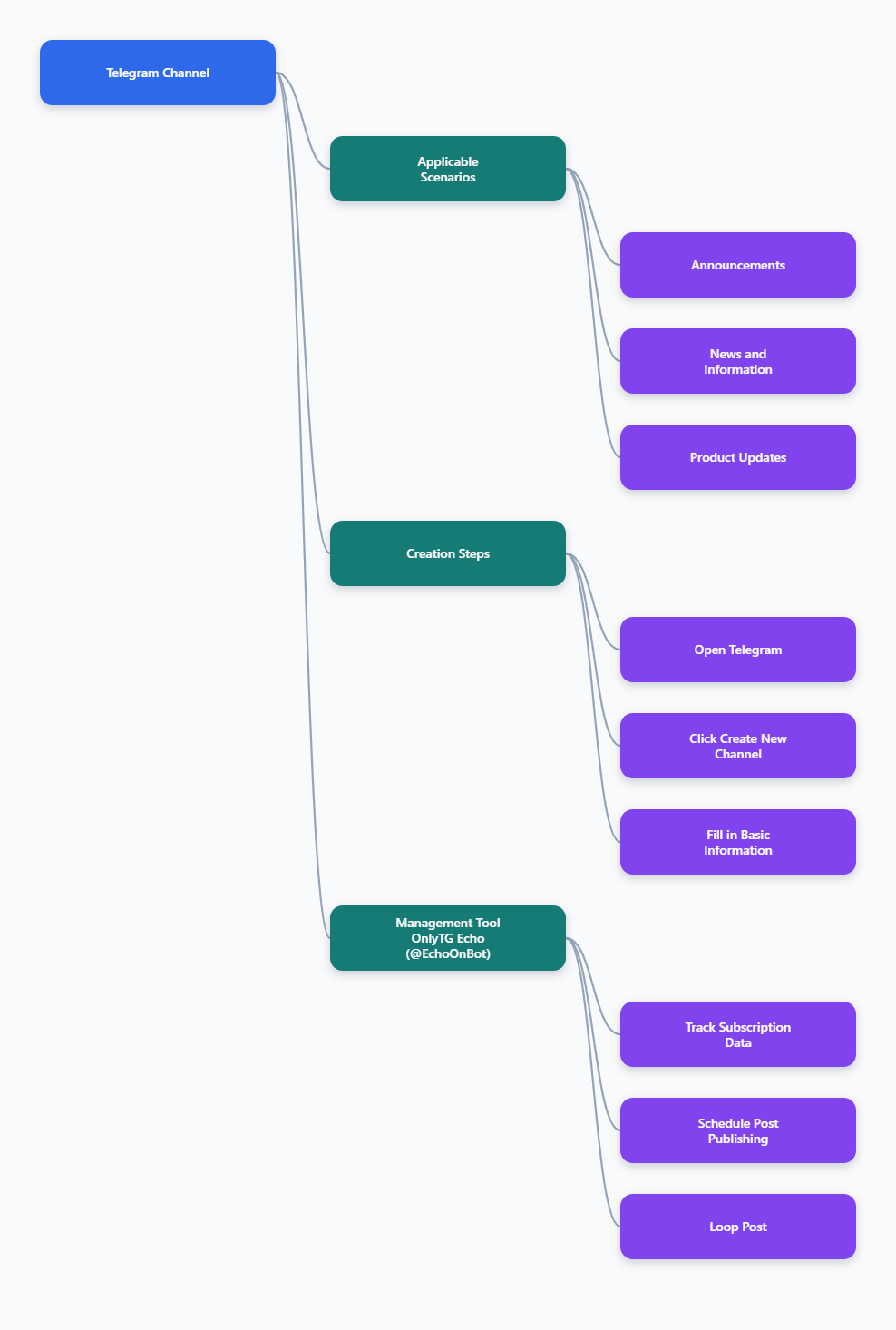
How to Create a Channel in Telegram in 2026
The creation process is simple on most devices. Telegram’s own interface may look slightly different depending on whether you are using Android, iPhone, or desktop, but the core steps are the same: open Telegram, start a new channel, name it, add a description, and choose the privacy type.
1. Open Telegram on your device
Start by opening the Telegram app on Android, iPhone, or desktop.
On mobile, the creation option is usually found through the compose or pencil button. On desktop, the path is often accessible through the menu in the app interface.
2. Tap or click “New Channel”
After opening the menu, choose New Channel. This is the entry point for starting the channel setup process.
From here, Telegram will prompt you to enter the basics:
- Channel name
- Description if you want one
- Channel photo or avatar
- Privacy setting
Common Mistakes When Creating a Telegram Channel
Setting up a channel is simple, but many people make avoidable mistakes that hurt growth and credibility.
1. Choosing a vague name
A name that is too broad makes it harder for people to understand the purpose of the channel. Clear names are better than clever names when the goal is discovery.
2. Skipping the description
If your channel has no description, visitors may not know what to expect. This can reduce subscriptions and make the channel appear incomplete.
3. Using the wrong privacy type
Some creators accidentally make a channel private when they need discoverability. Others choose public even though the channel is meant to stay closed. Decide this before launch.
Best Practices for a Strong Channel Setup
If you want your channel to look professional from the start, keep these best practices in mind:
- Use a short, clear name
- Write a focused description
- Add a branded image
- Pick the right privacy setting
- Publish a welcome post
- Maintain a consistent posting rhythm
These basics do not require advanced tools. They simply help your channel communicate value more clearly.
Tool Recommendation: OnlyTG Echo
If you plan to manage a Telegram channel as part of a broader content workflow, a specialized tool can help with organization and consistency. One option worth mentioning is OnlyTG Echo(@EchoOnBot), which is positioned for Telegram-related publishing and automation workflows.
What can it do?
- Manage your channel and track subscriber statistics.
- Schedule a post.
- Automatically post in a loop.
Besides channel management, OnlyTG Echo also enables you to manage Groups and build Telegram Bots equipped with a full range of automated features. These capabilities will definitely help you better operate your business and brand.
FAQ
1. Is it free to create a Telegram channel?
Yes. Telegram channels can be created without a fee, and the basic setup process is simple.
2. Can one person run a Telegram channel?
Yes. A channel can be managed by a single administrator. Larger teams can also manage channels if needed.
3. What is the difference between a Telegram channel and a group?
A channel is mainly for broadcasting messages from admins to subscribers. A group is designed for two-way or many-to-many conversation.
4. Should I make my channel public or private?
Choose public if you want discoverability and easier sharing. Choose private if you want controlled access through invite links only.
5. Can I change the channel type later?
Telegram documentation and third-party guides indicate that channel settings can be managed after creation, including the channel type in many cases. If you plan to change visibility, review the current Telegram settings for your app version before publishing widely.
Conclusion
Learning how to create a channel in Telegram is quick, and the setup process in 2026 remains beginner-friendly across mobile and desktop. The key is to start with a clear name, a useful description, the right privacy setting, and a simple first post.