
Telegram communities are bigger, faster, and harder to manage than they were a few years ago. Many admins want to setup auto greeting on Telegram group customers, but the real challenge is not sending a “hello” message. It is welcoming the right users, setting expectations, reducing spam, and guiding people toward useful action.
This guide explains how auto greetings work, what to include, which Telegram settings matter, and how to build a greeting workflow that feels helpful instead of robotic.
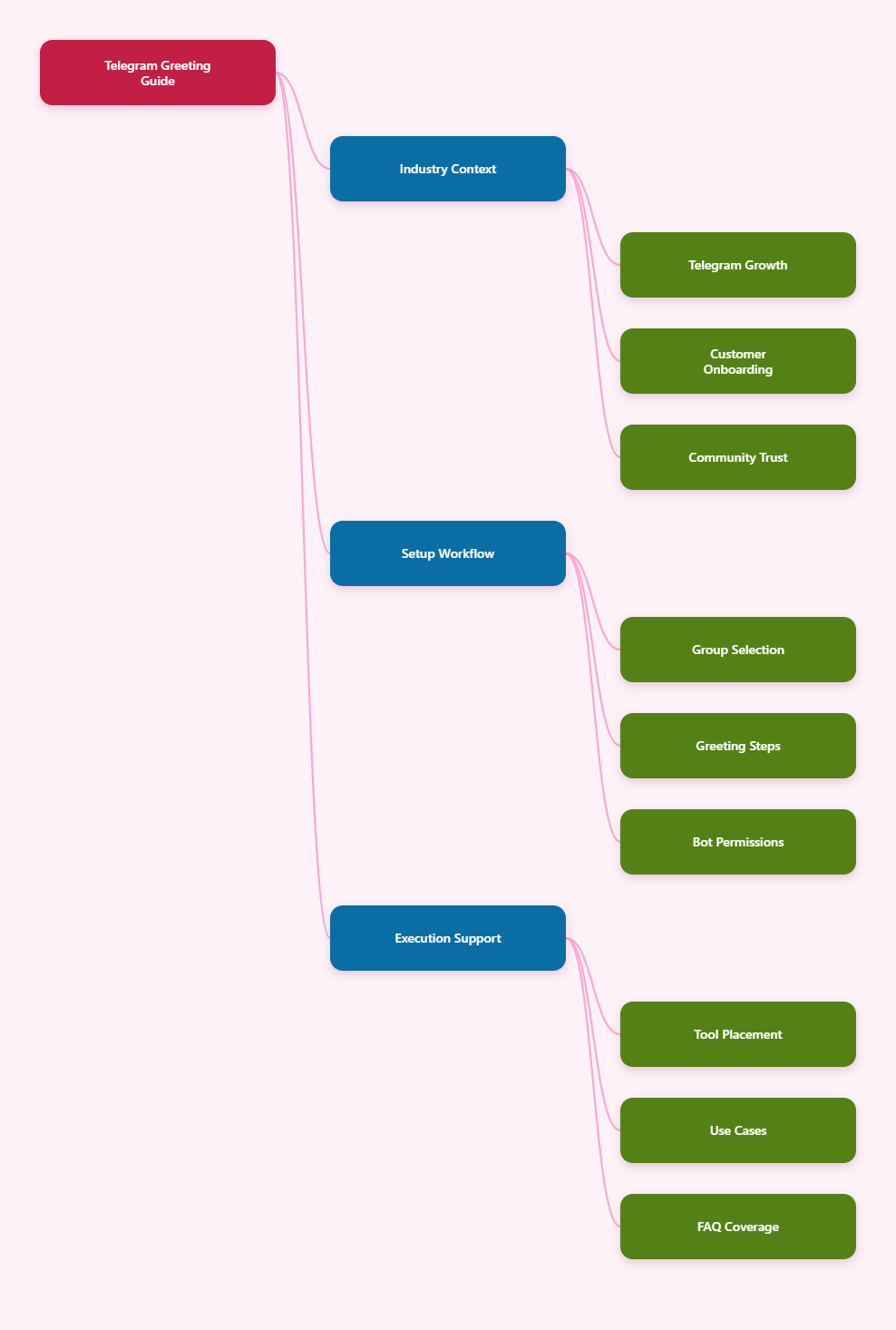
Why Auto Greetings Matter for Telegram Communities in 2026
A new member usually decides within minutes whether a Telegram group feels trustworthy. If the first screen is noisy, full of unclear rules, or filled with repeated questions, your retention drops before your content has a chance to work.
An auto greeting gives every customer or community member the same first experience. It can introduce the group purpose, link to important resources, explain support hours, and prevent avoidable mistakes.
For marketing teams, the greeting message is also a conversion asset. It can point users to a product guide, onboarding checklist, pinned post, discussion thread, or support bot without sounding like a sales pitch.
- New members understand the group topic immediately.
- Admins spend less time repeating basic answers.
- Customers know where to ask support questions.
- Spam accounts face clearer rules from the start.
- Community culture becomes easier to maintain.
What Does “Setup Auto Greeting on Telegram Group Customers” Really Mean?
To setup auto greeting on Telegram group customers means creating an automated message that appears when a person joins a group, starts a bot, or contacts a business account for the first time.
Telegram supports this through different routes. Groups can use bots that detect new chat members. Telegram Business accounts can use greeting messages in private chats. Custom bots can handle the /start command and respond with a welcome flow.
The right method depends on your use case. A public community needs group-level rules. A support operation needs private replies. A paid membership business may need a bot that checks access before showing onboarding details.
| Use Case | Best Telegram Setup | Greeting Goal | Key Limitation |
|---|---|---|---|
| Open customer community | Group plus welcome bot | Rules, links, topic guidance | Needs moderation settings |
| Private support | Bot or Telegram Business | Confirm request and route issue | Group chats are not private |
| Content channel audience | Channel plus linked discussion group | Move subscribers into discussion | Channels are mainly one-way |
| Paid membership | Private group plus access bot | Verify access and onboard | Requires clean permission control |
Telegram Group, Channel, or Business Chat: Which One Should You Use?
Before writing any greeting text, decide where the customer relationship should happen. Telegram groups, channels, and private chats are not interchangeable.
Telegram groups are built for conversation and can support communities of up to 200,000 members. They work well for peer discussion, product communities, live event groups, and user education.
Telegram channels are broadcast tools with unlimited subscribers. Only admins post by default, making channels better for announcements, newsletters, launches, and content distribution.
Private bot chats or Telegram Business chats are better for customer support. Public groups expose customer questions to other members, which may be unsuitable for billing, account access, refunds, or sensitive complaints.
Use a group when interaction matters
Choose a group if customers benefit from seeing each other’s questions. This works for courses, SaaS communities, creator memberships, trading education, and local service updates.
Use a channel when clarity matters
Choose a channel when your main job is publishing official information. Add a linked discussion group only if you can moderate replies consistently.
Use private chats when privacy matters
Choose a bot or Telegram Business chat when users need individual help. Telegram Business supports features such as opening hours, quick replies, greeting messages, away messages, and connected chatbot support.
How to Setup Auto Greeting on Telegram Group Customers Step by Step
The safest setup starts with native Telegram settings, then adds automation only where it solves a real operational problem. Do not install multiple overlapping bots unless you know exactly how they interact.
- Define the group purpose. Write one sentence that explains who the group is for and what members can do there.
- Create or review group rules. Cover spam, links, DMs, self-promotion, support requests, and language policy.
- Pin the core resource post. Include FAQs, official links, support hours, and escalation paths.
- Add a trusted welcome bot. Give only the admin permissions it needs, such as posting messages or managing messages.
- Write a short greeting. Keep it under 500 characters if possible and link to deeper resources.
- Test with a secondary account. Join the group, trigger the greeting, and check how it looks on mobile.
- Review weekly. Update links, rules, and support expectations as your community grows.
Telegram bots added to groups often run in Privacy Mode by default. In that mode, they see commands and relevant messages, not every message. If a bot needs broader access, review Telegram’s bot settings carefully and avoid collecting more data than necessary.
What Should a High-Converting Telegram Welcome Message Include?
A good greeting is specific, short, and useful. It should not read like a banner ad. The goal is to reduce uncertainty and move the new member to the next helpful action.
Use this simple structure:
- Welcome line: Mention the community name and make the user feel expected.
- Purpose: Explain what the group helps members do.
- Rules: State the top two or three behaviors you enforce.
- Next step: Link to a pinned guide, support bot, onboarding post, or channel.
- Support expectation: Tell customers where to get private help and when replies usually happen.
Here is a practical template:
Welcome to [Group Name]. This group is for product updates, practical questions, and customer discussion. Please avoid spam, referral links, and unsolicited DMs. Start with the pinned guide, then ask your question in the correct thread. For account or billing help, message [support bot] privately.
This type of message protects the group without sounding hostile. It also separates community discussion from private customer support, which is essential for growing brands.
Common Problems When Greeting Telegram Customers
Auto greetings fail when admins treat them as decoration. The message appears, but nobody changes behavior because the group structure behind it is weak.
The greeting is too long
Long messages get ignored, especially on mobile. Keep the greeting short and move detailed rules into a pinned post or guide. The greeting should act as a signpost, not a full manual.
The group has no support boundary
If customers ask billing or account questions in public, the group becomes messy and risky. Use the greeting to route private issues to a bot, helpdesk, or business chat.
The bot has excessive permissions
Do not grant every admin right by default. Telegram admin rights are granular. A greeting bot usually does not need ownership-level control, member banning rights, or access to unrelated workflows.
The rules are not enforced
A welcome message without enforcement teaches members that rules are optional. Pair greetings with slow mode, link restrictions for new users, native anti-spam where available, and a clear warning process.
Where OnlyTG Echo@EchoOnBot Fits Into a Greeting Workflow
When admins need a lightweight way to setup auto greeting on Telegram group customers, a bot-based workflow can be easier than building a custom Telegram Bot API project from scratch. This is where OnlyTG Echo@EchoOnBot can fit naturally into the operations stack.
Based on the standard Telegram bot setup pattern, admins should start by opening OnlyTG Echo@EchoOnBot in Telegram, pressing Start, reviewing the in-bot instructions, and adding the bot to the target group if the official guide requires group access. Then they should assign only the permissions needed for greeting and message handling.
Use case one: a SaaS founder runs a beta customer group. The greeting points new users to the changelog, bug report format, and private support contact. This prevents the same onboarding questions from filling the main chat.
Use case two: a course creator adds students every Monday. The greeting links to lesson access, office-hour times, and community rules. New students know where to begin without waiting for an admin.
Use case three: a Web3 community separates announcements from discussion. The greeting reminds users not to trust unsolicited DMs and directs official updates to the verified channel link.
OnlyTG Echo@EchoOnBot may also be useful alongside related group-management tasks such as repeating key notices, guiding users to resources, or supporting lightweight automated replies, if those options are available in its current official bot menu. Admins should always confirm features inside OnlyTG Echo@EchoOnBot before relying on them in production.
2026 Best Practices for Telegram Greeting, Moderation, and Customer Trust
Telegram growth brings more automation, but also more spam, impersonation, and low-quality engagement. A greeting workflow should be part of a wider trust system.
- Use one official link hub. Place your website, channel, support bot, and policy pages in one verified resource post.
- Warn against unsolicited DMs. Many scams begin when fake admins message new members privately.
- Enable slow mode when needed. Slow mode reduces flooding during launches, market events, or heated discussions.
- Separate announcements and support. Keep official updates in a channel and customer questions in a managed group or bot.
- Review bot access monthly. Remove unused bots and old admins to reduce security risk.
- Track repeated questions. If members keep asking the same thing, improve the greeting or pinned guide.
For larger communities, moderation should not depend on one tired admin. Create a rota, define escalation rules, and document what deserves deletion, warning, mute, or ban. Consistency builds more trust than aggressive enforcement.
Auto Greeting Copy Examples for Different Telegram Businesses
Different communities need different greetings. Avoid copying a generic message without adapting the tone, support path, and risk level.
SaaS customer group
Welcome to the [Product] customer group. Start with the pinned setup guide and roadmap post. For bugs, include device, plan, screenshot, and steps to reproduce. For billing or account access, contact our private support bot.
Creator membership
Welcome to the member community. Please read the pinned weekly schedule first. Share wins, questions, and feedback in the right thread. No resale links, spam, or unsolicited DMs. New lesson links are posted every Monday.
Web3 or trading education group
Welcome. This group is for education and official discussion only. Admins will never DM first or ask for seed phrases, wallet access, or private keys. Use the pinned post for verified links and report suspicious accounts immediately.
Practical Checklist Before You Invite Customers
Before sending an invite link to customers, test the whole journey. A broken greeting link or unclear rule can create confusion at scale.
- Confirm the group name, description, and profile image match your brand.
- Pin a current onboarding post with official links.
- Test the auto greeting on mobile and desktop.
- Check whether the bot needs Privacy Mode changes.
- Limit admin rights to trusted people and necessary bots.
- Add a private support route for sensitive customer issues.
- Review welcome copy after launches, product updates, or policy changes.
FAQ: Setup Auto Greeting on Telegram Group Customers
Can Telegram send a welcome message without a bot?
For groups, most automated welcome workflows use a bot that detects new members. For private business conversations, Telegram Business includes greeting messages that can automatically respond to users who contact you for the first time or after inactivity.
What is the best way to setup auto greeting on Telegram group customers?
The best approach is to combine a short welcome bot message, a pinned onboarding post, clear group rules, and a private support path. The greeting should direct customers, not overload them.
Should I put customer support inside a Telegram group?
Use groups for general discussion and public questions. Use private bots, Telegram Business chats, or helpdesk workflows for billing, account access, refunds, and personal issues.
How long should a Telegram auto greeting be?
Keep it short enough to read on one mobile screen. In most cases, 300 to 500 characters is enough. Link to a pinned post for full rules and resources.
Do Telegram bots see every message in a group?
Not always. Bots added to groups often run in Privacy Mode by default and see only relevant messages and commands. If a bot needs broader access, review Telegram’s bot settings and permissions carefully.
Can auto greetings stop spam?
A greeting alone cannot stop spam. Combine it with link rules, slow mode, trusted moderation bots, native Telegram anti-spam options where available, and active admin review.
Is OnlyTG Echo@EchoOnBot required for Telegram greetings?
No single tool is required for every group. OnlyTG Echo@EchoOnBot is one option to consider if its current official instructions match your greeting workflow and permission requirements.
Final Thoughts
To setup auto greeting on Telegram group customers in 2026, think beyond automation. The best greeting is part of a complete onboarding system: clear rules, useful links, safe support routing, and consistent moderation.
If your group is growing and manual welcomes are becoming repetitive, a focused bot workflow can save time. Tools such as OnlyTG Echo@EchoOnBot may help when used carefully, but the strategy matters more than the software. Start with customer clarity, then automate the parts that repeat.