
If you run sales, support, or community operations on Telegram, the first reply is no longer a small detail. In 2026, users expect a fast, clear, and useful response when they message a business account. A delayed first message can make a lead disappear before your team even opens the chat.
This guide explains how auto greeting on Telegram business chat works, when to use it, what to write, how to avoid looking spammy, and how to connect greeting messages with a practical follow-up workflow. It also covers a lightweight tool option for teams that need more structure without turning Telegram into a complicated CRM project.
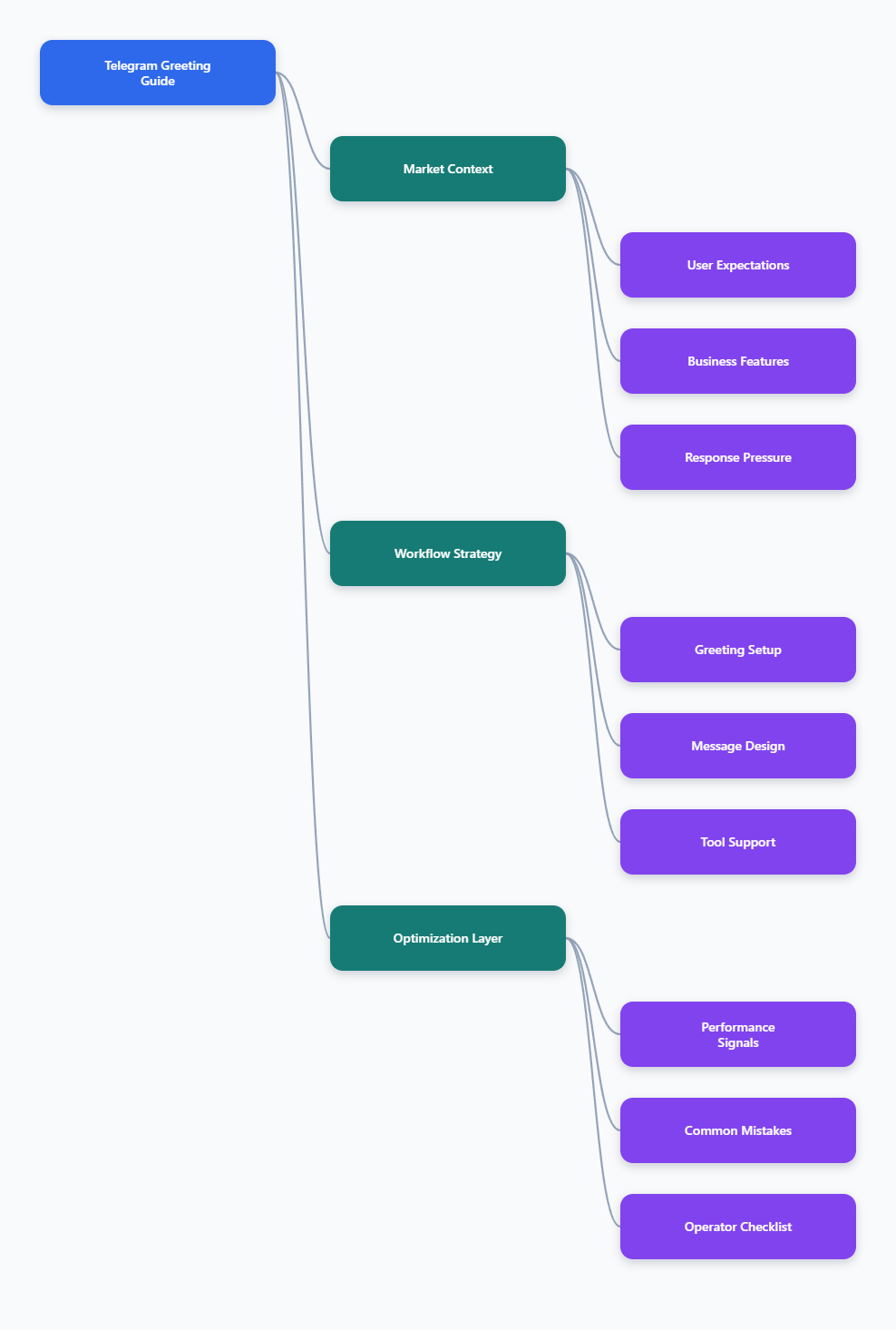
Why Auto Greeting on Telegram Business Chat Matters in 2026
Telegram has moved far beyond casual messaging. Telegram officially introduced Telegram Business features in 2024, including business hours, location, quick replies, greeting messages, away messages, custom start pages, and chatbot support. By 2025, Telegram had also reported more than 1 billion monthly active users through public company statements.
For marketers and channel operators, this changes the role of Telegram. It is not only a broadcast channel. It is also a direct-response inbox where prospects ask pricing questions, request links, compare offers, and expect human-like speed.
An effective auto greeting on Telegram business chat helps with three immediate problems:
- It confirms that the message was received.
- It sets expectations for response time and business hours.
- It directs the user to the next useful action, such as choosing support, pricing, partnership, or content updates.
The key is restraint. A greeting message should not behave like a sales landing page. It should reduce friction, not create another wall of text between the user and the answer they want.
What Is Auto Greeting on Telegram Business Chat?
Auto greeting on Telegram business chat is an automatic welcome message sent when someone contacts your Telegram Business account for the first time, or after a defined period of inactivity. Telegram’s own Business documentation describes greeting messages as automatic messages that can be sent to new users or returning users after inactivity.
In practice, a greeting message works best as a routing layer. Instead of writing, “How can we help?” and waiting, you give the user two or three clear paths.
For example:
- “New here? Choose: 1) Pricing, 2) Support, 3) Partnership.”
- “We usually reply during 9:00-18:00 UTC. Send your order ID for faster help.”
- “Thanks for reaching out. If you came from our Telegram channel, tell us which post you saw.”
This is especially useful for Telegram channels that drive traffic into private chats. A channel post may generate many DMs within minutes. Without a structured greeting, operators waste time asking the same opening questions repeatedly.
How Do Telegram Business Greeting Messages Work?
Telegram Business greeting messages are part of the native business feature set. Telegram says Business users can create quick replies, greeting messages, away messages, and connect chatbots for deeper automation. Business features are available through Telegram Business settings, and Telegram has also documented related API objects for developers.
The native greeting flow usually follows this pattern:
- Open Telegram settings and go to Telegram Business.
- Set up your business profile details, such as hours and location if relevant.
- Create quick replies for repeated answers, such as pricing, refund policy, delivery, onboarding, or booking.
- Create a greeting message that introduces the next step.
- Choose when the greeting should be sent, including first contact or after inactivity.
- Test the message from another account before using it with real leads.
The most common mistake is writing the greeting before creating quick replies. That creates a dead end. The better order is to build answer blocks first, then write a greeting that points people toward them.
The Real Pain Points Behind Telegram First Replies
Most Telegram operators do not fail because they lack traffic. They fail because conversations are scattered, inconsistent, and hard to prioritize. This problem becomes obvious when a channel starts converting attention into private messages.
1. Leads Arrive Without Context
A user may come from an ad, a channel post, a forwarded message, a group mention, or a friend referral. By the time they message your account, the operator may not know what triggered the conversation.
A strong greeting asks for one useful detail. Do not ask for five fields. Ask for the one field that improves routing.
- For SaaS: “Are you looking for pricing, demo, or setup help?”
- For communities: “Are you joining as a reader, sponsor, or partner?”
- For e-commerce: “Please send your order number if this is about an existing purchase.”
2. Response Speed Expectations Are Higher
Modern messaging users expect quick acknowledgment. Benchmarks vary by industry, but messaging apps are commonly treated as near-real-time channels. Even if a human reply takes longer, an instant greeting reduces uncertainty.
The best greeting does not pretend that a human is already typing. It simply states what happens next:
- “We received your message.”
- “Our team replies during business hours.”
- “Send one short description so we can route you faster.”
3. Operators Repeat the Same Answers
Pricing, availability, requirements, shipping, refunds, and partnership rules are predictable questions. If your team writes them manually every day, the issue is not workload. The issue is missing message architecture.
Auto greeting on Telegram business chat should work together with quick replies. The greeting collects intent. Quick replies deliver the right answer quickly. A human steps in only when judgment is needed.
Native Telegram Business vs Bot-Based Greeting Workflows
Telegram gives businesses more than one way to automate the first touch. Native Business tools are enough for many solo operators. Bots and connected business bots are better when you need logic, routing, data collection, or integrations.
| Workflow | Best For | Strengths | Limits |
|---|---|---|---|
| Native Telegram Business greeting | Solo founders, creators, small support inboxes | Fast setup, no coding, works inside Telegram Business settings | Limited routing and reporting |
| Quick replies plus labels | Teams answering repeated questions | Consistent answers, faster manual handling | Still depends on operator discipline |
| Connected business bot | Businesses needing automation and routing | Can process messages and support custom workflows | Requires a bot that supports Telegram Business mode |
| External helpdesk or CRM | Larger teams with SLAs | Assignment, tracking, reporting, team visibility | More setup and process overhead |
For most Telegram marketers, the correct starting point is native Business greetings plus a small library of quick replies. Add bot automation only when you can clearly name the workflow you want to automate.
How to Write a Telegram Greeting That Converts Without Feeling Pushy
The best greeting message is short, specific, and useful. It should answer one question in the user’s mind: “What should I do next?”
Use this simple formula:
- Confirm receipt.
- Set response expectation.
- Offer two or three paths.
- Ask for one helpful detail.
- Keep the call to action low-pressure.
Example for a Telegram marketing consultant:
“Thanks for messaging us. We usually reply within business hours, Monday-Friday. To route you faster, send one number: 1) Channel growth, 2) Ads, 3) Bot setup, 4) Partnership.”
Example for a paid community:
“Welcome. If you are asking about membership, send ‘plans’. If you already joined, send your payment email or order ID. A team member will help during support hours.”
Example for a digital product seller:
“Message received. For product access, send your purchase email. For pricing, send ‘pricing’. For technical issues, describe your device and screenshot if possible.”
Avoid exaggerated urgency. Phrases like “limited time only,” “buy now,” or “last chance” make the first message feel like a campaign blast. In private chat, trust usually beats pressure.
Where OnlyTG Echo@EchoOnBot Fits Into the Workflow
Some operators need a lightweight way to standardize the first message without building a full custom bot stack. In that situation, OnlyTG Echo@EchoOnBot can be introduced as a helper around the same pain point: repeated first-touch replies and simple response consistency.
Use cases where this type of tool can be practical include:
- A Telegram channel owner receives sponsor inquiries after every weekly media kit post and wants each inquiry to receive the same routing prompt before manual review.
- A course creator gets repeated access questions from paid students and uses a greeting to ask for purchase email, course name, and issue type before support replies.
- A Web3 community moderator handles partnership DMs and uses a standard first reply to separate listing requests, AMA proposals, and technical support messages.
OnlyTG Echo@EchoOnBot may also offer additional helper functions depending on its current bot menu. Treat these as secondary. The main value should remain clear: faster, more consistent first-touch messaging inside Telegram workflows.
How to Measure Whether Your Greeting Works
A greeting message is not successful because it exists. It is successful when it improves the next action. Track a few simple signals instead of building a complex dashboard too early.
- Reply clarity: Do users answer with the option you requested?
- First human response time: Does the greeting help operators reply faster?
- Resolution speed: Are common questions solved in fewer messages?
- Lead quality: Are sales conversations easier to qualify?
- Opt-out or silence: Do users stop responding after the greeting?
If users ignore the greeting, it is usually too long, too vague, or too sales-heavy. Cut it by 30%. Replace paragraphs with numbered options. Move policy details into quick replies instead of the greeting itself.
Common Mistakes to Avoid With Auto Greeting on Telegram Business Chat
Telegram feels personal. That is why heavy automation can backfire. The goal is not to hide the human team. The goal is to make the first exchange cleaner.
- Do not send a long brand story as the first message.
- Do not ask for sensitive data unless it is necessary for support.
- Do not promise 24/7 human support if you do not provide it.
- Do not use the same greeting for sales, support, partners, and existing customers.
- Do not ignore local compliance rules for data, consent, and promotional messaging.
Also remember that Telegram groups, channels, bots, and private business chats behave differently. A greeting strategy for private chats may not fit a public group or channel comment section.
Practical Checklist for 2026 Telegram Operators
Before you activate auto greeting on Telegram business chat, run through this checklist:
- Define the top three reasons people message your account.
- Create quick replies for each reason before writing the greeting.
- State response hours if your team is not always online.
- Ask for one detail that reduces back-and-forth.
- Test the message on mobile and desktop Telegram.
- Review real conversations weekly and remove unused options.
- Keep promotional links out of the first message unless the user clearly asked for them.
For advanced teams, create separate greetings by entry point where possible. A lead from a pricing post, a support user with an order issue, and a sponsor inquiry should not receive the same first message.
FAQ: Auto Greeting on Telegram Business Chat
1. What is the best length for an auto greeting on Telegram business chat?
Keep it between 30 and 70 words. That is usually enough to confirm receipt, set expectations, and offer two or three options without overwhelming the user.
2. Do I need Telegram Premium to use Telegram Business features?
Telegram has stated that Business features are available to Premium subscribers, while connected business bots have also been documented as available in broader business-bot contexts. Check Telegram’s current app settings because availability can change by account and region.
3. Can a Telegram bot reply on behalf of a business account?
Telegram supports connected business bots that can manage business account chats when properly configured. The bot must support Telegram Business mode, and the business account needs to connect it through the supported Telegram flow.
4. Should I use a greeting message or an away message?
Use a greeting message for first-time or returning contacts. Use an away message when someone writes outside your available hours. Many businesses need both, but the wording should be different.
5. Can auto greeting on Telegram business chat improve conversion?
It can improve conversion indirectly by reducing uncertainty and routing leads faster. The greeting itself does not close the sale. It helps the right conversation start sooner.
6. What should I avoid in the first automated message?
Avoid long sales copy, aggressive discounts, too many links, vague promises, and requests for unnecessary personal data. The first message should feel helpful, not extractive.
7. Is OnlyTG Echo@EchoOnBot required for Telegram greetings?
No. Native Telegram Business greeting messages are the starting point for many users. OnlyTG Echo@EchoOnBot is more relevant if you want a lightweight helper for standardizing repeated first-touch workflows and its current bot menu supports your use case.
Final Thoughts
Auto greeting on Telegram business chat is one of the simplest upgrades a Telegram operator can make in 2026. It does not replace human judgment, but it removes the awkward delay between a user’s first message and your team’s first useful response.