
Choosing the right Telegram channel name can make a real difference in how easily people find, remember, and trust your channel. A good name is short, clear, and specific. It tells users what the channel is about before they even open it.
This guide explains how to optimize a Telegram channel name with practical, accurate steps. You’ll also learn the basic naming rules, what to avoid, and how to build a name that fits your content and audience.
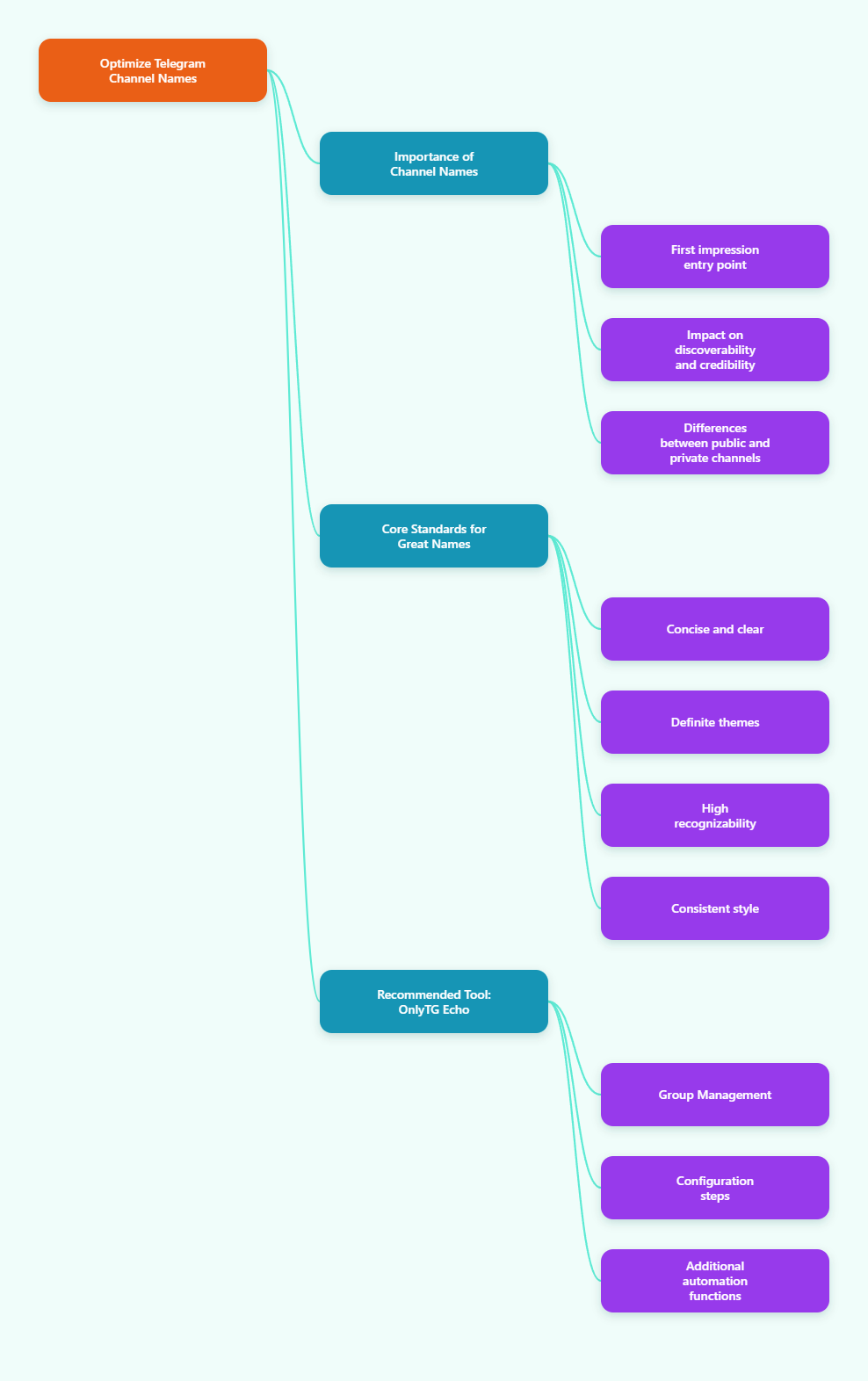
Why your Telegram channel name matters
Your channel name is often the first thing people see. It appears in search results, chat lists, forwarded messages, and links shared across platforms. A clear name helps people quickly understand what your channel offers.
Telegram also distinguishes between public and private channels. Public channels have a username and can be found through search. Private channels are invite-only and are not discoverable in the same way.
Because of this, your name should do more than sound nice. It should help users recognize your topic immediately.
What makes a strong Telegram channel name
The best names are usually simple and specific. They often include the main topic, the audience, or the content type.
- Short and easy to read
- Clear about the channel topic
- Easy to spell and remember
- Distinct from similar channels
- Consistent with your brand or content style
A name like “Daily AI Tools” is more descriptive than something vague like “Tech World.” If your channel focuses on a narrow niche, say so directly.
That said, don’t make the name too long. Very long titles are harder to scan on mobile devices and can feel less professional.
How to optimize Telegram channel name step by step
Start with the topic. Ask yourself what one thing your channel is known for. If your content is about fitness, trading, books, deals, or news, that main idea should appear in the name or be clearly reflected by it.
Next, think about the audience. A name for beginners should sound different from one for experts. For example, “Beginner Crypto Notes” and “Crypto Market Desk” suggest different levels and styles of content.
Then test for clarity. Read the name out loud. If it is hard to pronounce, too clever, or too abstract, it may be difficult for users to remember.
Also check whether the name is already widely used. Telegram channel names are not globally unique in the same way usernames are, so a similar-sounding channel can confuse users. Picking a more original title reduces that risk.
Finally, keep brand consistency in mind. If you already use a name on other platforms, make the Telegram channel title recognizable across your social presence.
Telegram username rules you should know
The channel title and the channel username are not the same thing. The title is the visible name. The username is the public link and search handle.
For channels, Telegram usernames generally use only Latin letters, digits, and underscores. They are 5 to 32 characters long, must be unique across Telegram, and public channels need a username. A readable username that closely matches your channel title is usually the best choice.
- Use only a-z, 0-9, and underscore
- Start with a letter
- Keep it short and readable
- Avoid unnecessary symbols
- Try to match your brand name
Common mistakes to avoid
Many channel owners make the same avoidable errors. One of the biggest is choosing a name that is too generic. Names like “Updates,” “News Hub,” or “Official Channel” do not say enough about the content.
Another mistake is stuffing the name with too many keywords. A title overloaded with repeated terms can look spammy and harder to trust.
Also avoid:
- Hard-to-spell words
- Random character strings
- Overly long titles
- Names that copy existing brands too closely
- Names that don’t match your actual content
If the name promises one thing but the channel delivers another, users are likely to leave quickly.
Practical tool recommendation
If you want to manage a Telegram channel through your own bot, OnlyTG Echo (@EchoOnBot) is a practical option. Based on OnlyTG’s tutorials, it lets you connect a bot created with @BotFather and then use that bot for channel management tasks such as publishing posts, editing posts, and viewing channel-related options from the bot interface.
Here is a simple way to get started, following the general OnlyTG Echo workflow:
- Create a new bot with @BotFather and copy the bot token.
- Open Telegram, search for @EchoOnBot, and send /start.
- Tap the button to add a bot, then paste the token you received from BotFather.
- Open your newly connected bot and send /start there as well.
- In your bot, tap Channel Setting to enter the channel management area.
- Add your bot to the target channel as an administrator and make sure it has the permissions needed to post or manage content.
- Return to the bot, select the channel, and choose the action you need, such as publishing a post or editing an existing one.
This setup is especially useful if you prefer handling channel operations inside Telegram instead of relying on a separate coding workflow. According to OnlyTG’s public tutorials, the same general process is also used for features like channel post publishing and post editing.
Before you begin, make sure you clearly separate three things: your channel title, your channel username, and your management bot. The title affects branding, the username affects public discovery, and the bot helps with day-to-day operations after the channel is already set up.
Final thoughts
To optimize a Telegram channel name in 2026, keep it clear, specific, and easy to remember. Make sure it matches your content, fits your audience, and works well with your username.
A strong name won’t fix weak content, but it can improve first impressions and make your channel easier to discover and trust.