
In 2026, dual Telegram is no longer just a convenience feature for people who want to separate personal and work chats. For cross-border sellers, affiliate marketers, media buyers, and social media operators, it has become a practical workflow for keeping business communication organized without mixing audiences, campaigns, or client operations.
This guide explains what dual Telegram means in a business context, how to use it safely, where the risks appear, and how to build a cleaner system for multiple accounts in 2026.
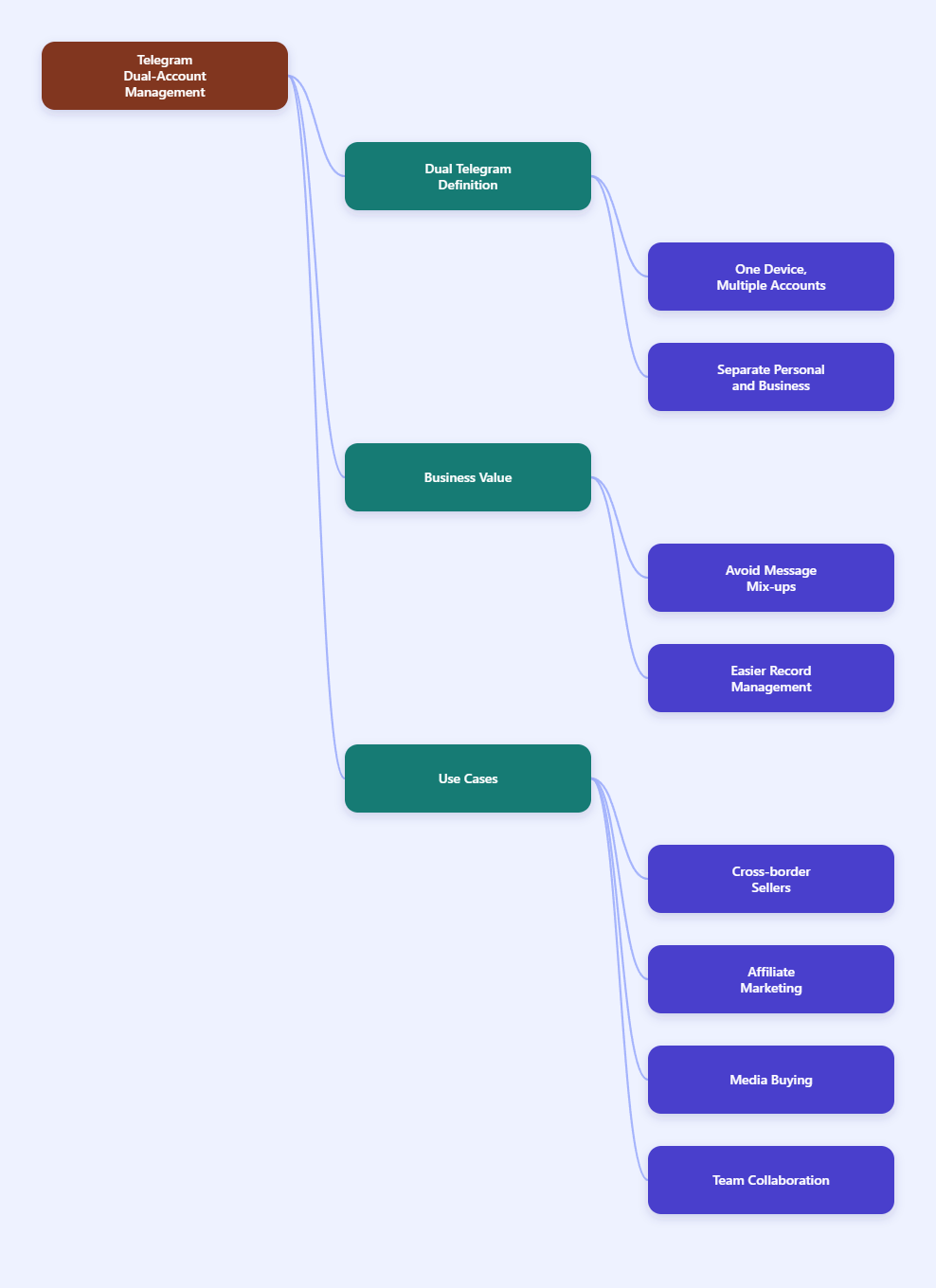
What Dual Telegram Means
Dual Telegram usually refers to using two Telegram accounts on one device or within one working environment. For business users, that often means one account for a personal or operator identity and another for a brand, client, campaign, or support role.
The appeal is straightforward: one account can handle public-facing communication while the other stays reserved for internal coordination, acquisition, or niche project work. That separation reduces confusion and helps keep business records easier to manage.
In commercial use, dual Telegram is especially useful for affiliate workflows, independent storefronts, lead routing, and team communications across different markets. It supports cleaner segmentation, which is important when different offers, languages, or audiences must stay separate.
Why it matters
Without a clear separation, replies can land in the wrong conversation, notifications can become overwhelming, and team members can accidentally use the wrong identity. In fast-moving campaigns, even a small mistake can affect trust or slow down operations.
That is why dual Telegram should be treated as an operating model, not just a device trick. The real value comes from how you organize account roles, session discipline, and communication flow.
How Telegram Multi-Account Workflows Work
Telegram supports multiple accounts in its official mobile apps, which makes it easier to switch identities without signing out every time. For many users, that is the most practical starting point because it reduces friction and keeps the workflow inside the official ecosystem.
Still, the number of accounts you can comfortably manage depends on the device, your notification habits, and how disciplined you are about separating usage contexts. The more accounts you add, the more important it becomes to standardize account names, contact labels, and access habits.
On desktop and web-based workflows, the structure is different. Users often combine Telegram with browser profiles or separate workspaces to keep sessions isolated, especially when they manage business accounts at scale.
| Method | Best For | Main Advantage | Main Risk |
|---|---|---|---|
| Official mobile multi-account | Solo operators | Simple switching inside Telegram | Notification mix-ups |
| Separate device or profile | Client or brand separation | Cleaner identity boundaries | More devices to manage |
| Browser-based workspace setup | Team and affiliate workflows | Better session organization | Requires stronger discipline |
Best Ways To Use It
The safest way to run dual Telegram in 2026 is to match the method to your business need. A solo marketer may only need one personal and one business account, while an agency or affiliate team may need a more segmented setup for roles, clients, and acquisition channels.
Start with the official app if your goal is basic separation. It is the lowest-friction option and usually enough for users who only need to manage a small number of identities.
If your workflow depends on different markets, offers, or clients, move toward a stricter structure. That may mean using separate phone numbers, separate devices, or isolated desktop environments so each account stays predictable.
Practical setup steps
- Define the purpose of each account before logging in.
- Use distinct naming conventions for personal, business, and support identities.
- Separate notification settings so urgent business messages do not get buried.
- Keep login access limited to the people who truly need it.
- Document which account is tied to which funnel, client, or region.
This simple discipline saves time later. Most account problems are not caused by the platform itself, but by unclear operational habits.
Risks You Should Avoid
The biggest risk in dual Telegram workflows is confusion. If two accounts share the same device and similar names, it becomes easy to reply from the wrong identity, especially during active support or sales conversations.
Another common issue is poor session hygiene. When users switch between accounts too casually, they may lose track of where a message was sent, which contact list belongs to which brand, or which environment was used for a particular login.
Third-party clone apps and unofficial tools can also create additional risk because they add another layer of software between you and the account. For commercial users, that is usually a bad trade-off unless the tool is clearly necessary and well understood.
Common mistakes
- Using nearly identical account names for different business functions.
- Mixing support and acquisition messages in one inbox.
- Sharing accounts across too many people.
- Ignoring recovery details like phone access and backup planning.
- Assuming a second account alone solves workflow problems.
Dual Telegram for Marketers
For marketers, the real value of dual Telegram is operational clarity. You can separate top-of-funnel outreach from customer care, isolate test campaigns from core brand communication, and keep affiliate activity distinct from partner relations.
This becomes especially useful in cross-border environments where one business may operate across several communities, languages, or offers. A clean account structure makes it easier to measure response quality and reduce mistakes.
In practice, many small teams use one account for public contact and another for internal coordination. That split makes it easier to stay responsive while keeping campaign execution organized.
Example workflow
A solo affiliate operator might use one Telegram account for lead capture and community posts, while the second account handles private partner communication and vendor coordination. That division reduces noise and makes follow-up faster.
A small e-commerce team may do something similar, using one account for customer-facing support and another for supplier communication. The accounts stay functionally separate, which improves accountability and reduces operational mistakes.
Keep Accounts Stable
Long-term stability depends on consistency. Use the same general access pattern for each account, keep recovery details current, and avoid random switching habits that make the environment harder to track.
It also helps to establish a simple rulebook. For example, each account should have a clear owner, a clear purpose, and a clear communication lane so nobody guesses which identity should be used in a given situation.
For teams, the best approach is to standardize onboarding. New members should know which account belongs to which process, who can log in, and what to do if access is lost.
- Assign a single role to each account.
- Keep backup access information current.
- Avoid unnecessary cross-login behavior.
- Separate urgent communication from routine messaging.
- Review account usage regularly to prevent drift.
When Dual Is Not Enough
Two accounts are enough for many solo users, but not for every business. If you are managing multiple brands, many client funnels, or several regional campaigns, dual Telegram may become too limited for operational scale.
At that point, you need a more structured multi-account system. The key question is not how many accounts you can create, but how many you can manage cleanly without creating confusion or workflow risk.
When your process starts to depend on frequent switching, shared access, or team collaboration, it is time to rethink the setup. A better structure usually saves more time than adding more accounts.
FAQ
Can I use two Telegram accounts on one phone?
Yes, many users do this to separate personal and business communication. The important part is organizing the accounts clearly so you do not mix up messages or contacts.
Is dual Telegram safe for business use?
It can be safe if you use clear account roles, strong access discipline, and reliable recovery information. The biggest risk is usually operational confusion, not the existence of two accounts.
Does Telegram support multiple accounts officially?
Telegram supports multiple accounts in its official mobile apps, which makes account switching easier for regular users. For business workflows, the main challenge is not login support but account management discipline.
Should marketers use clone apps for Telegram?
Only if they fully understand the trade-offs. For most commercial users, cleaner separation through official features or structured environments is usually a better choice.
What is the best dual Telegram setup in 2026?
The best setup depends on your workflow. Solo users often do well with the official app, while teams and affiliate operators usually need stricter separation and clearer role mapping.
How do I avoid wrong-account replies?
Use distinct names, separate notification rules, and a fixed account purpose for each identity. Simple process discipline prevents most mistakes.
Can dual Telegram support affiliate marketing?
Yes, it is useful for separating outreach, partner communication, and customer follow-up. That structure helps affiliate operators stay organized and responsive.
Conclusion
Dual Telegram in 2026 is most valuable when it improves structure, not when it simply adds another account. For business users, the goal should be clearer communication, lower error risk, and better separation between roles and workflows.