
A new customer joins a company’s Telegram group after discovering a product through social media. They see hundreds of previous messages but cannot immediately find the information they need. They may ask a question that has already been answered, wait for an administrator, or leave without participating. A well-designed Telegram group welcome message can prevent this confusing first experience. However, welcoming someone is only the beginning. Businesses also need a reliable process for answering common questions, explaining community rules, and keeping communication organized as membership grows.
It Starts With One Simple User Action
Imagine a business operating a Telegram group for customers interested in its products. The group shares product announcements, answers questions, publishes updates, and provides a place for customers to communicate.
A potential customer discovers the group through a promotional link and decides to join.
From the member’s perspective, this is a small action. From the business’s perspective, it is the beginning of a new customer relationship.
The first few moments can influence whether that person becomes an active participant. They need to understand what the group is about, where to find useful information, and how to interact with other members.
This is where a Telegram group welcome message becomes valuable.
A useful greeting should answer three basic questions:
- What is this community for?
- What can members find or do here?
- What should a new member do first?
For example:
“Welcome to our official community! Here you can discover product updates, explore useful guides, and ask questions. Please review the group rules before posting. If you need assistance, tell us what you are looking for.”
The message gives newcomers an immediate sense of direction instead of leaving them to navigate an unfamiliar conversation history.
What Happens When the Process Is Manual?
Without an organized onboarding process, administrators often handle every new member individually.
A typical sequence looks like this:
User joins → Administrator notices the notification → Administrator writes a greeting → User asks a question → Administrator prepares an answer.
This approach may work when a group has only a few members. As the community grows, however, the same tasks begin appearing repeatedly.
One new member asks where to find product instructions. Another wants to know how to contact support. Someone else asks whether promotional links are allowed.
The administrator must repeatedly explain information that could have been provided automatically.
Several problems gradually emerge.
Delayed responses: Administrators may not be online when new members join. A newcomer can spend time waiting for basic instructions.
Repeated communication: The same questions consume attention that could be used for more complicated customer issues.
Inconsistent onboarding: Different administrators may provide different explanations, links, or instructions.
Unclear expectations: New members may publish unrelated content because nobody explained the community rules.
Increasing workload: As membership grows, welcoming and guiding every person manually becomes harder to maintain.
The problem is not simply the absence of a greeting. It is the lack of a repeatable process that connects the first interaction with everything that follows.
Now Add Automation to the Workflow
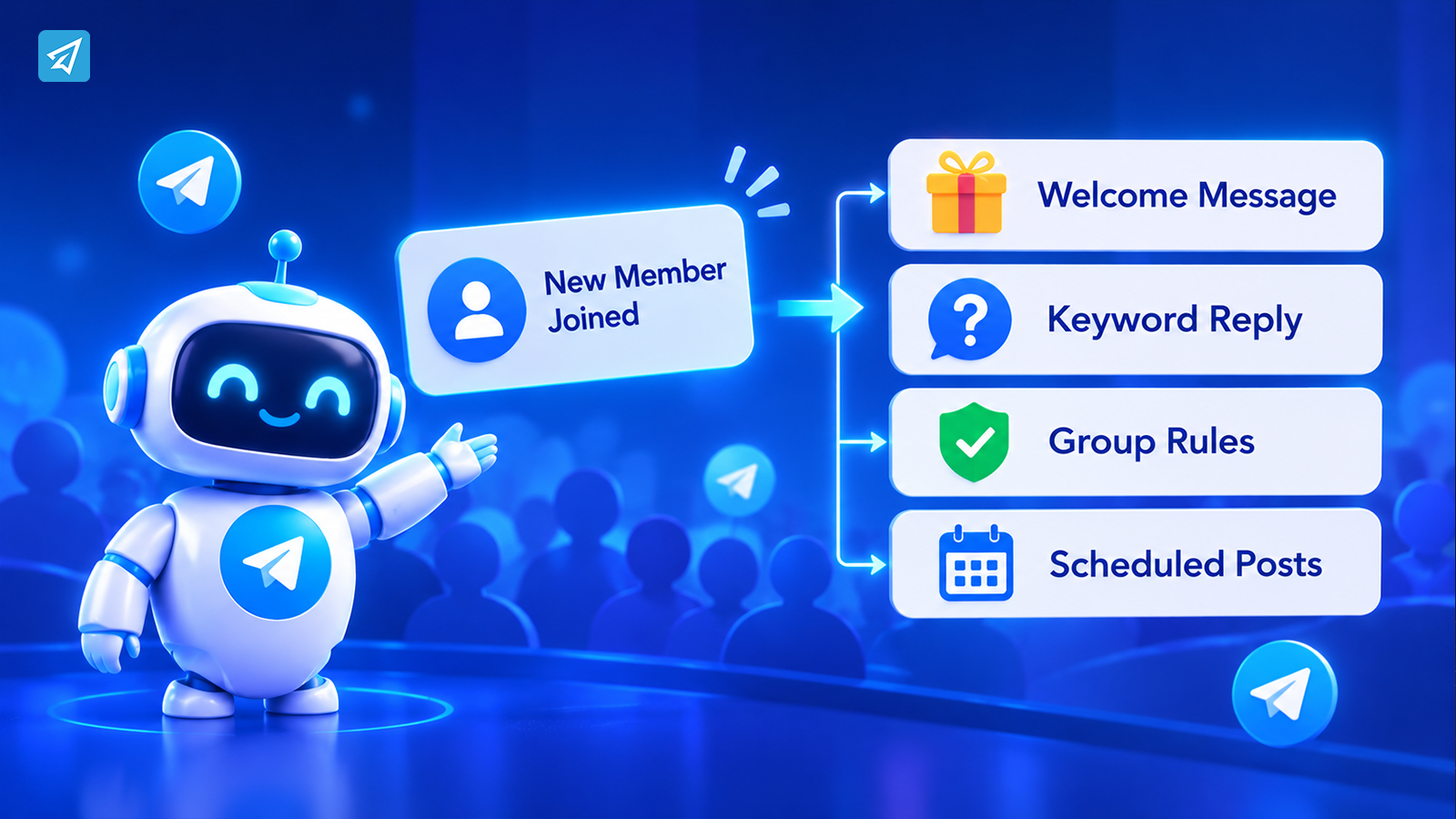
Automation changes how a business handles predictable interactions.
Instead of relying on an administrator to remember every routine response, the business prepares messages and rules in advance.
The conceptual difference is straightforward.
Before:
User joins → Administrator notices → Administrator writes greeting → User asks question → Administrator responds.
After:
User joins → Configured greeting → User reads instructions → Keyword detected → Automated response.
This does not mean every conversation should become automated. Customer complaints, unusual requests, and situations requiring judgment still need human attention.
The objective is to automate predictable tasks while allowing administrators to concentrate on interactions that genuinely require their involvement.
It is also important to distinguish between Telegram’s native welcome-message options and bot-based automation. Businesses can use native Telegram functionality for straightforward greetings. A bot becomes useful when the workflow needs additional configured responses, group rules, verification, or ongoing communication management.
Step 1: Handle the First Interaction
The first stage is to make sure new members receive clear information as soon as they enter the community.
A business should begin by identifying what a newcomer needs to know immediately.
For a customer community, that might include:
- A short introduction to the business.
- The purpose of the group.
- Links to important resources.
- Instructions for asking questions.
- A reminder to review community rules.
The message should be concise. A long introduction containing every product detail, announcement, and policy can overwhelm someone who has only just joined.
For example:
“Welcome to our community! We share product updates, tutorials, and useful resources here. Please read the group rules before participating. If you have a question, describe your issue in the group and our team will help.”
Businesses can use Telegram’s native welcome-message functionality for a straightforward greeting. When they want a configurable bot-based group greeting, OnlyTG Echo provides a Group Greeting feature.
Administrators can enable the greeting for a selected group and configure its content using text, media, and buttons. If CAPTCHA is enabled, the greeting is sent after a new member passes verification.
This creates a more organized entry process without requiring administrators to manually welcome every newcomer.
Step 2: Recognize What the User Needs
A greeting introduces the community, but it cannot answer every possible question.
The next challenge is identifying what members need after joining.
Consider a customer who enters a product community and asks:
“Where can I find the installation guide?”
Another member asks:
“How do I contact support?”
A third wants to know:
“Are there any new product updates?”
If administrators answer each question individually, the group gradually becomes dependent on manual responses.
A more practical approach is to prepare responses for common questions.
For example:
Member: “Where can I find the installation guide?”
Automation: Detects the configured keyword and returns a message containing the relevant instructions or resource link.
OnlyTG Echo supports Group Keyword Reply. Administrators can configure keywords and corresponding preset messages. When the bot detects a configured keyword in the group, it can send the prepared response.
This is particularly useful for communities where the same questions appear regularly.
Businesses can also use bot-level Auto-reply and Quick Reply functions for their contact communication workflows. Auto-reply sends predefined messages when configured keywords are detected, while Quick Reply helps administrators send prepared responses through simple commands.
The important step is choosing keywords that reflect actual member questions. A small collection of relevant responses is generally easier to maintain than a large set of overlapping or confusing triggers.
Step 3: Move Beyond Simple Replies
A successful onboarding process involves more than sending information.
Once members begin participating, businesses must maintain a community that remains useful, organized, and manageable.
Imagine that a promotional campaign brings a large number of new members into a customer group. Some are genuine customers. Others may be automated accounts or users posting unrelated promotional content.
A welcome message cannot solve these problems on its own.
The business needs a separate approach to member verification and moderation.
Member verification
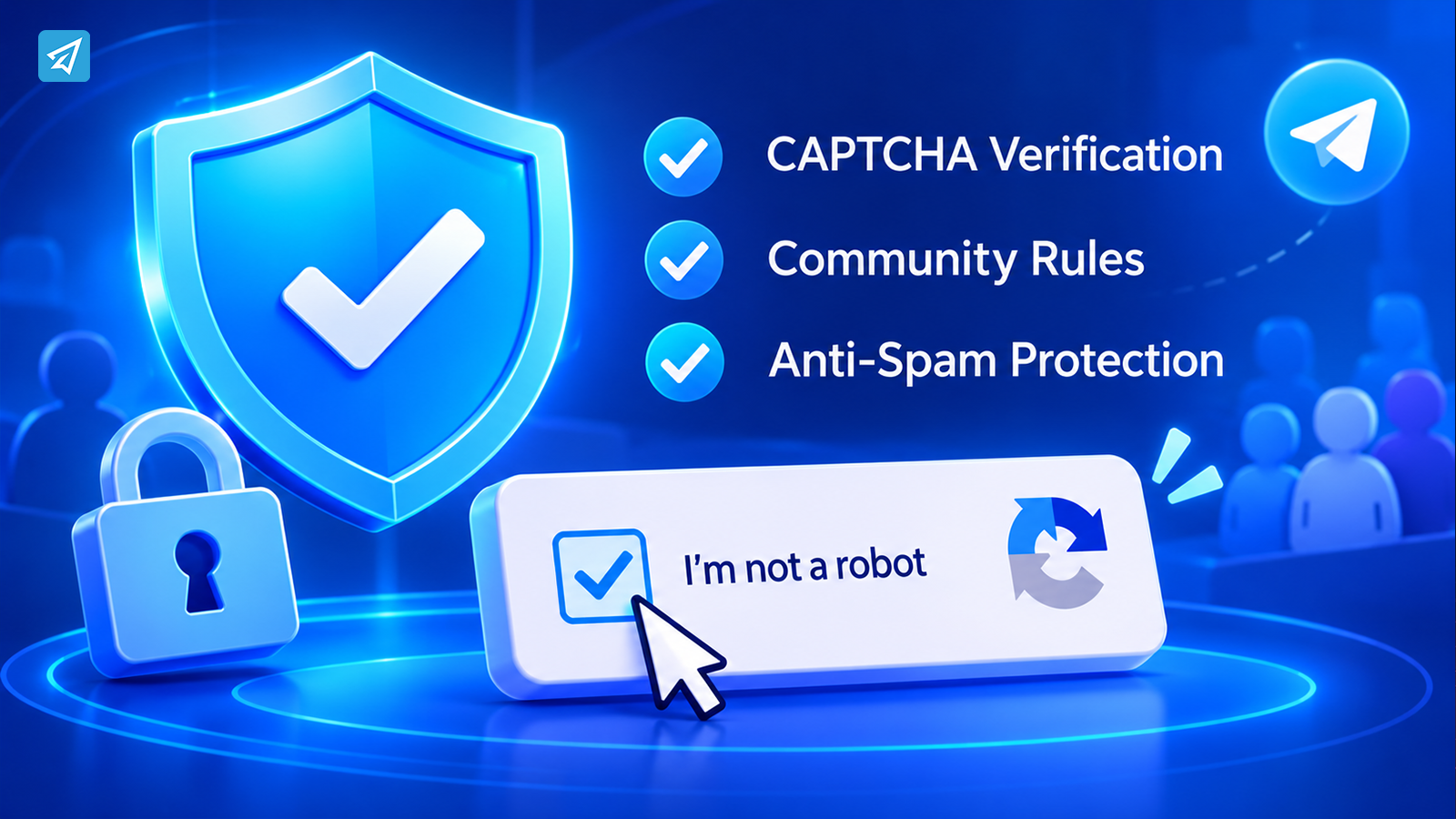
OnlyTG Echo provides Group CAPTCHA to help verify new members. When enabled, new members must complete the configured verification process. Those who fail within the specified time can be removed from the group.
Community rules
Group Rules allows administrators to configure restrictions covering matters such as prohibited words, links, spam, bots, and other message behaviors. Depending on the selected rule, administrators can configure actions such as deleting messages, issuing warnings, muting, kicking, or blocking members.
These settings help the business establish consistent expectations instead of relying entirely on administrators to monitor every message.
Ongoing communication
Some communities also need to publish product announcements, tutorials, and important reminders.
OnlyTG Echo supports Group Posts and Loop Posts, allowing administrators to publish messages with buttons and arrange recurring content at configured intervals.
These functions extend the workflow beyond the initial greeting. The objective is to create a community where new members receive guidance, common questions receive prepared answers, and important information remains available.
Step 4: Keep the Workflow Running Automatically
Onboarding should not be treated as a single event.
After receiving a welcome message, a new member may return several days later to look for a tutorial, check an announcement, or ask another question.
If the business only automates the first greeting, administrators still need to manage most of the subsequent communication manually.
A more sustainable workflow connects onboarding with ongoing content delivery.
For example:
- A customer joins the group.
- The configured greeting introduces the community.
- The member reviews the group rules.
- A keyword reply provides information when a common question appears.
- Scheduled group posts publish relevant updates.
- Recurring posts keep important information visible at configured intervals.
For a business operating both a Telegram group and a channel, communication can be organized across the two environments.
The group can support discussions and member questions, while the channel can distribute official announcements and other prepared content.
OnlyTG Echo supports scheduled channel posts as well as channel posting and looping functionality. This gives businesses another way to maintain a consistent publishing routine without preparing every post at the moment it needs to appear.
The key is to decide which information belongs in a conversation and which information should be published as an announcement.
Step 5: Measure What Is Happening
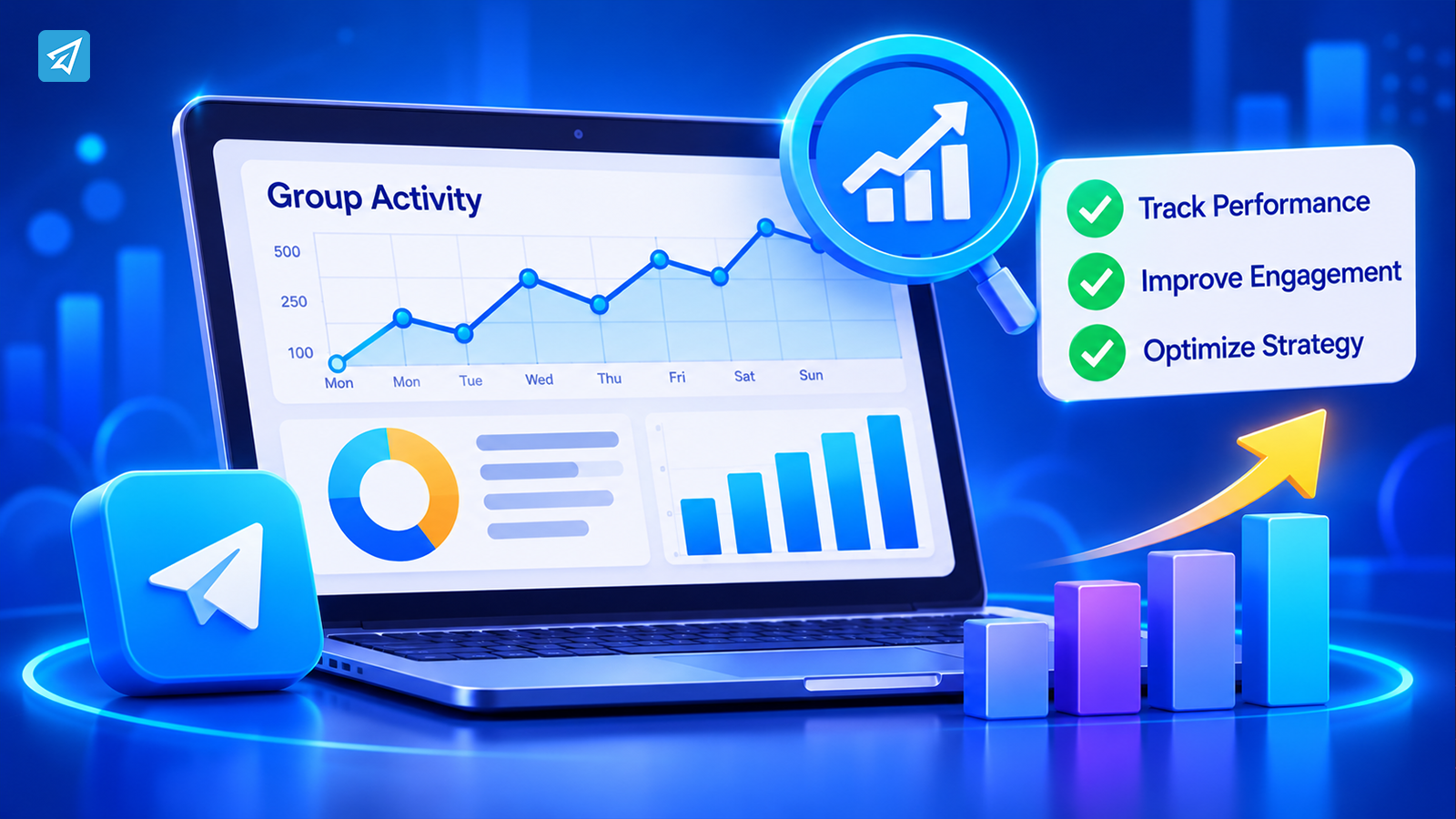
An automated workflow should be reviewed rather than left unchanged indefinitely.
A welcome message may be delivered successfully, but that does not automatically mean new members understand what to do next.
Businesses should examine whether their onboarding process is supporting the intended community experience.
Useful questions include:
- Are new members joining but rarely participating?
- Are the same questions appearing repeatedly?
- Are members receiving useful responses to configured keywords?
- Is the group experiencing recurring moderation problems?
- Are important channel updates reaching the intended audience?
OnlyTG Echo provides analytics for bot interactions, group activity, and channel audiences. Its Tracking Links feature can also help businesses organize and track supported link activity.
These capabilities provide additional information for reviewing communication and community operations.
For example, if administrators notice that members frequently ask where to find product documentation, they may need to improve the welcome message or prepare a more relevant keyword response.
If recurring announcements are difficult for members to locate, the business can review its publishing schedule and content organization.
The purpose of measurement is not to chase an arbitrary number. It is to identify friction in the member journey and improve the next interaction.
One Workflow, Two Operating Models
The difference between manual management and configured automation becomes clearer when the entire onboarding process is compared.
| Workflow Stage | Manual Process | Automated Process |
|---|---|---|
| New member joins | Administrator notices and responds manually | Configured Group Greeting is sent automatically |
| Member verification | Administrator checks suspicious accounts manually | Group CAPTCHA verifies new members when enabled |
| Common questions | Administrator repeatedly writes answers | Configured Group Keyword Reply sends prepared responses |
| Community moderation | Administrators monitor and handle violations | Configured Group Rules handle defined violations |
| Recurring updates | Administrators publish each update manually | Scheduled and looping posts support ongoing publishing |
| Performance review | Limited visibility without organized records | Available analytics and tracking support review |
Automation does not eliminate the need for administrators. It gives them a more repeatable way to handle routine operations while preserving human involvement where it matters.
What This Workflow Looks Like in Practice
Consider an online business that operates a Telegram community for customers interested in its products.
The business wants new members to understand the community, find basic information, and participate without requiring an administrator to personally guide everyone.
The workflow can look like this:
- A customer joins the Telegram group.
They discover the group through the company’s website or social media. - The configured welcome message appears.
The message explains the community’s purpose and directs the newcomer to the group rules. - The member completes CAPTCHA verification if it is enabled.
The verification process helps distinguish members who complete the configured test from those who do not. - The member asks a common question.
For example, they want to know where to find product documentation. - A keyword reply provides the prepared information.
The configured response directs the member toward the relevant resource. - Scheduled posts deliver ongoing updates.
The group or channel publishes prepared announcements and useful information according to the configured schedule. - Administrators review activity and improve the process.
Available analytics and tracking information help the business identify areas where communication could be clearer.
The workflow connects the first greeting with the member’s subsequent experience. Each stage has a defined purpose, and predictable tasks can be configured in advance.
Where OnlyTG Echo Fits
OnlyTG Echo is a Telegram automation tool that helps businesses configure and manage bots, groups, and channels without requiring coding skills.
For the welcome-message workflow, its most relevant capabilities include:
- Group Greeting: Automatically sends a configured greeting to new group members, with text, media, and buttons available for the message.
- Group CAPTCHA: Helps verify new members before the configured greeting is sent when CAPTCHA is enabled.
- Group Rules: Allows administrators to configure community restrictions and penalties for defined violations.
- Group Keyword Reply: Sends prepared messages when configured keywords are detected in group conversations.
- Group Posts and Loop Posts: Supports group publishing and recurring posts.
- Scheduled Channel Posts: Helps businesses organize channel announcements in advance.
- Analytics and Tracking Links: Provides information that can support communication and performance reviews.
How to Use OnlyTG Echo
A practical implementation can be kept relatively simple.
Step 1 — Create a Telegram Bot
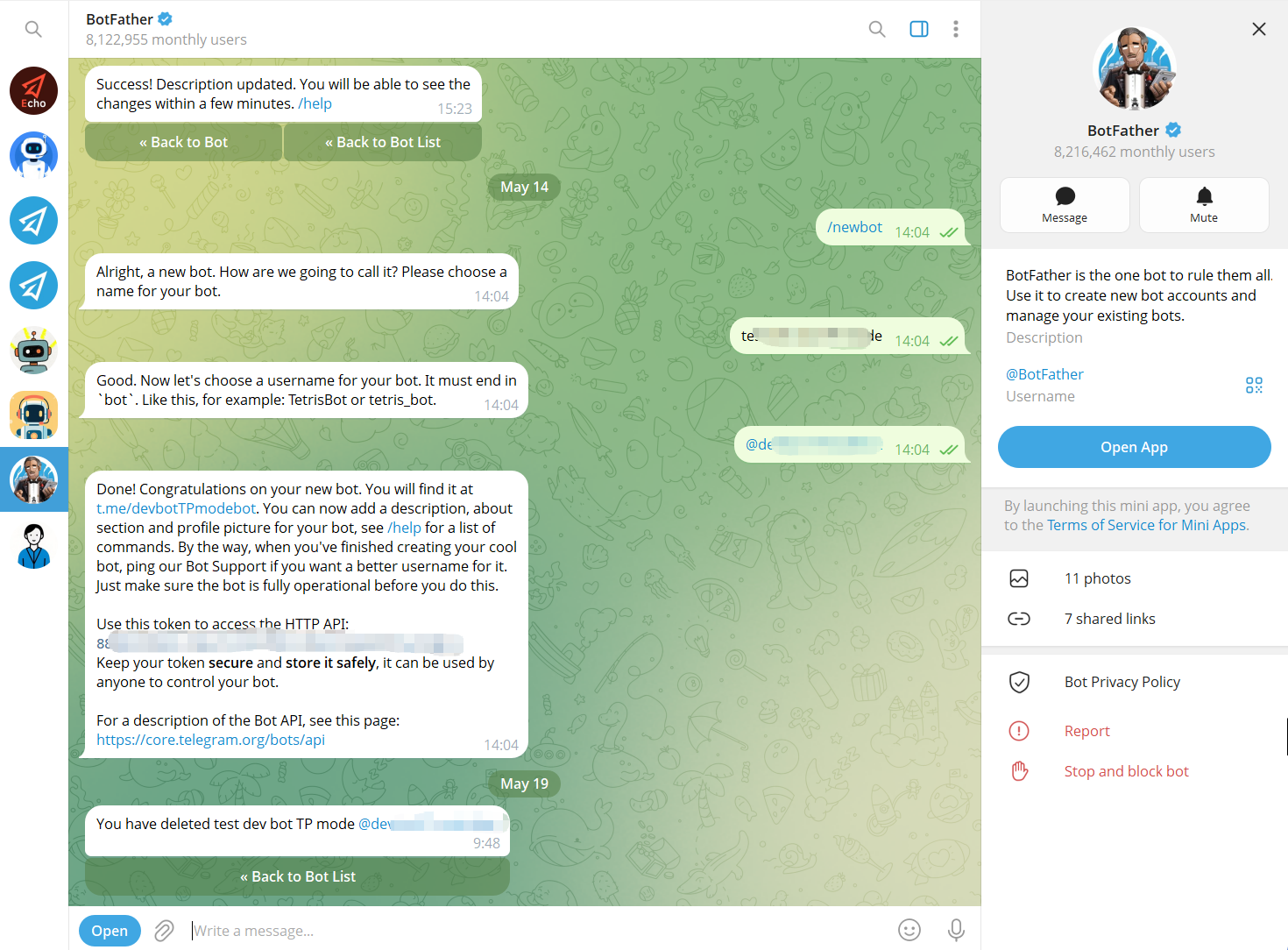
Use Telegram’s BotFather to create a bot and obtain its bot token. The bot becomes the communication interface that users interact with.
Step 2 — Connect the Bot to OnlyTG Echo
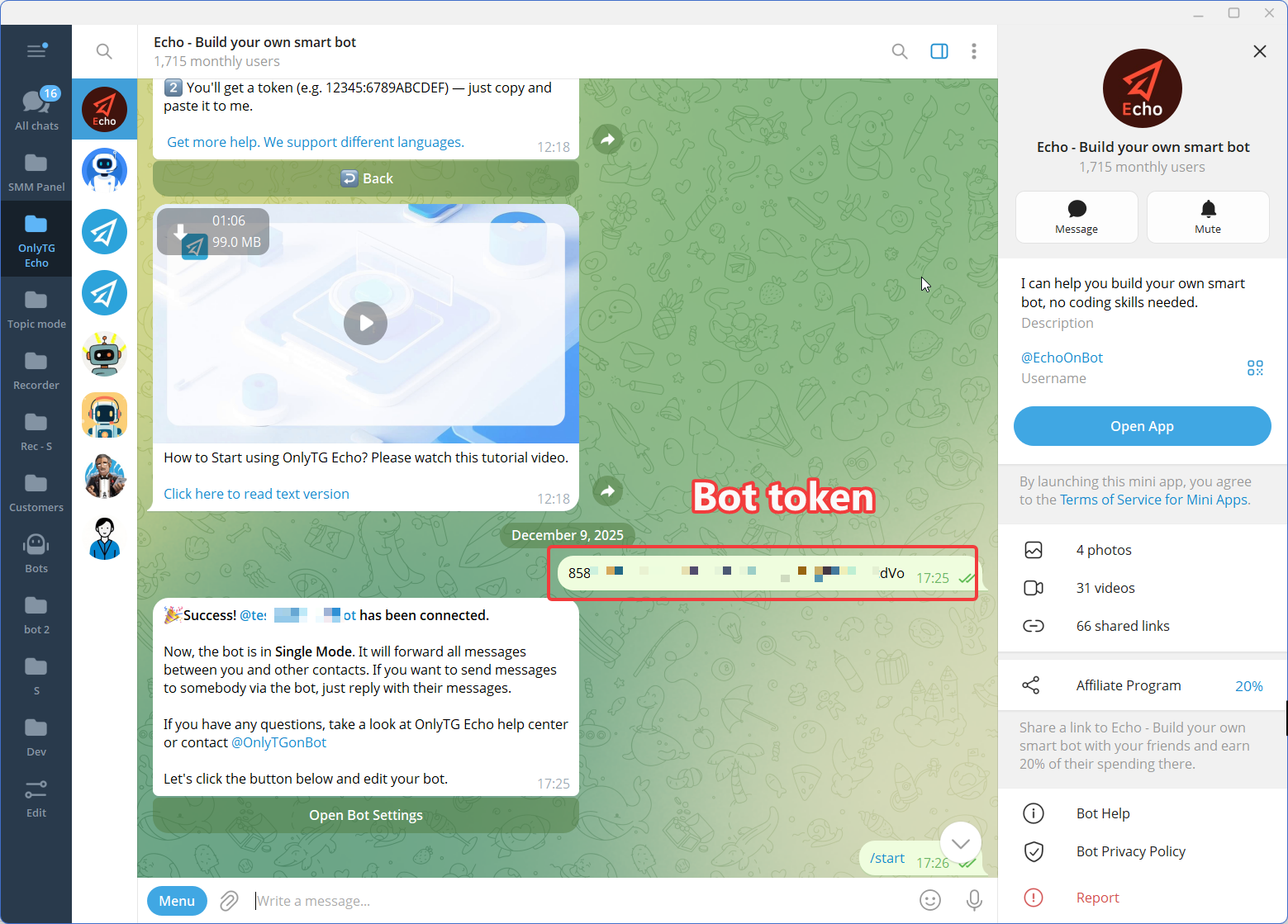
Connect the newly created Telegram bot to OnlyTG Echo using the bot token.
The purpose of this step is to give the business a no-code environment for configuring the bot’s communication behavior rather than requiring a custom automation workflow to be developed from scratch.
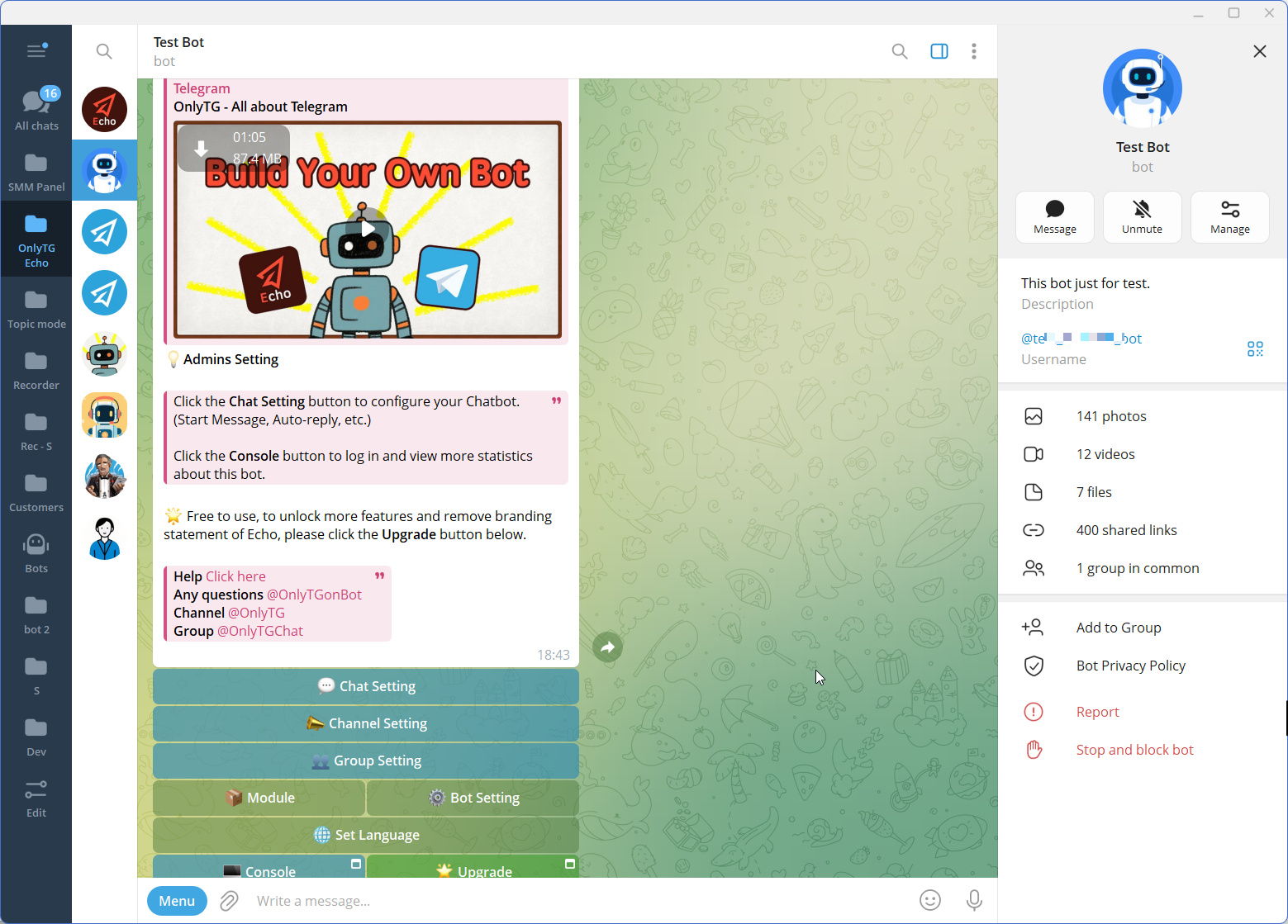
Step 3 — Configure the Features
FAQ
1. How do I set up a Telegram group welcome message automatically?
You can use Telegram’s native welcome-message functionality for a straightforward greeting. If you want a configurable bot-based greeting, OnlyTG Echo provides Group Greeting. Administrators can enable it for a selected group and configure the message content using text, media, and buttons. When CAPTCHA is enabled, the greeting is sent after the member passes verification.
2. What should a Telegram group welcome message include?
A useful welcome message should explain the purpose of the group, identify what members can find there, and provide a clear first step. Depending on the community, it can include a reminder to read the rules, instructions for asking questions, and links to important resources. Keep the message concise and focused on what newcomers need immediately.
3. Can a Telegram welcome bot answer questions after someone joins?
Yes. A configured Telegram bot can support ongoing communication beyond the initial greeting. OnlyTG Echo provides Group Keyword Reply for responding to configured keywords in group conversations. Businesses can also use group rules, scheduled posts, and other available automation features to support ongoing community management. Questions that require individual judgment should still be handled by a human administrator.