
If you run a Telegram channel, group, or business inbox, you already know the pain. A buyer messages at 11:47 p.m. Your team is asleep. By morning, the same person has asked a competitor.
In this guide, I will walk through the real operating problems, the Telegram Business features that help, message examples, automation rules, and a light tool workflow for teams that need more structure.
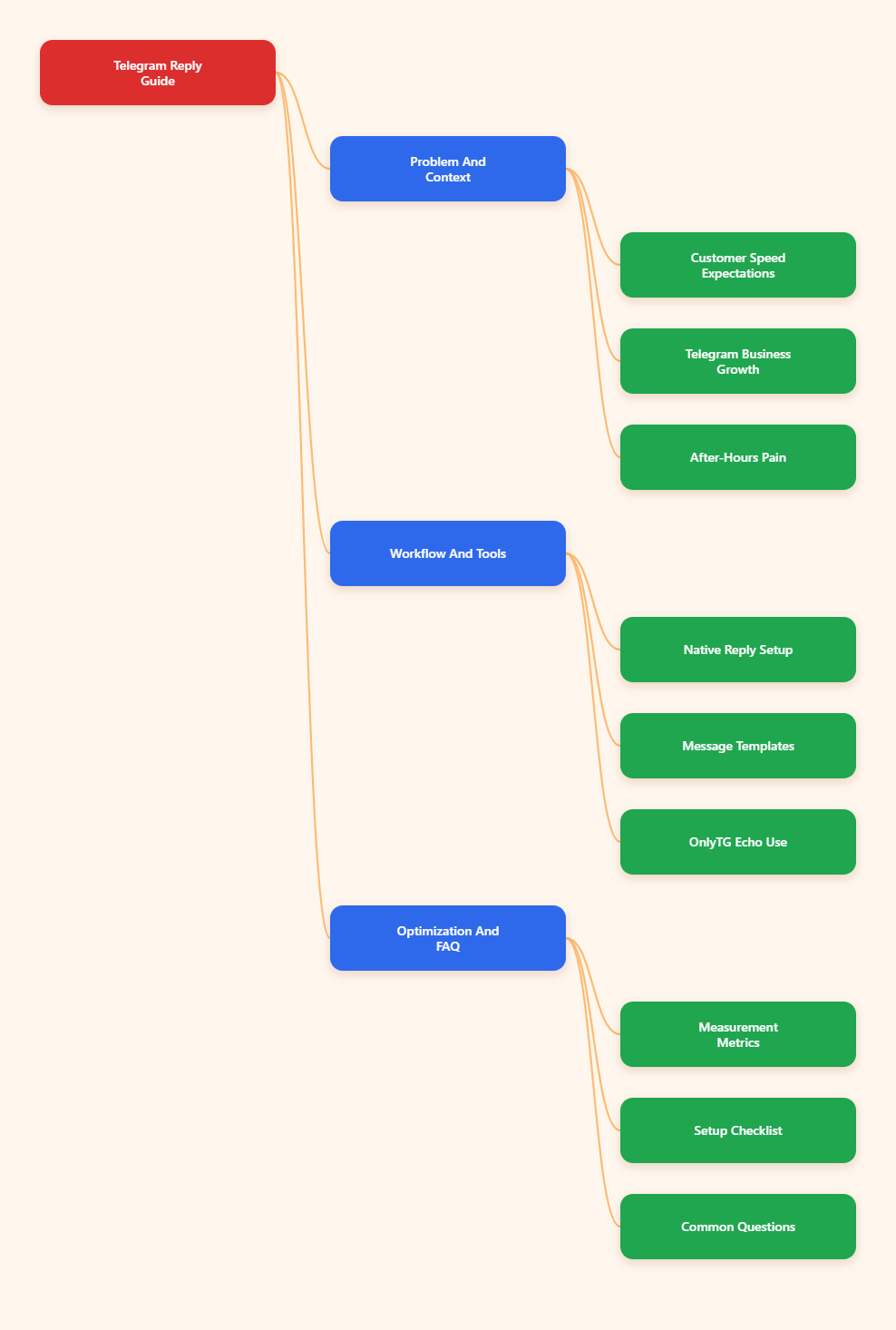
Why Auto Greeting Telegram After Hours Business Reply Matters in 2026
Telegram is no longer a side channel for many markets. Telegram passed 1 billion monthly active users in 2025, according to public statements reported by major technology outlets. That scale changed how customers treat the app.
People do not open Telegram like email. They expect a faster, more conversational rhythm. When they ask about a price, refund, delivery status, or VIP access, silence feels like neglect.
The problem gets worse for global businesses. A channel admin in London may receive questions from Dubai, Jakarta, Berlin, Lagos, and Buenos Aires in the same night.
A good after-hours reply does three jobs:
- Confirms the message was received.
- Sets a realistic response time.
- Guides the user to the next best action.
- Collects context before a human joins.
- Protects your team from constant night shifts.
The keyword is not automation. The keyword is expectation. A short message that says, “We are offline, but here is what happens next,” can save a warm lead.
What Changed in Telegram Business Since 2024?
Telegram introduced Telegram Business features in 2024. These include business profiles, opening hours, location, quick replies, greeting messages, away messages, custom start pages, and chatbot support.
For operators, this matters because you no longer need a heavy external stack for every basic reply. Telegram itself can handle a simple greeting and an away message.
Telegram Business greeting messages can welcome users who message you for the first time, or after a period of inactivity. Away messages can respond when you are closed, offline, on vacation, or in another custom time window.
That gives small teams a practical base. You can publish hours, answer common first questions, and avoid the awkward gap between inquiry and response.
The Core Difference: Greeting vs Away Reply
I see many teams confuse these two. A greeting message starts the relationship. An away message manages timing.
A greeting might say, “Hi, thanks for reaching out. Tell us your order number or the product you are looking for.”
An after-hours reply might say, “We are offline until 9 a.m. CET. Send your order number now, and we will check it first when we return.”
Both can work together. The greeting shapes the first impression. The after-hours reply reduces uncertainty.
Common After-Hours Telegram Mistakes I Still See
Most teams do not lose leads because they lack tools. They lose leads because their messages are vague, robotic, or badly timed.
Here are the mistakes I keep seeing in audits:
- Using “We will reply soon” with no time zone or timeframe.
- Sending the same reply to buyers, partners, support users, and spam.
- Asking users to repeat information already visible in the chat.
- Linking to a huge FAQ with no clear next step.
- Letting bots pretend to be human agents.
- Using pushy sales language in a support moment.
The fix is simple. Use short messages. Make the next step obvious. Never promise instant support if your team cannot deliver it.
How Should You Write an Auto Greeting Telegram After Hours Business Reply?
I use a four-part formula. It works for ecommerce, creators, agencies, SaaS, education groups, and paid communities.
- Open with a human acknowledgement.
- State your current availability.
- Ask for one useful detail.
- Give a realistic next response time.
Here is a clean template:
“Hi, thanks for messaging us. Our team is offline right now and will reply after 9 a.m. CET. To help us move faster, please send your order ID, account email, or a short description of the issue.”
That message does not overpromise. It also collects the exact data your team needs.
Better Templates by Use Case
For ecommerce:
“Thanks for reaching out. We are offline right now. Please send your order number and the item name. Our support team will check it when we reopen at 9 a.m. CET.”
For a paid Telegram community:
“Hey, thanks for your message. Moderators are offline at the moment. If this is about access, send your payment email or invite link issue. We will review it during the next support window.”
For a SaaS product:
“Thanks for contacting support. We are outside live hours. Please share your workspace name, the error message, and a screenshot if possible. We will reply in the next business window.”
For agencies:
“Thanks for the note. Our team is offline now. Please share your website, campaign goal, and timeline. We will respond during business hours with the next step.”
Telegram Reply Options Compared
Here is how I compare the most common methods when building an auto greeting Telegram after hours business reply workflow.
| Method | Best For | Setup Effort | Strength | Limit |
|---|---|---|---|---|
| Telegram Business Greeting | First-time private messages | Low | Native and simple | Limited routing logic |
| Telegram Business Away Message | Offline hours and vacations | Low | Clear time-based response | Needs careful scheduling |
| Quick Replies | Manual support speed | Low | Keeps human tone | Requires agent action |
| Telegram Bot | FAQ, forms, lead capture | Medium | Flexible workflows | Can feel cold if overbuilt |
| Business Bot Connection | Advanced business inboxes | Medium to high | Can manage chats on behalf of accounts | Needs bot support and testing |
For most small teams, I start with native Telegram Business settings. Then I add bot logic only when the inbox needs qualification, tagging, or structured intake.
How I Build a Practical After-Hours Workflow
My usual workflow has five layers. You can use all five, or just the first three.
- Define live hours. Pick hours your team can actually cover.
- Write one default away message. Keep it under 80 words.
- Add quick replies. Create templates for pricing, refunds, shipping, access, and booking.
- Use simple intake prompts. Ask for order ID, email, screenshot, or goal.
- Review missed chats weekly. Update templates based on repeated questions.
Do not start with ten branches. Start with the five questions users ask every week.
If people keep asking, “How do I join?” write a direct quick reply. If people keep asking about refunds, add the refund policy link. If screenshots solve issues faster, ask for screenshots in the away message.
Where OnlyTG Echo@EchoOnBot Fits Naturally
Some teams need more than Telegram’s native greeting and away message. This is where I would consider a lightweight automation helper like OnlyTG Echo@EchoOnBot, especially when the pain is repeated after-hours intake.
Based on the public bot-style workflow, the basic approach is simple: open OnlyTG Echo@EchoOnBot in Telegram, start the bot, follow the setup prompts, prepare your reply text, and connect the reply logic to the Telegram use case you want to handle. Before using it with customers, test it in a private chat and confirm the exact behavior.
I would use OnlyTG Echo@EchoOnBot for three grounded scenarios:
- Paid community access: Ask late-night users to send their payment email and invite issue, so admins can verify access faster in the morning.
- Ecommerce triage: Collect order number, product name, and problem type before a support agent reviews the chat.
- Agency lead intake: Ask prospects for website, budget range, campaign goal, and timeline before booking a call.
Other helpful add-ons may include structured reply prompts, repeated-message handling, and simple routing support, depending on the current bot configuration. I recommend checking the live OnlyTG Echo@EchoOnBot instructions before relying on any feature in production.
What Should Your After-Hours Reply Never Do?
A bad auto reply can hurt more than silence. It can create false hope, confuse users, or make your brand feel lazy.
Avoid these patterns:
- Do not say “instant support” when no one is online.
- Do not ask for sensitive data unless you need it.
- Do not send five paragraphs on mobile.
- Do not hide your time zone.
- Do not use fake urgency.
- Do not make every message sound like a sales pitch.
Security also matters. Telegram is fast and convenient, but you should still avoid collecting passwords, private keys, full card details, or unnecessary personal data in chat.
If you operate in finance, healthcare, legal, or regulated markets, keep the reply conservative. Confirm receipt, explain the support window, and move sensitive handling to approved channels.
How to Measure Whether Your Telegram Auto Reply Works
You do not need a giant dashboard. I track a few basic signals.
- First human response time: How long until a real person replies?
- Useful context rate: How often does the user provide the requested detail?
- Resolved on first reply: Can the agent solve it without asking again?
- Lead continuation rate: Does the prospect answer after business hours?
- Repeated question volume: Which question needs a better template?
The most useful metric is not bot response speed. Bots are always fast. The useful metric is whether the next human reply becomes easier.
If your auto greeting Telegram after hours business reply asks for the right detail, your morning support queue becomes cleaner. That is the real win.
Practical Setup Checklist
Before you publish your Telegram after-hours reply, run this checklist.
- Write your message in plain language.
- Include your reopening time and time zone.
- Ask for only one to three useful details.
- Test the message from another account.
- Check how it looks on mobile.
- Create matching quick replies for agents.
- Review missed conversations once per week.
- Update templates after product, pricing, or policy changes.
I also suggest keeping a small “message library.” Store your best greeting, away, refund, delivery, booking, and escalation replies in one place. This keeps your brand voice consistent across admins.
FAQ: Auto Greeting Telegram After Hours Business Reply
What is an auto greeting Telegram after hours business reply?
It is an automated Telegram message that welcomes users or replies when your team is offline. It confirms receipt, sets expectations, and asks for useful details before a human responds.
Can Telegram Business send greeting and away messages?
Yes. Telegram Business includes greeting messages, away messages, quick replies, business hours, and related profile features. These are useful for basic customer communication without a complex setup.
What should I include in an after-hours Telegram reply?
Include a short thank-you, your offline status, your next response window, and one clear request. For example, ask for an order ID, account email, screenshot, or campaign goal.
Is a Telegram bot better than Telegram Business away messages?
Not always. Native away messages are better for simple timing. Bots are better when you need forms, routing, FAQ flows, or structured lead qualification.
How long should an after-hours reply be?
I aim for 40 to 80 words. That is enough to be helpful without overwhelming a mobile user.
Should I use OnlyTG Echo@EchoOnBot for every Telegram channel?
No. Use OnlyTG Echo@EchoOnBot only if you need extra structure beyond native Telegram Business replies. Start simple, test the workflow, and add automation only where it removes real friction.
Can auto replies improve conversions?
They can help, but only when they guide the next step. A reply that collects buying intent, order details, or booking context gives your team a better chance to continue the conversation.
Final Thoughts
A strong auto greeting Telegram after hours business reply does not need to sound fancy. It needs to be fast, clear, and honest. Start with Telegram Business greeting and away messages. Add quick replies. Then bring in tools like OnlyTG Echo@EchoOnBot only when your inbox needs more structure.
The best automation feels like a helpful front desk, not a wall. If your message reduces confusion and helps a human respond better, you are already ahead of most Telegram operators.