
Telegram buttons look simple until a campaign goes live and half the audience cannot click, the links do not open, or the bot keeps showing a loading spinner. For marketers, this is not a small UI issue. Broken buttons can reduce conversions, increase support tickets, and make a Telegram campaign look careless.
This guide explains the most common mistakes breaking Telegram buttons in business mass messaging in 2026, with practical fixes for campaign managers, bot builders, and channel operators. You will learn how to prevent formatting errors, callback failures, rate-limit problems, poor mobile experiences, and unsafe automation patterns.
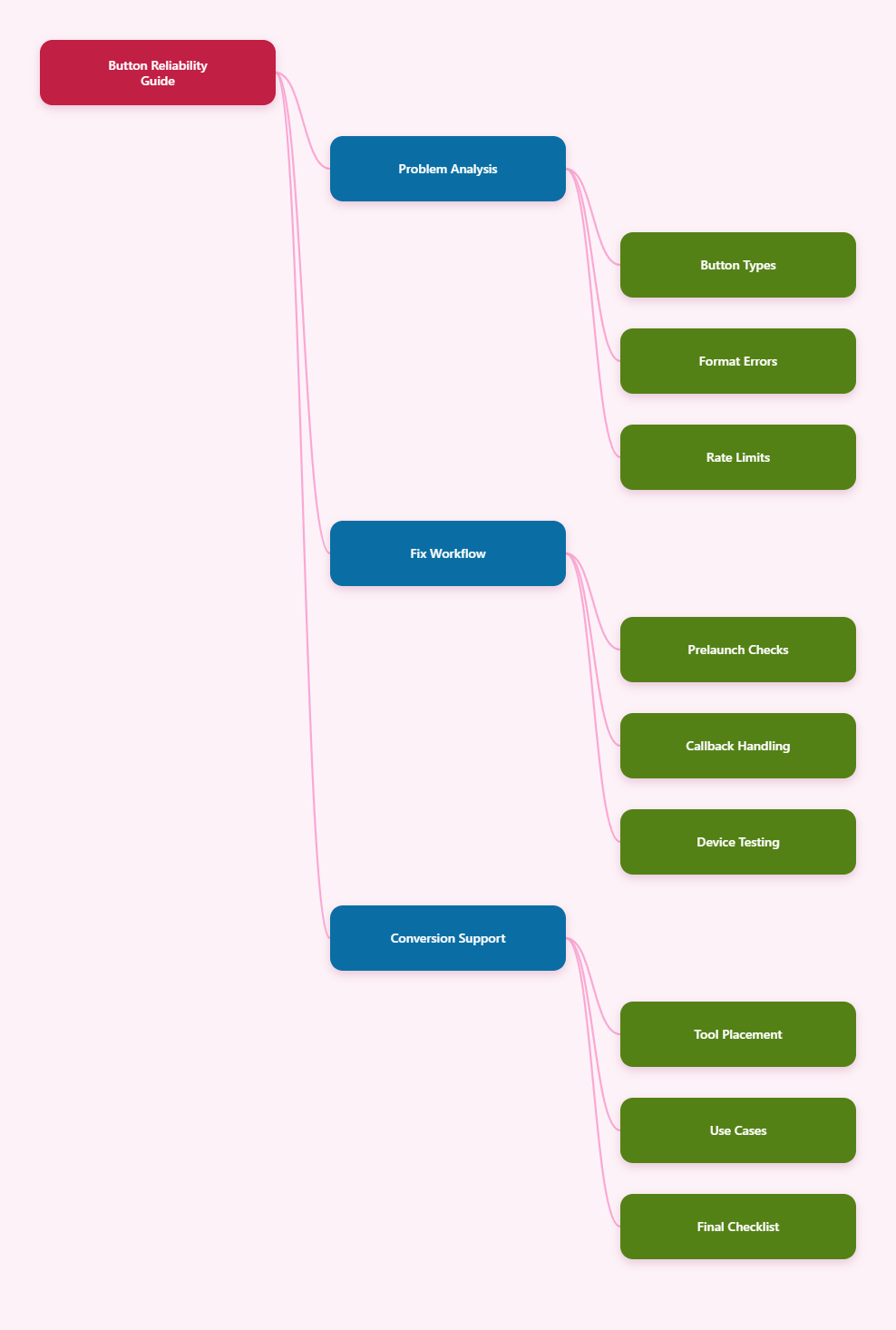
Why Telegram Buttons Matter More in 2026
Telegram is no longer only a broadcast channel. Many teams now use it for product launches, paid communities, customer support, crypto updates, SaaS onboarding, lead qualification, and private deal distribution.
Buttons are the bridge between attention and action. A good button can send users to a checkout page, open a support flow, confirm an RSVP, copy a code, or guide a user through a bot menu without forcing them to type commands.
Telegram officially supports bot features such as commands, inline keyboards, reply keyboards, web apps, login URLs, and business-related automation. Telegram Business also added features such as quick replies, opening hours, location, greeting messages, away messages, and chatbot support for business accounts.
That wider feature set creates more room for mistakes. In business mass messaging, one broken button can be repeated thousands of times in seconds.
What Are the Common Mistakes Breaking Telegram Buttons in Business Mass Messaging?
The most frequent problems are not caused by Telegram being unreliable. They usually come from incorrect button type selection, invalid JSON structure, formatting conflicts, callback queries that are not answered, rate-limit pressure, or campaigns that were never tested across real devices.
Before looking at each issue, it helps to separate the two button families most marketers encounter.
| Button Type | Where It Appears | Best Use | Common Failure |
|---|---|---|---|
| Inline keyboard | Attached under a bot message | Links, callbacks, menus, confirmations | Wrong callback handling or malformed reply_markup |
| Reply keyboard | Replaces the user input keyboard | Simple menu choices and repeated commands | Used when a URL or callback button is needed |
| URL button | Inline keyboard | Landing pages, payments, forms | Unencoded URLs or blocked tracking links |
| Callback button | Inline keyboard | Bot-side actions without posting text | Bot fails to answer callback query quickly |
Mistake 1: Using the Wrong Button Type
A reply keyboard and an inline keyboard are not interchangeable. Reply keyboards send text back into the chat. Inline keyboards sit under a message and can trigger callbacks, open URLs, launch web apps, or support other bot actions.
Many campaign teams break buttons because they design a message visually, then ask a developer or automation tool to “add buttons” without specifying the interaction type.
How to Fix It
- Use inline keyboards for CTA buttons under campaign messages.
- Use URL buttons when the goal is traffic to a page.
- Use callback buttons when the bot must record a choice or show the next step.
- Use reply keyboards only for simple menu-style conversations.
For business mass messaging, inline keyboards are usually the safer default because they keep the action attached to the exact promotional message.
Mistake 2: Invalid JSON or reply_markup Structure
Telegram Bot API expects button markup in a specific structure. A small nesting error can remove the entire keyboard. This often happens when marketers paste button settings into no-code tools, CRM workflows, or custom scripts.
A valid inline keyboard is arranged in rows. Each row contains one or more button objects. Each button must use the correct field, such as url or callback_data.
Common structure mistakes include:
- Placing inline_keyboard outside reply_markup.
- Sending a single object instead of an array of rows.
- Adding both url and callback_data to the same button.
- Using unsupported fields in a bot library version.
- Forgetting to serialize JSON in tools that require it.
The safest workflow is to keep one tested button template for each campaign type: product launch, webinar reminder, discount code, support escalation, and post-purchase onboarding.
Mistake 3: Mixing Parse Modes With Unsafe Text
One of the most overlooked common mistakes breaking Telegram buttons in business mass messaging is not the button itself. It is the message text above the button.
Telegram supports formatted bot messages through HTML and Markdown-style parse modes. If the message contains unescaped reserved characters, Telegram may reject the whole message. When that happens, the button never gets sent.
This is especially common in marketing copy because it often includes:
- Prices such as $49.99 or 20% off.
- UTM links with underscores and ampersands.
- Product names with brackets or parentheses.
- Countdown messages with exclamation points.
- User-generated text inserted into templates.
How to Fix It
- Choose one parse mode per message, usually HTML for marketing teams.
- Escape user-generated content before inserting it into formatted messages.
- Test every campaign message with real variables, not placeholder copy.
- Keep raw URLs inside buttons instead of cluttering the message body.
If your message fails only after adding bold text, emojis, tracking links, or dynamic names, inspect the parse mode before blaming the button.
Mistake 4: Not Answering Callback Queries Fast Enough
Callback buttons are powerful because they let users interact with a bot without sending a visible message into the chat. But every callback query needs a response from the bot. Telegram clients show a loading indicator until the bot answers.
If the bot waits too long while checking inventory, calling a CRM, generating a coupon, or querying an AI service, users may see a stuck button or receive an error. In practice, this feels like a broken campaign.
The better architecture is simple:
- Answer the callback immediately.
- Show a short confirmation such as “Got it” if needed.
- Process heavy work in the background.
- Edit the message or send a follow-up when the result is ready.
This matters more in mass messaging because hundreds of users may tap the same button within the same minute.
Mistake 5: Ignoring Telegram Rate Limits During Campaign Bursts
Telegram rate limits are a practical campaign design constraint. Telegram’s Bot FAQ states that bots cannot send bulk notifications faster than about 30 messages per second, and in groups they cannot send more than 20 messages per minute. Telegram also supports paid broadcasts for higher limits in specific cases.
These limits are not just technical trivia. If a campaign blasts too aggressively, requests may fail with Too Many Requests errors, retry delays, or uneven delivery timing. The message may send, but the follow-up button update or callback response may arrive late.
How to Fix It
- Queue outbound messages instead of firing all requests at once.
- Respect retry_after values when Telegram returns flood-control errors.
- Separate campaign broadcast jobs from callback-processing jobs.
- Throttle edits as carefully as new messages.
- Do not simulate “typing” or streaming by editing messages every second.
For high-value campaigns, reliability beats speed. A message delivered over several minutes with working buttons is better than a fast blast with inconsistent interaction.
Mistake 6: Sending Buttons That Look Good but Do Not Match User Intent
Buttons break psychologically before they break technically. If a user taps “Claim Offer” and lands on a long form, the button may function but the experience fails.
Business mass messaging works best when the CTA matches the user’s stage. A cold lead should not receive the same button as a paying subscriber. A customer with an open support case should not receive a generic sales menu.
Use segmentation before button design:
- New leads: “See Pricing,” “Get Demo,” or “Start Guide.”
- Active trial users: “Finish Setup” or “Book Onboarding.”
- Paid users: “View Update,” “Join VIP Chat,” or “Contact Support.”
- Dormant users: “Resume Trial” or “Get New Bonus.”
Better segmentation also reduces accidental spam reports because users receive actions that make sense.
Mistake 7: Overloading One Message With Too Many Buttons
A common campaign mistake is adding every possible option under one message. On desktop, six buttons may look manageable. On mobile, they can feel crowded, unclear, or easy to mistap.
Telegram users move quickly. If the button layout is confusing, they ignore it. For mass messaging, keep the first interaction simple.
A practical layout rule:
- Use one primary CTA for conversion campaigns.
- Add one secondary CTA only when it reduces support load.
- Put destructive or negative actions on a separate row.
- Keep button text short and action-led.
Examples of clean button text include “Join Webinar,” “Open Dashboard,” “Get Coupon,” “Talk to Support,” and “View Details.” Avoid vague labels such as “Click Here” or “More.”
Mistake 8: Using Risky Links in URL Buttons
URL buttons are often where marketing and compliance collide. A button may fail because the URL is malformed, redirected too many times, blocked by a shortener, or inconsistent with the message promise.
Telegram users are cautious about scams, especially in crypto, finance, gaming, and paid community niches. Telegram’s spam guidance also makes clear that unsolicited or unwanted advertising can lead to account limits.
Use safe link practices:
- Use HTTPS landing pages.
- Match the domain to your brand.
- Avoid unnecessary redirect chains.
- Test UTM parameters before launch.
- Do not disguise affiliate or payment links.
If a campaign depends on tracking, test the final URL after all redirects, not only the first link pasted into the button.
Mistake 9: Not Testing Across Telegram Clients
Telegram users may open your campaign on iOS, Android, desktop, web, or multiple devices. A button label that looks fine on desktop can wrap awkwardly on mobile. A web app or login flow may behave differently depending on the user’s environment.
A simple pre-send test should include:
- One iOS device.
- One Android device.
- Telegram Desktop.
- A test account with no admin rights.
- A user who has never interacted with the bot before.
The last point is important. Many campaign teams test as admins or existing bot users. Real subscribers may see different permissions, start states, or bot prompts.
How Can Teams Prevent Common Mistakes Breaking Telegram Buttons in Business Mass Messaging?
The safest approach is to treat Telegram campaigns like lightweight product releases. Every message with buttons should go through planning, technical validation, segmentation, test delivery, monitoring, and rollback preparation.
A Practical Pre-Launch Checklist
- Confirm whether each button is URL, callback, reply keyboard, web app, or login flow.
- Validate JSON or automation-tool button structure.
- Send the final message with real copy, links, and variables.
- Check parse mode errors before adding the campaign to a queue.
- Throttle delivery based on Telegram’s limits and your bot capacity.
- Monitor callback errors, failed sends, and support replies during launch.
Campaign teams should also keep a plain-text fallback. If the button fails, the user should still understand the offer and know how to continue.
Where OnlyTG Echo@EchoOnBot Fits Into a Safer Workflow
When teams run repeated Telegram campaigns, one pain point is checking how a message feels before a large send. If your workflow already includes OnlyTG Echo@EchoOnBot, you can use it as a lightweight echo-style testing step before handing the final copy to your broadcast system.
This does not replace Bot API validation, rate-limit controls, or real-device testing. It is most useful as an early review layer for operators who want to catch unclear copy, messy formatting, or inconsistent CTA language before a developer or automation platform sends the final version.
Practical Use Scenarios
Product launch preview: A SaaS team drafts a launch message with “View Changelog” and “Start Trial” CTAs. They run the copy through OnlyTG Echo@EchoOnBot first, shorten the button labels, and remove a long raw URL from the body.
Community announcement check: A paid trading community prepares a renewal reminder. The operator uses OnlyTG Echo@EchoOnBot to review tone and spacing before sending the message through the group’s approved bot workflow.
Support flow rehearsal: A customer success team tests whether “Talk to Support” and “Read FAQ” are understandable for new users. OnlyTG Echo@EchoOnBot helps the team review the message before the callback logic is tested in the production bot.
Depending on the setup available in your Telegram environment, OnlyTG Echo@EchoOnBot may also help with quick message repetition or copy review tasks. Keep it as a supporting step, not the center of your campaign infrastructure.
Operational Tips for Better Telegram Button Campaigns
- Write the CTA first, then write the message around that action.
- Keep the primary button visible, short, and specific.
- Use HTML formatting only where it improves scanning.
- Answer callback queries immediately, then process heavy work.
- Queue broadcasts and respect Telegram flood-control responses.
- Test with non-admin accounts before sending to real subscribers.
- Track button clicks against delivered messages, not only total audience size.
- Prepare a rollback message if links, prices, or forms are wrong.
FAQ: Common Mistakes Breaking Telegram Buttons in Business Mass Messaging
1. Why do my Telegram buttons disappear after sending a campaign?
The most likely causes are invalid reply_markup structure, unsupported button fields, or an automation tool that strips the keyboard payload. Test the exact final message through the same sending path you plan to use for the campaign.
2. Can I use Markdown or HTML with Telegram inline buttons?
Yes, formatted text and inline buttons can be used together, but the message text must be valid for the chosen parse mode. If reserved characters are not escaped correctly, Telegram may reject the message before the button is sent.
3. Why does an inline button keep loading after users tap it?
This usually happens when the bot does not answer the callback query quickly. The bot should acknowledge the callback immediately, then perform slower tasks such as CRM checks, coupon generation, or database updates afterward.
4. Are Telegram button failures caused by rate limits?
Sometimes. Rate limits can delay or block sends, edits, or follow-up actions during a burst. Telegram’s Bot FAQ mentions about 30 bulk messages per second and 20 messages per minute in groups, so campaigns should use queues and retry handling.
5. What is the best button type for business mass messaging?
For most campaigns, inline keyboards with URL buttons or callback buttons work best. Reply keyboards are better for persistent bot menus, not one-time promotional CTAs.
6. How many buttons should a Telegram campaign message include?
Use one primary button when possible. Add a second button only if it supports a clear secondary intent, such as support, FAQ, or details. Too many buttons reduce clarity on mobile screens.
7. How can I reduce spam risk in Telegram business messaging?
Send messages only to users who expect them, segment your audience, avoid misleading links, respect opt-outs, and keep the CTA relevant. Telegram can limit accounts that send unwanted advertising or spam-like messages.
Conclusion
The common mistakes breaking Telegram buttons in business mass messaging usually come from preventable workflow gaps: wrong button types, fragile formatting, slow callback handling, aggressive broadcast speed, and weak testing.