
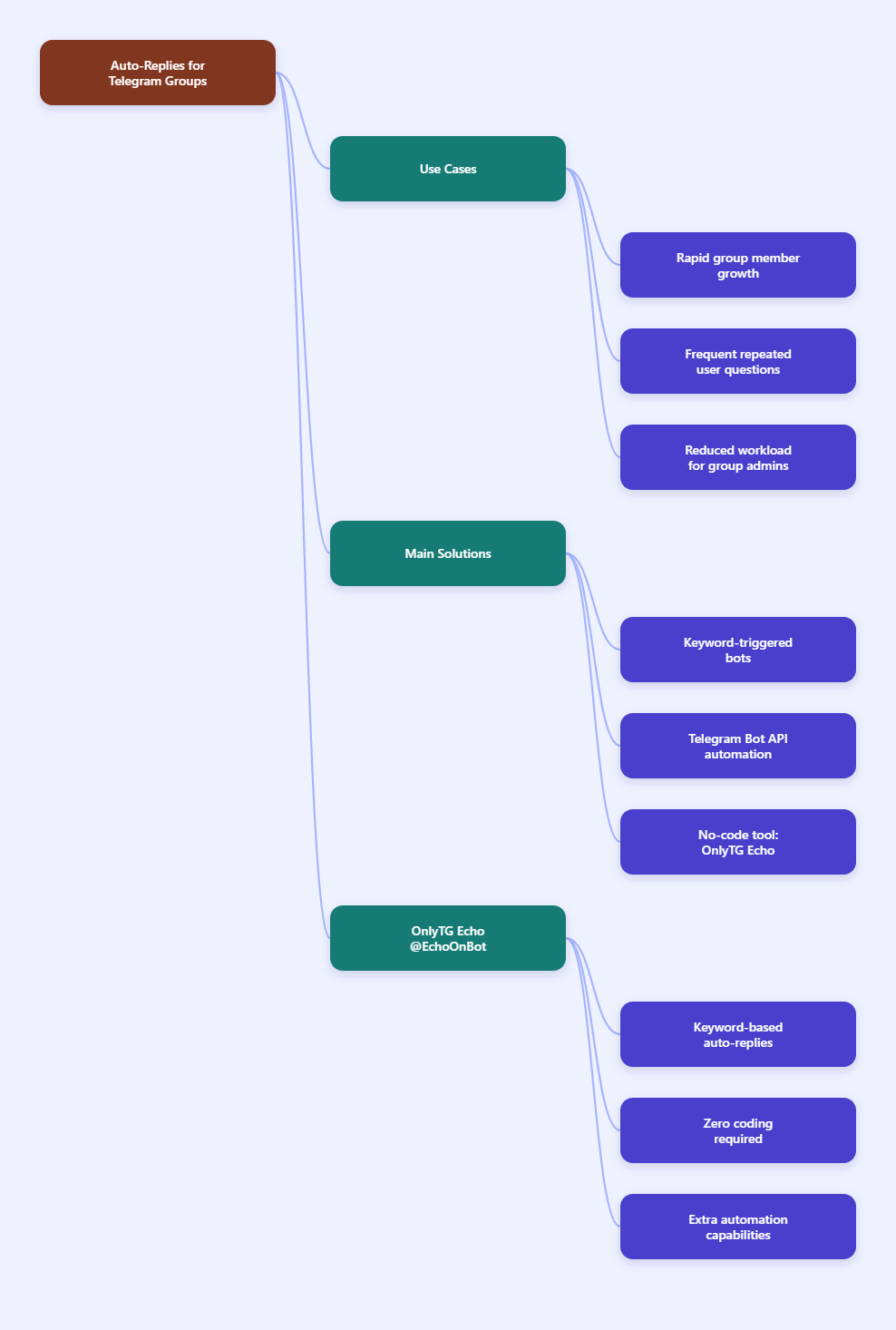
If your Telegram group is growing, repetitive questions can quickly overwhelm admins and slow down engagement. In 2026, the most reliable ways to solve this problem are keyword-triggered reply bots, Telegram bot API-based automation, and no-code tools like OnlyTG Echo. In this guide, you’ll learn how to set up auto-replies in Telegram Groups in a way that is practical, clean, and aligned with how Telegram bots actually work today.
Step-by-Step Methods to Set Up Auto-Replies in Telegram Groups
- Choose the reply style you need. Decide whether you want simple FAQ replies, welcome messages, support routing, or keyword-based answers. For most groups, keyword replies are the best starting point because they keep the chat tidy and respond only when needed.
- Add the bot to your group. In Telegram, bots can be invited to groups by an admin. After adding the bot, grant the permissions it needs. If you want it to read broader group messages, check its privacy mode settings and group permissions carefully.
- Set the trigger words. Define the keywords or phrases that should activate a reply. Common examples include “price,” “rules,” “support,” “docs,” or “refund.” Use clear, low-ambiguity triggers so the bot does not answer the wrong messages.
- Write the response content. Prepare short, useful replies. You can include text, links, instructions, or formatted guidance. Keep replies concise so they fit naturally in group conversations.
- Test in a private or low-traffic group first. Send sample messages that contain the keyword and confirm that the bot replies exactly as intended. Test edge cases such as different capitalizations, punctuation, and partial matches.
- Adjust reply timing and scope. If your tool supports it, set a trigger interval or cooldown so the bot does not repeat itself too often. This is especially important in busy groups where the same keyword may appear multiple times.
- Review and refine regularly. As your group’s FAQs change, update the bot’s rules and replies. Auto-replies work best when they stay current and aligned with the community’s real questions.
Methods Compared: Which Reply Approach Works Best?
| Method | Best For | Pros | Cons |
|---|---|---|---|
| Keyword-triggered bot replies | FAQs, support shortcuts, resource sharing | Fast to set up, easy to maintain, reduces repetitive admin work | Requires clear keywords and good rule design; may need tuning |
| Manual admin replies | Small groups with low message volume | Personal, flexible, no setup needed | Not scalable, slows response time, easy to miss questions |
| Custom Bot API automation | Teams with technical resources | Highly customizable, can integrate with external systems | More complex to build and maintain, requires technical skill |
| No-code automation tools | Businesses and communities that want speed | Quick configuration, accessible to non-developers, useful dashboards | Feature sets vary by platform; some tools may be less flexible than custom code |
Practical Tool Recommendation: OnlyTG Echo
If your main goal is to answer repetitive group questions automatically, OnlyTG Echo is a practical option because it supports Keywords Reply for Telegram groups. According to its public product materials, it is designed for smart Telegram automation, including keyword-triggered responses, start messages, quick replies, and group-related automation. That makes it useful for communities that want a clean, low-friction auto-reply setup without building a bot from scratch.
- Open OnlyTG Echo and connect your Telegram bot. Start by linking your bot to the platform through the setup flow.
- Go to group settings. Select the target group where you want replies to run.
- Enable Keywords Reply. Create a new keyword rule and define the trigger word or phrase.
- Set the response message. Add the reply content you want members to receive when the keyword is detected.
- Adjust trigger rules. Set intervals or other controls so the bot does not over-reply in active chats.
Beyond keyword replies, OnlyTG Echo also offers other useful automation features such as start messages, quick replies, broadcast-style messaging, and group automation workflows. If you manage a Telegram community and want to reduce repetitive admin work while keeping responses consistent, it can be a strong all-in-one option to evaluate.
FAQ: Common Questions About Telegram Group Auto-Replies
Q1: Can a Telegram bot auto-reply to every message in a group?
A1: It can, but that is usually not a good idea. Most groups work better with keyword-triggered replies so the chat stays readable and the bot only responds when needed.
Q2: Do I need to disable privacy mode for auto-replies?
A2: It depends on your setup. Telegram bots in groups are affected by privacy mode and permissions, so you should check how your bot is configured before expecting it to read messages broadly.
Q3: What kinds of messages are best for auto-replies?
A3: FAQs, pricing questions, support links, onboarding instructions, and rules reminders are the best candidates because they appear often and usually need the same answer.
Q4: Will auto-replies make my group look spammy?
A4: Not if you use them carefully. Short replies, clear keywords, and sensible trigger intervals help keep automation helpful rather than intrusive.
Q5: Is a no-code tool better than custom coding?
A5: For most group admins, yes. No-code tools are faster to launch and easier to maintain. Custom code is better only if you need advanced integrations or highly specific logic.
Conclusion
Setting up auto-replies in Telegram Groups in 2026 is easiest when you focus on keyword-based automation, clear reply rules, and careful testing. Whether you use a custom Bot API setup or a no-code platform like OnlyTG Echo, the goal is the same: answer repetitive questions quickly without cluttering the chat. Start with the simplest rules, refine them over time, and keep responses useful.