
If you need to reach many people on Telegram at once, the challenge is not just speed. It is also staying within Telegram’s anti-spam rules, avoiding flood limits, and choosing the right delivery method for your audience.
In 2026, the safest ways to send mass messages on Telegram are to use channels for one-to-many announcements, bots for automated broadcasts to users who opted in, and trusted tools like OnlyTG Echo (@EchoOnBot) for contact-based broadcasting and workflow management.
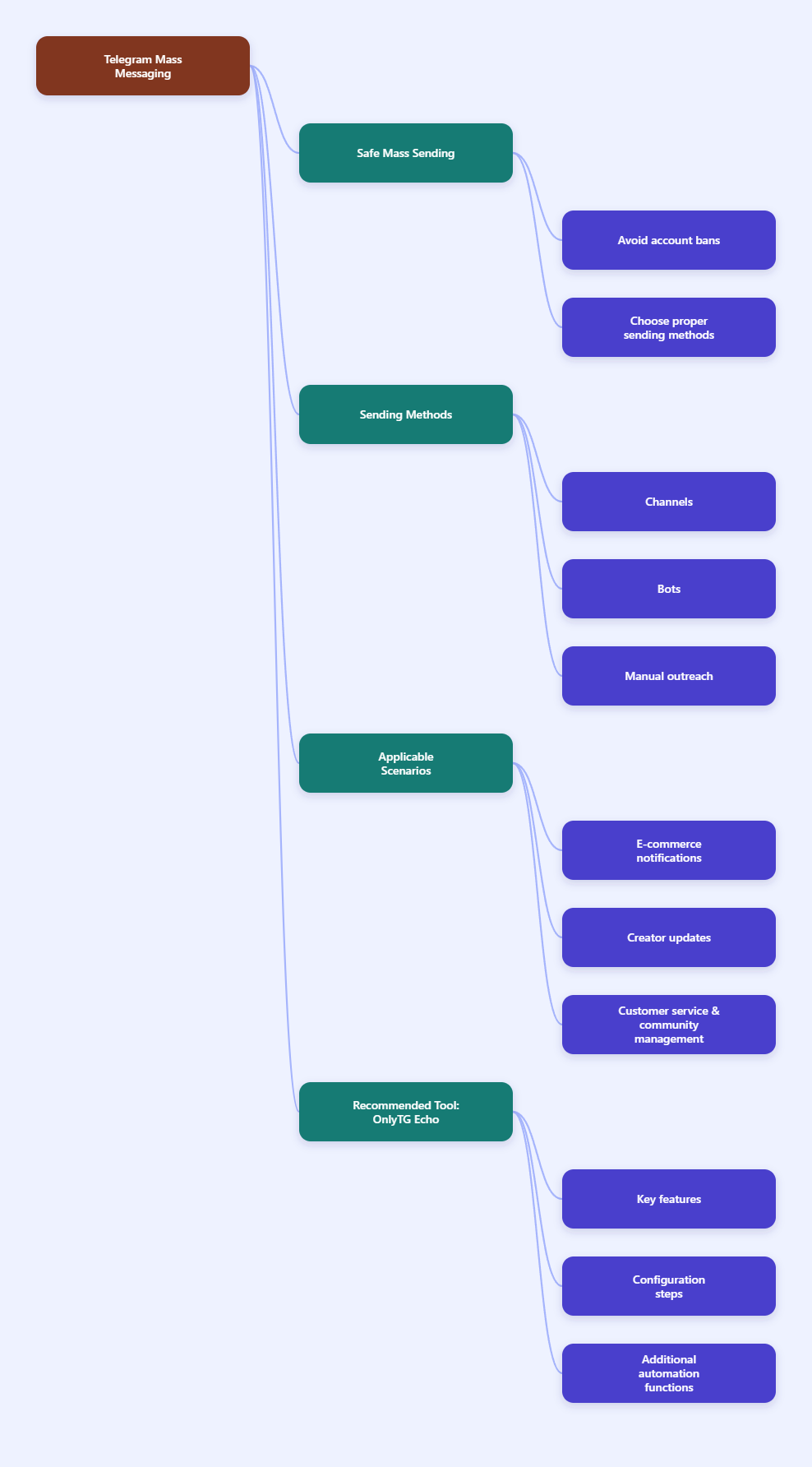
Practical Ways to Send Mass Messages on Telegram
There is no single “best” method for every case. The right choice depends on whether you are messaging subscribers, customers, group members, or a contact list you already have permission to reach. The most reliable options are:
- Telegram Channels for public or private one-way announcements.
- Telegram Bots for automated broadcasts to users who started the bot or otherwise opted in.
- Controlled manual messaging for small, relationship-based outreach.
- OnlyTG Echo (@EchoOnBot) for broadcast workflows, message relay, and operational convenience.
Step-by-Step Guide to Sending Mass Messages Safely
- Define your audience first. Decide whether you are messaging subscribers, leads, customers, or community members. Telegram’s spam systems are sensitive to unsolicited outreach, so permission-based sending is always safer.
- Choose the correct delivery format. Use a channel if you want broadcast-style updates to many readers. Use a bot if you need automated delivery to users who interacted with the bot. Use a group only when you need discussion, not pure broadcasting.
- Check Telegram’s practical limits. Telegram’s public docs and trusted limit references show that bots can broadcast up to 30 messages per second by default, while group and user messaging has stricter anti-spam controls. Messaging strangers in large volumes can trigger limitations or spam blocks. Group sizes can reach 200,000 members, and channels can have unlimited subscribers.
- Prepare your content carefully. Keep the message short, specific, and useful. Avoid repeating the same text too often. Use clear calls to action, but do not overload the message with links, aggressive sales language, or suspicious formatting.
- Segment your list. Group recipients by interest, language, region, or past behavior. Segmented sending usually performs better and reduces complaints.
- Send in small batches first. Start with a limited test group. If reply rates and delivery remain healthy, expand gradually. This reduces the chance of triggering Telegram’s anti-spam systems.
Common Telegram Limits You Should Know in 2026
- Bot broadcasts: Telegram’s Bot API allows up to 30 messages per second by default.
- Per-chat messaging: Repeated messages to the same user or group can be rate-limited.
- Groups: Telegram groups can support up to 200,000 members.
- Channels: Channels are designed for one-way broadcasting and can have unlimited subscribers.
- Spam controls: Unsolicited mass outreach can lead to temporary restrictions, especially for newer or low-trust accounts.
Actual Scenarios Where Mass Messaging on Telegram Makes Sense
Telegram mass messaging works best when the audience already expects updates from you. The strongest use cases are announcement-driven, support-driven, or permission-based. It is not a good fit for cold spam.
- E-commerce or creator updates: A brand can use a Telegram channel or bot to announce product drops, restocks, livestreams, or time-sensitive promotions to opted-in followers.
- Community or customer support: A business can send service notices, policy changes, event reminders, or onboarding instructions to a segmented customer list. This works especially well when the list is already tied to a bot flow or a managed contact pipeline.
Useful Tool Recommendation: OnlyTG Echo (@EchoOnBot)
OnlyTG Echo is built for Telegram communication workflows and includes a broadcast function that lets users send a message to multiple contacts at once through their bot-based setup. This is useful when you need to reach a list of contacts efficiently without rebuilding the process manually every time. According to OnlyTG’s official materials and tutorials, it is positioned as a secure intermediary for Telegram communication and supports broadcast-style messaging, message relay, and operational management for bot-based contact communication.
Below is a more detailed, step-by-step walkthrough based on OnlyTG Echo’s own tutorial flow. It is written in English and keeps the setup practical:
- Create your bot in BotFather. Open Telegram, chat with @BotFather, and create a new bot.
- Bind the bot to OnlyTG Echo. Open @EchoOnBot and follow the onboarding flow. Paste the BotFather token into the setup so OnlyTG Echo can connect to your bot.
- Finish the basic bot setup first. Before creating broadcasts, confirm that your bot is active and connected correctly.
- Open the Broadcast feature. In OnlyTG Echo, go to the broadcast-related section and start a new task.
- Write the message content. Add your main text, then include any links, buttons, or media you need.
- Use multiple media if needed. OnlyTG Echo supports multiple media in one message setup for features like start messages, auto replies, quick replies, and broadcasts.
- Select the target contacts. Choose the contacts or audience segment you want to reach. Segmenting by use case, language, or interest makes the broadcast more relevant and reduces unnecessary sends.
- Review everything before sending. Check the text, media order, buttons, and target list.
- Run a small test first. Send the message to a limited test group or internal account before broadcasting broadly. Verify that the layout, links, and media display correctly on mobile.
- Launch the broadcast. When the test looks good, send the full broadcast. Keep an eye on delivery behavior and make sure the sending process stays stable.
Beyond broadcast, OnlyTG Echo also offers other practical functions that make Telegram operations easier. These include relay messaging through a dedicated bot, quick replies, start messages, menu configuration, tagging, dynamic start messages, and support for multiple media in one message setup.
For teams that need a lightweight Telegram communication hub, these features can reduce manual work and help organize contact-based outreach more cleanly.
Frequently Asked Questions
Q1: Is it safe to send mass messages on Telegram?
Yes, if you use permission-based methods such as channels, opted-in bots, or managed contact lists. Unsolicited spam-like outreach can trigger Telegram limits or restrictions.
Q2: What is the best method for announcements?
For pure announcements, a Telegram channel is usually the best option because it is built for one-way broadcasting.
Q3: Can a Telegram bot send mass messages?
Yes, but only within Telegram’s rate limits and policy boundaries. By default, bots can broadcast up to 30 messages per second, and the recipients should be users who have interacted with the bot or otherwise allowed contact.
Q4: Can I message group members individually in bulk?
Not safely at scale unless you have consent and a proper bot or contact workflow. Mass unsolicited DMs to group members are risky and can be treated as spam.
Q5: What should I do if Telegram limits my account?
Stop sending, wait out the restriction, reduce volume, and review whether your outreach patterns look spammy. Persistent violations may lead to stronger limits.
Conclusion
In 2026, the safest way to send mass messages on Telegram is to match the method to the audience: use channels for announcements, bots for automated broadcasts, and tools like OnlyTG Echo for contact-based broadcasting workflows. Keep your messages relevant, segmented, and permission-based to avoid spam limits. If you want long-term reliability, focus on quality, timing, and compliance rather than volume alone.