
If you want to buy telegram stars bank card payment options in 2026, the safest path is still the official Telegram checkout flow. Telegram Stars are the native currency for digital goods and services inside bots and Mini Apps, and the cleanest way to get them is through Telegram’s own payment routes rather than random resellers.
The main question is not whether card-based checkout exists, but which route your device and region support. In practice, Telegram can route payments through app-store billing, Apple Pay, Google Pay, or an official bot flow, depending on where you open the purchase screen.
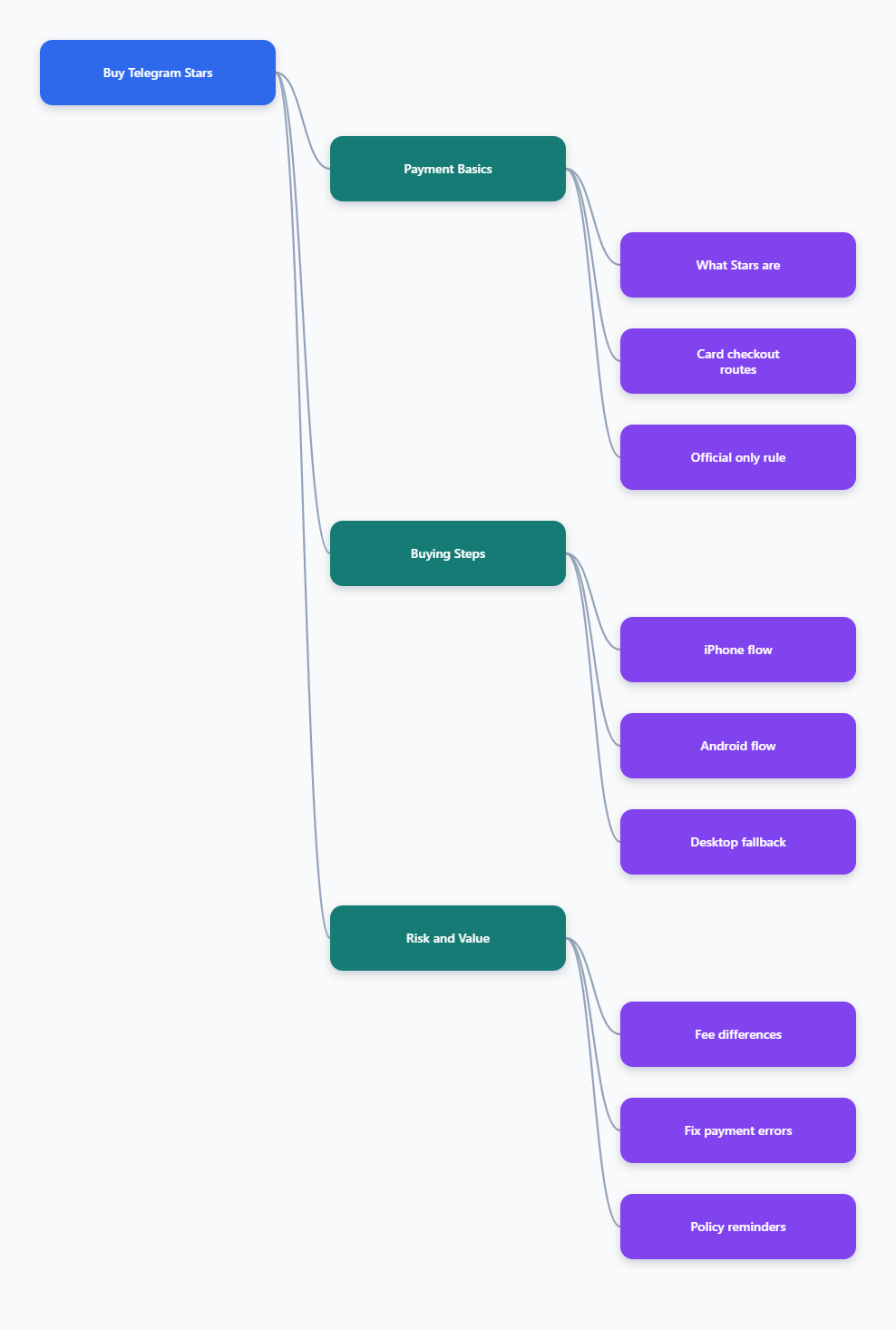
Buy Telegram Stars With Bank Card Payment: The Official Routes in 2026
Telegram uses third-party payment processors for Star purchases, and Telegram itself does not store your card details. That is useful from a security standpoint, but it also means the exact checkout screen can change by platform, region, and processor.
What counts as a bank card payment?
In this context, bank card payment usually means paying with a credit or debit card through a supported checkout. On mobile, that often happens through Apple Pay or Google Pay. On some desktop or bot flows, you may see a direct card form from the processor.
The exact card brands accepted depend on the provider and your country. A Visa or Mastercard that works online will often work, but the final approval still sits with the payment processor and your bank.
The three official purchase paths
- In-app purchase: Best for iPhone and standard Android app users who see the Stars store in Telegram.
- @PremiumBot: Best for direct Android, web, and desktop users who need an official Telegram-owned purchase route.
- Fragment with TON: Official, but not a card route, so use it only if you prefer crypto or card checkout is unavailable.
For most people, the simplest option is the in-app route. If that does not show up, @PremiumBot is the next official place to check.
When a card route is the best choice
Choose a card route when you want speed, familiar checkout, and no crypto steps. It is also the easiest path for first-time buyers who just need Stars for a bot, Mini App, subscription, or digital tip.
If you are buying regularly, the official flow is still the safest because it keeps the transaction inside Telegram’s ecosystem and the processor’s normal card dispute rules.
Step-by-Step: How to Buy Telegram Stars on Each Device
The purchase flow is not identical across devices, so it helps to match the method to the platform you are using. The goal is simple: stay inside the official Telegram surfaces and avoid third-party sites that promise cheaper Stars but offer less control.
On iPhone or iPad
- Open Telegram and go to the bot, Mini App, or feature that asks for Stars.
- Select the Star amount you want to buy.
- Complete the checkout through the Apple purchase flow if it appears.
- Confirm the payment with Face ID, Touch ID, or your Apple account method.
On iOS, Apple typically controls the in-app purchase layer. That means your card may be charged through your Apple payment profile rather than through a separate Telegram card form.
For a first purchase, start small. A small test order is the easiest way to confirm that your bank and region are both compatible.
On Android
- Open Telegram on the Android build you actually use.
- Check whether the Stars purchase screen is visible in-app.
- If the app route is not available, open @PremiumBot.
- Follow the prompts and complete the card-based checkout if shown.
Android users have more variation because the direct Telegram build, the Google Play build, and the bot route can behave differently. If the standard app screen does not show a purchase button, @PremiumBot is the official fallback many users rely on.
Keep your card ready, but do not assume every country will show the same payment options. If the bot opens a wallet or processor page, that is normal.
On Desktop or Web
- Log into Telegram Web or Telegram Desktop.
- Open @PremiumBot from your account.
- Select the Stars package you need.
- Finish the processor checkout with your card.
This route is useful when you work from a laptop or when mobile checkout is blocked. It is still an official Telegram path, so it is a better choice than unknown marketplaces.
If the desktop flow fails, do not keep retrying blindly. Check whether the issue is your browser, your bank, or a regional restriction before you try again.
| Route | Typical payment layer | Best for | Notes |
|---|---|---|---|
| iPhone/iPad app | Apple checkout | Fast mobile purchase | Often the smoothest for Apple users |
| Android app | Google or bot checkout | Direct in-app buying | Availability can vary by build and country |
| @PremiumBot | Card or processor page | Web, desktop, fallback | Official Telegram route for direct access |
| Fragment | TON only | Crypto users | Not a bank card route |
How Telegram Stars Pricing and Fees Work in 2026
Price is where many buyers get confused. Telegram Stars are not priced like a fixed retail product, because the final amount can change by platform, local taxes, processor fees, and regional billing rules.
Why the same Stars package can cost more on mobile
Mobile app stores add their own billing layer, so the total price may be higher than other routes. That is why the same package can feel more expensive on a phone than on a desktop bot checkout.
The difference is not a hidden Telegram trick. It is usually the result of app-store billing and the processor path used to collect your payment.
What to check before you pay
- Total currency: Make sure the checkout shows the currency you expect.
- Final amount: Review the exact amount before confirming.
- Card type: Check whether your debit or credit card is supported.
- Region: Confirm that your country is not restricted for Stars purchases.
Those four checks prevent most bad surprises. They also help you avoid failed authorizations that happen because the processor and your bank do not match on region or card policy.
How to compare routes without guessing
If you are choosing between mobile and desktop, compare the final checkout total rather than the sticker price shown in a screenshot. The route with the lowest advertised amount is not always the cheapest once fees are applied.
If one route is blocked, the official alternative may still work. That is another reason to know both the app flow and @PremiumBot flow before you commit.
What to Do If the Bank Card Payment Fails
Card failures are common enough that you should expect them at least once. The good news is that most failures are fixable without changing your Telegram account.
Check the most common causes first
- Bank decline: Your bank may block online, international, or app-store payments.
- Incorrect build: You may be using an app version that does not expose the purchase option.
- Regional block: Your country or payment rail may not support the checkout.
- Card limits: Daily online limits or fraud rules may stop the charge.
Start with the bank. A quick authorization check often tells you whether the decline came from your card issuer or from the Telegram payment page.
If your bank says the card is fine, test another official route before you try a third-party seller. That gives you a cleaner diagnosis and reduces the chance of paying someone who cannot deliver.
Practical fixes that usually help
- Try a different official route such as @PremiumBot.
- Use another supported debit or credit card.
- Switch from mobile to desktop, or the other way around.
- Ask your bank whether international or digital purchases are blocked.
These steps solve many cases without any technical digging. If none of them work, the issue is often regional rather than account-specific.
Do not keep retrying a broken checkout
Repeated failed attempts can trigger more fraud checks from your bank. One or two controlled retries are fine, but if the same error keeps returning, pause and switch route instead of hammering the same screen.
That approach saves time and keeps your card from getting temporarily locked.
Security and Policy Checks Before You Buy
Buying through the official route is not just about convenience. It is also the safest way to stay inside Telegram’s actual rules for Stars.
Know the refund rule
Telegram’s Terms of Service for Stars say sales are final and Telegram does not issue refunds for unwanted or unintentional purchases of Stars. If a bot or mini app fails to deliver what it promised, the developer can refund the Stars at no penalty.
That distinction matters. The refund path belongs to the seller in the failed-delivery case, not to Telegram for casual buyer’s remorse.
Keep the purchase inside official surfaces
Only use the Telegram app, @PremiumBot, or another Telegram-owned official route. If a third-party site asks you to log in with a suspicious form, send funds first, or share sensitive data, stop there.
Telegram does not need your card number in a random chat. The secure path is always the one that redirects you into a standard payment processor flow.
Remember what purchased Stars are for
Stars bought with a bank card are mainly meant to be spent inside Telegram on digital goods and services. If you are a creator, earned Stars can later be withdrawn through the official payout path, which goes through Fragment and has its own minimum and waiting period.
For buyers, the important point is simpler: buy only what you plan to use. That avoids accidental balances sitting in your account.
Frequently Asked Questions
Can I buy Telegram Stars with any bank card?
Usually, you can use a major debit or credit card if the processor supports it. In practice, the final answer depends on your country, your bank, and whether the checkout is routed through Apple Pay, Google Pay, or a direct card page.
Is @PremiumBot better than the app store checkout?
Not always, but it is a very useful fallback. Some users prefer it because it works on web, desktop, and direct Android routes when the in-app screen is missing or limited.
Should I buy from a reseller if the card payment fails?
Usually no. If the official route is failing, the safer move is to fix the bank or region issue, then try another official Telegram path. That keeps your purchase within the normal support and dispute framework.
Can I withdraw Stars that I bought with a card?
No, not as a normal buyer. Bought Stars are for spending inside Telegram, while creators can withdraw earned Stars through the official Fragment path after meeting the current eligibility rules.
Final Takeaway
If your goal is to buy Telegram Stars with bank card payment in 2026, the safest answer is to stay with official Telegram routes. Use the in-app checkout when it appears, fall back to @PremiumBot when needed, and avoid random marketplaces that promise shortcuts.
The main advantage of the official flow is simple: it keeps your payment inside a recognized processor, follows Telegram’s current rules, and gives you a clean path if something fails. For most buyers, that is the best mix of speed, safety, and convenience.