
I have watched too many Telegram groups lose good members in the first five minutes. A user joins, sees noise, misses the pinned post, asks the same question, then disappears..
In this guide, I will walk through the real operating logic behind Telegram greetings, buttons, join flows, moderation, and onboarding. I will also show where a light automation tool, such as OnlyTG Echo@EchoOnBot, can fit without making the whole article about software.
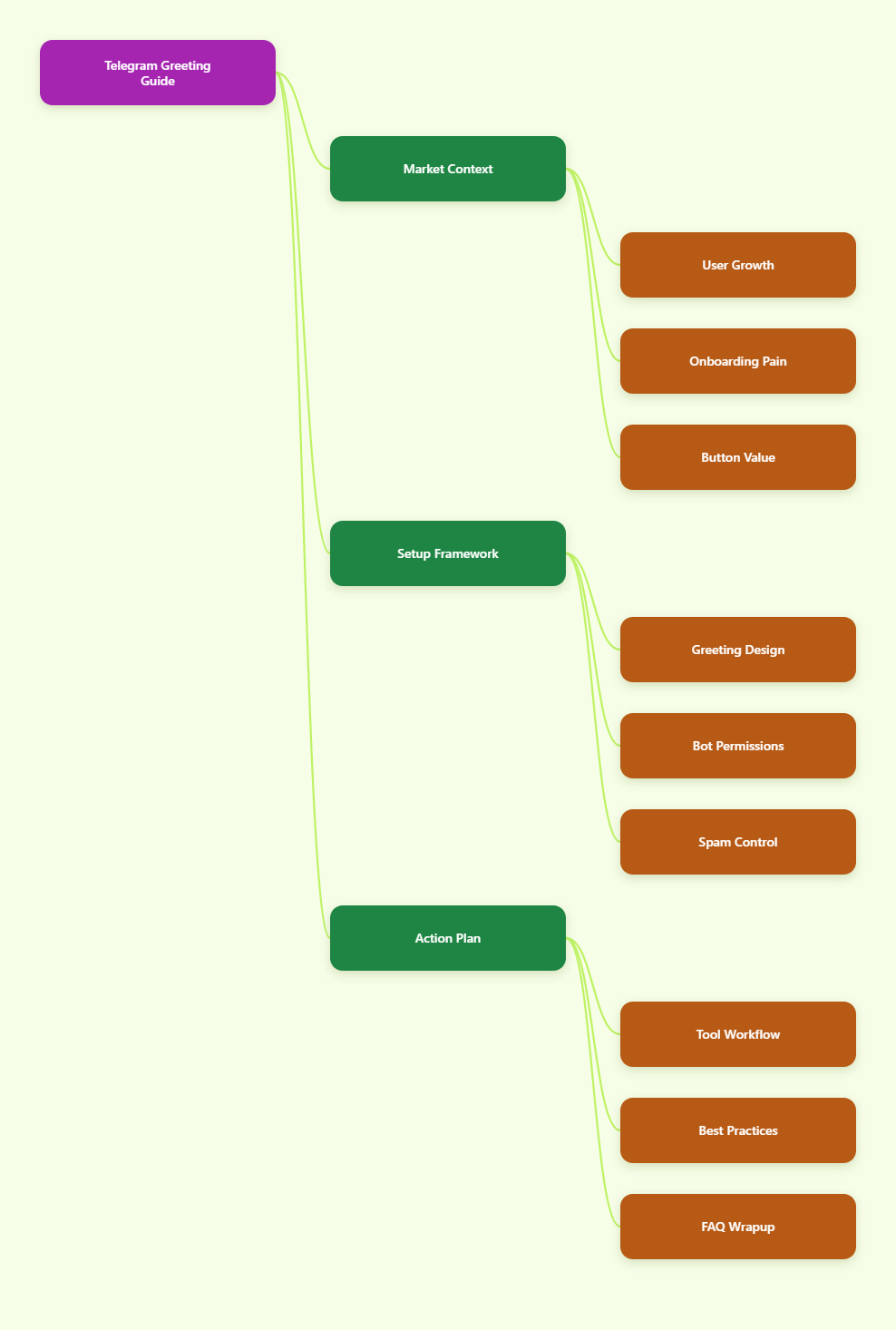
Why Auto Greeting Telegram With Clickable Buttons Matters in 2026
Telegram is no longer a side channel for niche communities. Telegram passed 1 billion monthly active users in 2025, according to public statements reported by TechCrunch and other industry trackers.
That scale changed the job of Telegram operators. A channel or group now competes with newsletters, Discord servers, WhatsApp communities, paid memberships, and private creator funnels.
The first message has to do more work now. It should welcome, filter, route, educate, and protect the chat from spam.
A strong greeting with clickable buttons helps you:
- Send new members to rules before they post.
- Point buyers to support instead of public chat.
- Route leads by language, region, or product interest.
- Reduce repeated beginner questions.
- Make pinned resources easier to find.
I see the best Telegram operators treat onboarding like a product experience. They do not dump ten links. They guide one next action.
| Signal | Recent Public Data | Why It Matters for Telegram Operators |
|---|---|---|
| Monthly active users | Telegram reported over 1 billion monthly active users in March 2025. | Larger audiences bring more low-intent joins, spam, and support load. |
| Daily usage depth | Pavel Durov said users open Telegram about 21 times daily and spend 41 minutes per day. | Good onboarding can create repeated touchpoints quickly. |
| App downloads | Backlinko reports 271.8 million Telegram downloads across App Store and Google Play in 2024. | New user inflow keeps rising, so beginner-friendly routing matters. |
| Bot ecosystem | Telegram Bot API supports commands, inline keyboards, reply keyboards, and deep links. | Clickable onboarding is possible without forcing users through long text. |
What Makes a Telegram Welcome Message Actually Work?
A good welcome message is short. It confirms the group purpose, sets behavior rules, and gives one clear next step.
I usually build a welcome message around five parts:
- Context: Tell users where they are.
- Promise: Explain what value they will get.
- Boundary: Mention the most important rule.
- Action: Give one button-driven next step.
- Fallback: Offer support or FAQ access.
Here is the mistake I still see every week. Operators write a warm paragraph, then paste six naked links below it. On mobile, that looks messy and easy to ignore.
Clickable buttons fix that. A button can say “Read Rules,” “Start Here,” “Get Support,” or “Choose Language.” The user knows where to tap.
Inline Buttons vs Reply Keyboards
Telegram supports different button styles through its bot features and Bot API. The two common choices are inline keyboards and reply keyboards.
Inline buttons sit under a bot message. They can open URLs, trigger callback actions, or guide navigation without sending visible chat messages.
Reply keyboards replace the user keyboard with predefined options. When users tap them, they send text into the chat or bot conversation.
For onboarding, I prefer inline buttons. They keep the group cleaner. They also feel closer to a landing page menu.
How Do You Build an Auto Greeting Telegram With Clickable Buttons?
The cleanest setup starts before any bot configuration. Decide what the greeting must achieve.
I use this simple workflow:
- Define the member type you want to welcome.
- Choose one primary action for the first message.
- Write the greeting under 120 words.
- Add two to four buttons maximum.
- Test the flow from a fresh Telegram account.
- Review support questions after one week.
Do not start with automation. Start with the journey. Automation only makes a bad journey faster if the structure is weak.
A Practical Greeting Template
Here is a simple version I use for marketing communities:
“Welcome to the Growth Lab. We share Telegram, funnel, and paid traffic lessons here. Please read the rules before posting links. Start with the checklist, then introduce yourself when ready.”
The buttons can be:
- Start Here
- Group Rules
- Free Resources
- Ask Support
That is enough. If you need eight buttons, you probably need a better resource hub.
The Hidden Problem: Greetings Alone Do Not Stop Spam
An auto greeting Telegram with clickable buttons improves onboarding, but it does not replace moderation.
Spam still enters through public links, forwarded promotions, fake investment accounts, and raid-style joins. Crypto, trading, SaaS, and creator communities see this most often.
Telegram gives operators several layers to manage this:
- Private groups with invite links.
- Join requests before entry.
- Bot-based approval workflows.
- Admin permissions for deleting or restricting users.
- Pinned rules and topic organization.
The key is balance. If entry is too open, spam wins. If entry is too strict, real users drop off.
I like a light gate for high-risk communities. Ask one simple question, then approve the user. Do not make normal people complete a job interview to join a chat.
Where Clickable Buttons Improve Conversion
Buttons are not just pretty UI. They reduce decision friction.
In Telegram, people often join from ads, influencer posts, product pages, YouTube descriptions, or referral links. They arrive with different intent levels.
A button-based greeting can segment them fast:
- New leads tap “Beginner Guide.”
- Customers tap “Support.”
- Partners tap “Media Kit.”
- Paid members tap “Access Dashboard.”
- Non-English users tap a language option.
This matters for SEO and marketing teams too. A Telegram group is often the warmest step after search traffic. If the first Telegram experience feels chaotic, your landing page work gets wasted.
Using OnlyTG Echo@EchoOnBot for This Workflow
When I want a no-code route for welcome automation, I look for tools that support the basic Telegram flow: add the bot, grant the right permissions, configure the greeting, attach buttons, and test the member journey.
I would use OnlyTG Echo@EchoOnBot for three realistic scenarios.
First, a paid trading group. New members need rules, risk disclaimers, and a support path. Buttons can route them to “Read Rules,” “Member Guide,” and “Billing Help.”
Second, a SaaS user community. Trial users ask repeat setup questions. A greeting can link to onboarding docs, release notes, and a ticket form.
Third, a crypto project chat. Join requests and first-message rules reduce scam links. Buttons can send users to official links and safety warnings.
OnlyTG Echo@EchoOnBot may also help with related community tasks such as welcome routing, entry verification, and lightweight onboarding flows. I still recommend checking the current bot menu before relying on any feature in production.
Best Practices for Telegram Button Copy
Button labels need to be boringly clear. This is not the place for clever copy.
Use verbs when possible:
- Read Rules
- Start Here
- Get Support
- Verify Access
- Download Checklist
- Choose Language
Avoid vague labels like “More,” “Info,” or “Click.” They do not tell users what happens next.
I also avoid emoji-heavy labels in serious communities. One emoji can help scanning. Five emojis make the greeting look like spam.
Common Setup Mistakes I See
Most broken Telegram greetings come from simple mistakes.
- Too many buttons: Users freeze when every option looks important.
- No mobile test: Long labels wrap badly on small screens.
- Missing permissions: The bot cannot greet, approve, or moderate correctly.
- Outdated links: Old pinned posts confuse new members.
- No fallback: Users need a human route when automation fails.
Bot privacy mode can also confuse operators. Telegram bots in groups may not receive every message by default. If your flow depends on group messages, review BotFather privacy settings and admin permissions carefully.
Do not disable privacy mode casually. A bot that reads every message can increase server load and raise privacy expectations.
How to Measure Whether Your Greeting Works
You do not need a complex analytics stack at the start. Track simple signals.
- How many new members introduce themselves?
- How often do people ask questions answered in the greeting?
- Which support questions repeat after joining?
- Do spam posts appear before users read rules?
- Do users click your main resource link?
If repeated questions stay high, rewrite the greeting. If spam stays high, improve entry gating. If users do nothing, reduce the number of buttons.
I usually review the first seven days after a new welcome flow goes live. That window shows the obvious friction points.
Practical Checklist for 2026 Operators
Before you launch an auto greeting Telegram with clickable buttons, run this checklist:
- Keep the greeting under 120 words.
- Use two to four buttons only.
- Put the most important button first.
- Link to one current “Start Here” post.
- Test from a new non-admin account.
- Check bot permissions after every admin change.
- Review repeated questions weekly.
- Update links when campaigns change.
The best Telegram communities feel human, not automated. Automation should remove confusion, not personality.
FAQ: Auto Greeting Telegram With Clickable Buttons
What is an auto greeting Telegram with clickable buttons?
It is an automated welcome message that appears when a user joins or starts a bot flow. The message includes buttons that route users to rules, resources, support, verification, or other next steps.
Can Telegram groups use clickable buttons in welcome messages?
Yes, bots can send messages with inline keyboards or reply keyboards. The exact behavior depends on the bot setup, permissions, and whether the flow happens in a group or private chat.
Are inline buttons better than reply keyboards?
For onboarding, I usually prefer inline buttons. They sit under the message and keep the chat cleaner. Reply keyboards work better when you want users to send predefined text replies.
Do I need a bot for auto greeting Telegram with clickable buttons?
In most practical setups, yes. Telegram’s bot system enables automated messages, button actions, deep links, and join-request workflows. Manual pinned posts alone cannot create the same guided flow.
How many buttons should a Telegram greeting include?
Use two to four buttons. More than that often hurts clarity. If you have many resources, link one button to a clean “Start Here” page or pinned index.
Can welcome buttons reduce spam?
They can help users understand rules, but they do not stop spam alone. For spam control, combine greetings with join requests, verification, admin permissions, and clear moderation rules.
Where does OnlyTG Echo@EchoOnBot fit in this workflow?
OnlyTG Echo@EchoOnBot fits when you want a Telegram-based tool to configure welcome routing, buttons, and basic onboarding flows without building a custom bot from scratch.
Final Thoughts
An auto greeting Telegram with clickable buttons is one of the simplest upgrades you can make in 2026. It improves clarity before you spend more money on traffic.
My advice is simple. Start with the member journey, not the tool. Write a short greeting, add useful buttons, test the flow, and watch what new members still ask.