
If you are trying to set up a Telegram profile that people can find, share, and remember, the username is the part that matters most. In 2026, the basics have not changed, but the way people choose, check, and use a Telegram username has become more strategic, especially for personal brands, creators, and businesses.
This guide shows how to create a unique Telegram username without wasting time. You will learn the current rules, a clean naming workflow, what to avoid, how to check availability properly, and how to choose a handle that still makes sense if your account grows later.
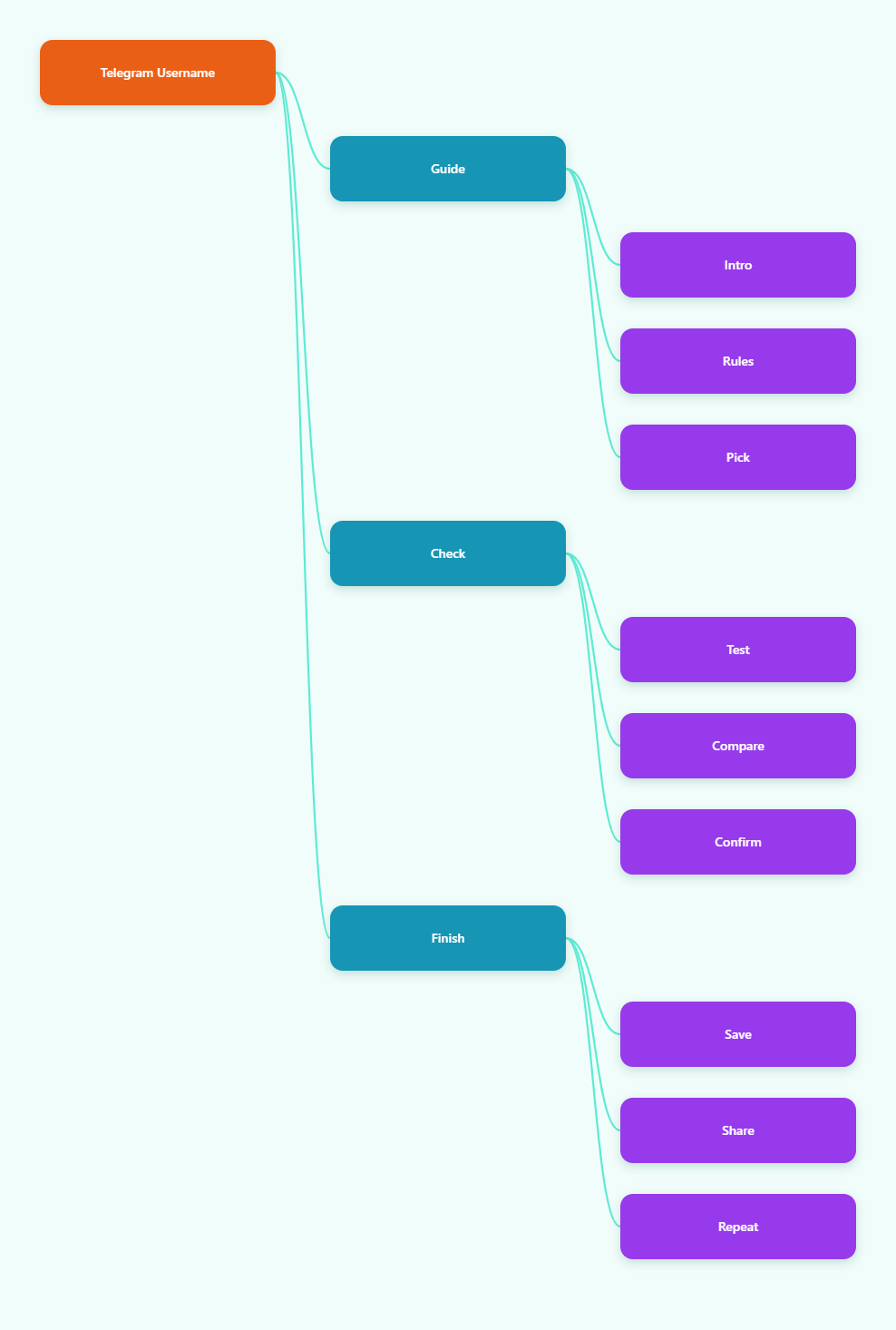
What Makes a Telegram Username Valid in 2026?
A valid Telegram username is not just something that looks good. It must satisfy Telegram’s own rules before it can be saved.
The basic rules
Telegram usernames are publicly searchable and can be used to build a t.me link. The safest working rules are the ones stated in Telegram’s help and API references.
- It must be unique across Telegram.
- It must be 5 to 32 characters long.
- It can contain letters, numbers, and underscores.
- It must start with a letter.
- It is case-insensitive.
That means names like @alex_2026 or @northstudio are acceptable if they are available. A name that starts with a digit, such as @7studio, is not.
Why the rules matter
These limits keep usernames readable and consistent across search, chat links, and profile discovery. They also reduce ambiguity in global search results, which is how Telegram surfaces usernames to other users.
For practical use, the rule set means your best option is usually a short, easy-to-type handle with a clean structure. Complicated punctuation, repeated symbols, and awkward digit clusters make a username harder to remember and more likely to be mistyped.
How to Create a Unique Telegram Username Without Guessing
The fastest way to get a strong result is to work from a naming pattern, not from a blank field. That saves time and reduces the chance of landing on a handle that is technically valid but useless in practice.
Use a simple naming formula
A good Telegram username usually follows one of these patterns:
- Brand + noun, such as NorthStudio
- Name + modifier, such as AlexWrites
- Topic + marker, such as CryptoNotes
- Word + underscore + qualifier, such as design_lab
If the clean version is taken, add a small identifier that still feels natural. The goal is not to stack random digits. The goal is to preserve readability.
Keep it short and spoken
If you would not want to say it aloud twice, it is probably too awkward. Short usernames work better in bios, business cards, and spoken recommendations.
Names that are easy to pronounce also tend to be easier to recall. That matters because Telegram usernames are often shared outside the app, not just typed once inside it.
Avoid weak patterns
Do not rely on these unless you have no better option:
- Long strings of digits
- Double underscores
- Random character mixes
- Unclear abbreviations
- Extra punctuation that Telegram will reject anyway
The strongest username is the one someone can remember after seeing it once.
Should Your Telegram Username Match Your Brand?
For most creators and businesses, yes. Consistency across platforms makes discovery easier and reduces confusion.
When matching helps
If you already use the same name on your website, X, Instagram, or YouTube, a closely matched Telegram username makes your profile feel more credible. It also helps when people are searching across multiple channels and trying to confirm they found the right account.
This is especially useful for public channels, communities, and customer-facing accounts. Telegram’s public username becomes part of your shareable identity, so a clear match matters.
When a direct match is not possible
If your exact brand name is taken, stay close to the original rather than inventing a totally different handle. Add a useful qualifier such as hq, team, official, or a niche term that is still relevant.
- Good: brand + official
- Good: brand + studio
- Better than: random numbers or unrelated words
That approach keeps your profile recognizable even when the perfect name is unavailable.
Personal accounts need a different standard
If the account is personal, the best Telegram username is usually simple, human, and stable. Use your name, a nickname you already own elsewhere, or a professional descriptor if the account is for work.
The key is to avoid looking temporary. People are more likely to trust a username that feels deliberate.
How Do You Check Telegram Username Availability Correctly?
Checking availability sounds simple, but there is a catch: not every unavailable-looking result means the same thing.
The practical check process
Telegram usernames can be checked in the app by entering the handle in Settings, and Telegram also exposes username validation through its own methods. Public checkers can help with speed, but the final result still needs to be confirmed in Telegram itself when possible.
- Make a short list of 5 to 10 candidate names.
- Check each one for rule compliance.
- Test availability in Telegram or a trusted checker.
- Keep the strongest available option, not just the first one.
This is faster than inventing one name at a time and hoping for luck.
Understand the possible states
A username may be free, taken, or reserved/collectible. In practice, that means the handle may look unavailable even if it is not owned in the way a normal username is owned.
That distinction matters if you are naming a business account. A clean free handle is still the easiest path, but a reserved or collectible name is a different category from a standard taken username.
Why manual confirmation still matters
Public availability tools can be helpful, but they are only useful when you verify the result against Telegram’s actual rules and behavior. Username status can change quickly, and stale data is a common problem with scraped lists.
For anything important, treat third-party checkers as a filter, not as the final source of truth.
What Should You Avoid When Choosing a Telegram Username?
A lot of usernames fail because they are technically allowed but strategically weak. That usually shows up only after the account is already live.
Common mistakes
- Choosing a name that is hard to spell
- Using too many digits
- Adding symbols Telegram will reject
- Making the handle longer than necessary
- Using a name that no longer fits the account later
These issues create friction when people try to share or search for you. They also make your profile look less intentional.
Privacy is part of the decision
Telegram usernames make you discoverable through search and can allow others to message you without knowing your phone number. That is useful for public contact, but it also changes your privacy exposure.
If you want to stay reachable while limiting phone-number exposure, a username is helpful. If you do not want broad discoverability, think carefully before turning it on.
Do not over-optimize for trends
Trend-driven usernames age badly. A handle built around a temporary meme or year-specific hype can feel dated quickly.
For a personal or business account, choose something durable. The best Telegram username is the one you can keep using without regret.
Telegram Username Strategy: A Simple Comparison
Here is a practical comparison of common username approaches in 2026.
| Approach | Strengths | Weaknesses | Best Use |
|---|---|---|---|
| Exact brand match | Clear, consistent, easy to trust | Often unavailable | Business or creator brand |
| Name + qualifier | Still recognizable, usually flexible | Less compact | Fallback when exact match is taken |
| Topic-based handle | Good for niche discovery | Can be too generic | Channels and public communities |
| Randomized name | Can be unique | Hard to remember, weak branding | Low-priority personal use |
The best option is usually the one that stays clear at a glance while remaining easy to type. That balance is more valuable than trying to make the username clever.
Conclusion
Learning how to create a unique Telegram username in 2026 comes down to a few dependable rules: keep it unique, keep it readable, keep it within Telegram’s length and character limits, and choose a name that still makes sense when the account grows. The strongest usernames are usually simple, memorable, and aligned with the identity you want to project.