
If you are trying to use a dual Telegram app for small business customer management, the main goal is simple: keep customer conversations organized without slowing your team down. In 2026, Telegram remains useful for this because it supports multiple accounts, business features, folders, bots, and connected workflows that can reduce missed replies and manual coordination.
This guide explains what actually works, what Telegram supports natively, and how to set up a practical system for customer messages, leads, and support. It stays focused on real usage, not theory.
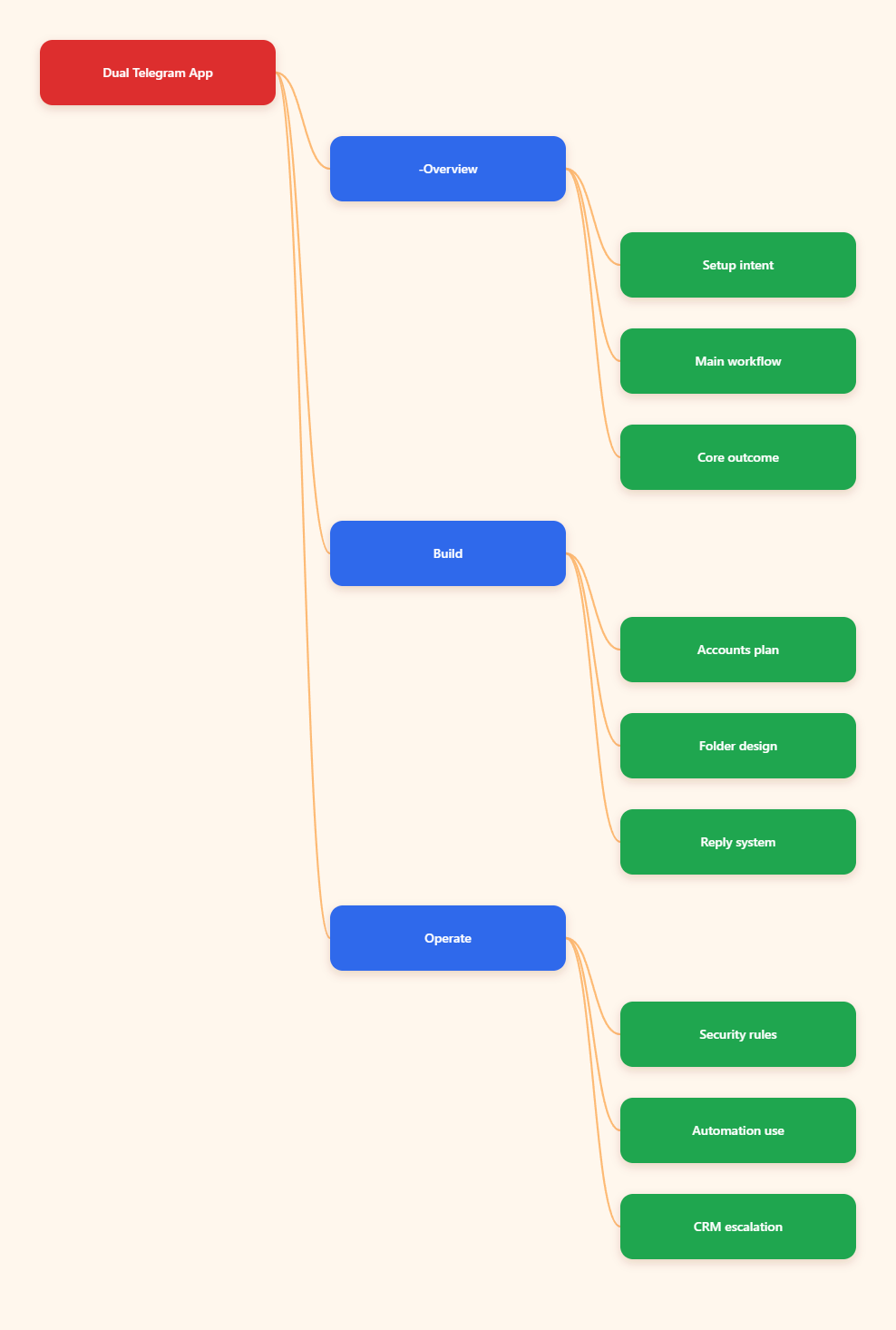
What a Dual Telegram App Setup Actually Means
A dual Telegram app setup is not a special product inside Telegram. It usually means running more than one account or using more than one Telegram client instance so a business can separate roles, workstreams, or brands.
For small teams, that separation matters. Personal chats, sales leads, support requests, and internal coordination can quickly mix together if everything sits in one inbox.
Native account limits
Telegram supports multiple accounts in the official app. Publicly documented guides and Telegram-related references in 2026 consistently state that users can add up to three accounts in the app, and Telegram Premium raises that limit to four.
Each account still needs its own phone number. That is the hard boundary that matters most.
- One phone number maps to one Telegram account.
- The built-in account switcher is the safest starting point.
- Premium can raise the native account cap.
Why small businesses use it
Small businesses usually use a dual Telegram app structure for one of three reasons: separating personal and business use, splitting sales from support, or managing multiple brands. Those are operational needs, not power-user tricks.
Telegram is also useful because it already supports chat folders, quick replies, business hours, location, automated messages, and bot connections. Those features help turn a basic chat app into a lightweight customer desk.
Dual Telegram App for Small Business Customer Management
If your goal is customer management, the right question is not how many apps you can install. The better question is how you will route incoming messages so the right person sees the right conversation at the right time.
Telegram gives you several pieces for that workflow, but you still need structure. Without it, more accounts just create more confusion.
Use roles, not just accounts
Start by assigning each Telegram account a job. For example, one account can handle inbound leads, another can handle customer support, and a third can stay personal or managerial.
This reduces reply mistakes and makes handoffs clearer. It also helps when one person leaves or is offline.
- Sales account: first contact, qualification, follow-up.
- Support account: order issues, product questions, after-sales help.
- Owner account: approvals, escalations, sensitive messages.
Use folders to reduce noise
Telegram chat folders are one of the most practical tools for customer management. Telegram has supported folders for years, and they are still relevant in 2026 because they let you separate chats by type or priority.
You can create folders for leads, open issues, VIP customers, suppliers, or internal threads. That gives you a simple layer of triage before any automation comes into play.
Use business features where available
Telegram Business features, introduced by Telegram, include opening hours, location, quick replies, automated messages, custom start pages, and chatbot support. Telegram’s public blog and API documentation confirm these features and note that they are available free for Premium subscribers at the moment.
For a small business, quick replies are especially useful. They let you standardize common responses without typing the same thing repeatedly.
| Need | Telegram feature | Practical use |
|---|---|---|
| Separate queues | Multiple accounts | Split sales, support, and management |
| Reduce clutter | Chat folders | Group conversations by purpose |
| Faster replies | Quick replies | Reuse approved answers |
| After-hours control | Business hours | Set expectations for response time |
| Automation | Bots | Handle routine workflows |
How to Set It Up Without Creating Chaos
A working setup is usually simple. The mistake is adding complexity before the team has one repeatable process.
Build the workflow in layers: account structure, chat organization, message handling, then automation.
Step 1: Separate the accounts
Create one account for each clear function. Do not create extra accounts without a reason, because each one adds login, notification, and handoff overhead.
For most small businesses, two accounts are enough at the start. One can be customer-facing and one can be internal or managerial.
Step 2: Define message ownership
Every incoming message should have an owner. If a customer sends a question to the wrong account, someone still needs to route it correctly.
Write a simple rule set:
- Sales inquiries go to the sales account.
- Product issues go to support.
- Refunds or escalations go to management.
Step 3: Standardize replies
Telegram quick replies are useful when your team answers the same questions all day. Use them for pricing, delivery timing, store hours, basic troubleshooting, and next-step instructions.
Keep the wording short and factual. Overwritten scripts make support feel slow instead of helpful.
Step 4: Add automation carefully
Telegram bots and connected business bots can process or answer messages on behalf of users. Telegram’s own API documentation supports connected business bots, and Telegram’s Bot API is free to use.
That makes bots a good fit for repetitive work like intake questions, routing, and simple FAQs. They are not a replacement for human judgment in sensitive cases.
Security and Control in 2026
When you run customer communication through multiple Telegram accounts, security stops being optional. A leaked login or a poorly managed device can expose conversations, lead data, or internal messages.
Keep the controls basic and strict.
Protect access first
Use strong account protection on every Telegram login. Make sure only the right device owner can approve sign-ins, and review account access regularly.
Do not let shared passwords or informal login sharing become normal. That is how small teams lose track of accountability.
Limit who can send what
Not every teammate needs access to every account. Give people only the inboxes they actually need, and keep sensitive accounts restricted.
This is especially important if one account handles customer disputes, private billing issues, or partner communication.
Keep the workflow auditable
Use a simple log for ownership changes, escalations, and major customer commitments. Telegram itself is a chat platform, not a full CRM, so you need external discipline if you want traceability.
If you need deeper CRM behavior, consider a Telegram CRM or a Telegram-connected inbox that tracks chats, labels, and deal stages more explicitly.
Common Mistakes to Avoid
Most Telegram setups fail for process reasons, not technical reasons. The app usually works; the team design does not.
- Using too many accounts with no role separation.
- Letting personal and customer chats mix.
- Relying on bots for issues that need a human.
- Skipping folders and labels until the inbox is already messy.
- Sending inconsistent replies across accounts.
Another common mistake is treating automation as the whole solution. Telegram business features help, but they work best when your customer handling rules are clear first.
When a CRM Layer Makes Sense
If your team is growing, a dual Telegram app alone may stop being enough. At that point, a CRM layer can help you track leads, handoffs, and customer history across accounts.
That is the main reason many businesses move from basic Telegram usage to a Telegram CRM or a shared inbox platform. They need visibility, not just access.
Signs you need one
You probably need a CRM layer if messages are being missed, customers repeat the same information, or nobody can tell who owns a conversation.
You also need one if you have several people answering customers from different devices and no central record of what was promised.
- Too many unanswered chats.
- No shared customer history.
- Repeated manual follow-up.
Final Takeaway
A dual Telegram app for small business customer management works best when it stays simple. Use separate accounts for distinct jobs, organize chats with folders, standardize common replies, and add bots only where automation clearly saves time.