
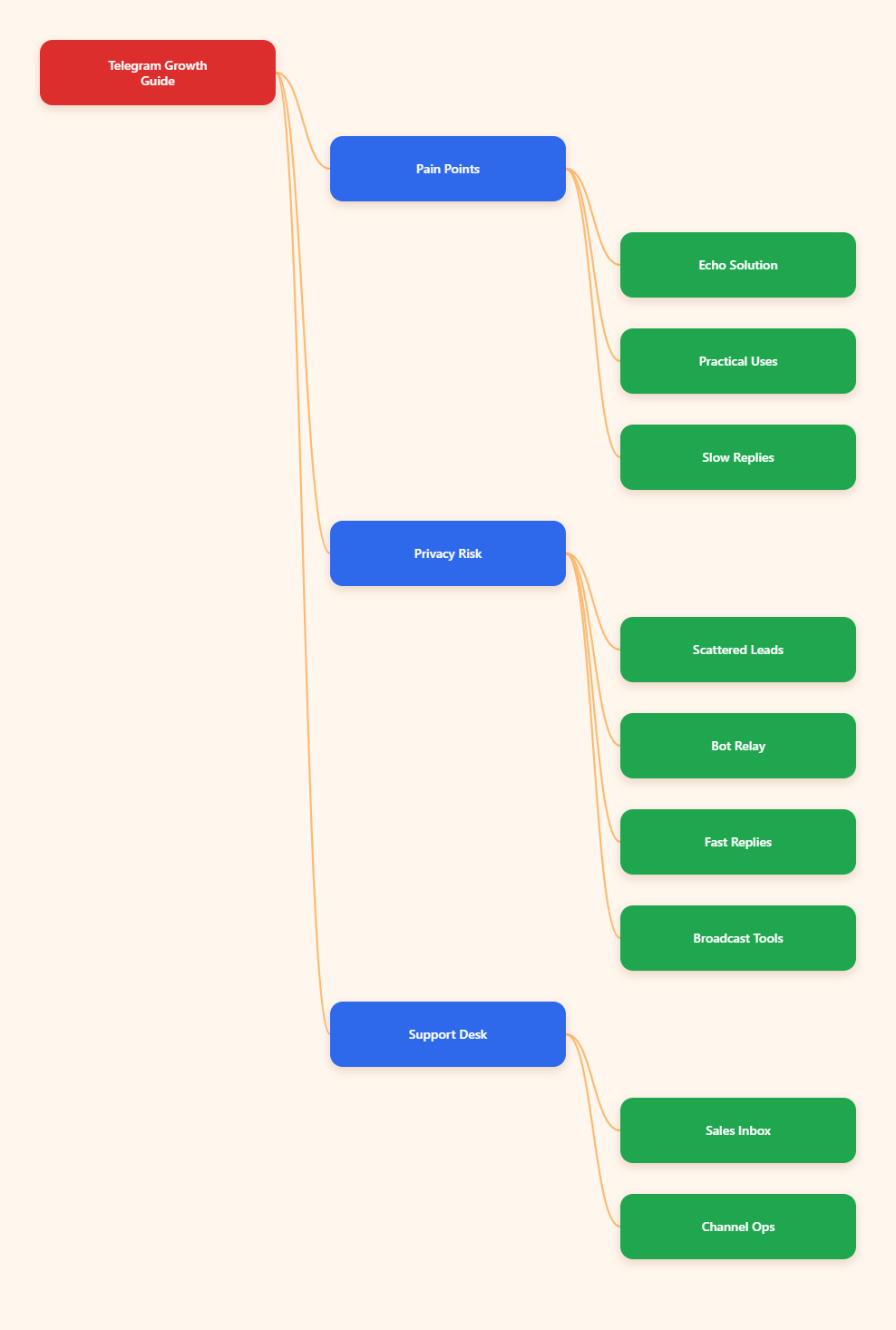
User Industry Pain Points
For brands, creators, agencies, and support teams working in Telegram, the hard part is rarely sending a message. The hard part is managing conversations at scale without losing speed, privacy, or consistency.
Telegram is already a serious business channel. It is widely used for broadcasts, communities, support, and direct communication. But once a team starts handling real volume, a few recurring problems appear fast.
- Leads arrive at different times. A potential customer may message at night, during weekends, or while your team is already busy.
- Context gets scattered. Sales questions, support tickets, and community requests often live in different chats, groups, and channels.
- Replies become inconsistent. Different team members answer in different ways, which weakens the brand experience.
- Follow-up slows down. Manual copy-paste replies are fine for a few chats, but they do not scale well.
- Privacy becomes a concern. Teams may not want to expose personal usernames when handling business conversations.
- Broadcasting is time-consuming. Announcements, reminders, and onboarding messages can take a lot of manual work if every update is sent one by one.
There is also a Telegram-specific limitation that matters for operations: bots cannot simply start private conversations on their own. In practice, that means businesses need a clean entry flow that gets users into the right conversation path first, then keeps the interaction organized after that.
This is where many Telegram marketing workflows break down. The channel may grow, but the communication system behind it stays messy.
How OnlyTG Echo Helps Solve It
OnlyTG Echo is designed as a secure intermediary for Telegram communications. Based on the official documentation, it routes messages through a dedicated bot so users can manage one-on-one conversations while keeping their workflow more private and organized.
In practical terms, that means the tool is useful when you need a cleaner system for chatting via Telegram bot, especially for sales follow-up, support handling, and routine audience communication.
The main value is not flashy automation. It is operational control.
- Message relay: lets you send and receive messages through the bot linked to your account or workflow.
- Start Message: helps set the first message a user sees after opening the bot.
- Auto-Reply: handles predictable questions or first-touch replies.
- Quick Reply: helps agents respond faster with reusable answers.
- Broadcast: supports sending messages to multiple contacts in a controlled way.
- Single Mode and Topic Mode: gives you two delivery modes to match different operating styles.
For business teams, that combination matters because it turns Telegram from a loose messaging app into a more structured operating layer.
| Workflow | Manual Handling | With OnlyTG Echo | Business Result |
|---|---|---|---|
| First contact | Each reply depends on a person noticing the chat | Use a bot-linked entry flow and a defined start message | Cleaner onboarding |
| Routine questions | Agents repeat the same answer many times | Use auto-reply and quick reply blocks | More consistent support |
| Announcements | Messages are sent one by one | Use broadcast for contact-wide updates | Less manual work |
| Team privacy | Personal accounts may be visible in conversations | Route communication through a dedicated bot | Better operational separation |
That is why OnlyTG Echo fits a soft, practical use case: it supports business communication without forcing teams into a full custom build.
3. Step-by-Step Tutorial
Below is a hands-on workflow based on the official OnlyTG Echo materials. The goal is to show how to go from zero setup to a usable Telegram bot communication flow. Each step is a little more detailed so you can move through the setup with fewer mistakes.
-
Step 1: Create your own bot in BotFather.
- Open Telegram and search for
@BotFather, then open the official verified bot profile. - Send the command
/newbotto begin the bot creation flow. - Follow the prompts to set a display name that matches your business or project.
- Create a unique username that ends in
bot, since Telegram requires bot usernames to follow that format. - Copy the bot token as soon as it is created and store it in a secure place, since this token is the credential that connects your bot to other tools.
- Open Telegram and search for
-
Step 2: Bind the bot to OnlyTG Echo.
- Open the OnlyTG Echo and paste the token from BotFather into the bot binding field.
- Confirm the connection so OnlyTG Echo can work through your bot.
- After the token is accepted, make sure the bot appears as connected before you move on to the next step.
-
Step 3: Check the bot mode.
- Send
/startto your bot in Telegram so the flow is activated. - Open the chat and check whether the bot is operating in Single Mode or Topic Mode.
- Choose the mode that fits your workflow before you build the rest of the setup, because the way messages are organized affects how your team will respond later.
- If you plan to run the bot with a group-style support workflow, confirm the mode early so you do not need to rebuild your process later.
- Send
-
Step 4: Set the Start Message.
- Go to your Bot and click the chat setting then set the Start Messages.
- Write the first message users should see when they enter the bot flow.
- Make the opening message clear about what the bot is for, such as support, sales, onboarding, or updates.
- Tell the user what to do next so the conversation does not stall after the first greeting.
- Keep the wording short enough to read quickly, but specific enough that users know how to continue.
- If your workflow needs it, mention the next action, a menu choice, or the type of help the user can request.
-
Step 5: Add Auto-Reply and Quick Reply logic.
- Go to your Bot and click the chat setting then set the Auto-Reply and Quick Reply.
- List the questions your team answers repeatedly, then turn those into keyword-based auto-replies.
- Write responses for common situations such as pricing, onboarding, delivery, or account questions.
- Prepare quick reply templates for the support or sales team so agents can respond faster without rewriting the same answers every time.
- Keep each response focused and reusable, since shorter templates are easier to maintain and update.
- If a reply needs a trigger format, make the naming pattern consistent so the team can remember it easily.
- Step 7: Configure Broadcast for announcements.
- Go to your admin console and click the click broadcast, then set the task.
- Prepare the message you want to send for product updates, launches, reminders, or campaign notices.
- If the same content will be reused, build it as a content module first so you can manage it more cleanly later.
- Review the wording before sending so the broadcast is useful, relevant, and easy to understand at a glance.
- Create the broadcast task only after the message content is ready, so you do not send an unfinished draft.
- Send the broadcast only to contacts who should receive the update, and keep the audience aligned with the message purpose.
4. Real-World Business Use Cases
OnlyTG Echo is most useful when Telegram is already part of your customer journey. Here are several realistic scenarios where it can fit well.
- Customer support inbox: route incoming Telegram messages through a bot, then use quick replies for common questions about orders, login issues, or delivery updates.
- Pre-sales qualification: ask a short set of start questions, then direct high-intent leads to the right sales rep.
- Community operations: manage routine questions in creator groups or membership communities without manually repeating the same guidance every day.
- Channel announcements: send launch notices, content drops, and event reminders through a more organized broadcast flow.
- Agency client updates: centralize client communication for campaign progress, asset approvals, and status checks.
- Course or membership onboarding: deliver the first message, explain the next step, and reduce confusion for new subscribers.
- Lead nurturing: move users from a broadcast or channel post into a guided bot conversation where you can answer objections one by one.
These are not abstract automation ideas. They are the kinds of workflows that save time because they replace repeated manual coordination with a repeatable Telegram process.
5. Other Useful Functions
Beyond basic message relay, the official feature list shows that OnlyTG Echo includes several practical tools for Telegram business operations.
- Multi-form messages: combine text and media into richer message layouts for start flows, replies, or broadcasts.
- Tracking links: help you track which links are being used inside your bot or content flow.
- Data analytics: provide contact and activity information that helps teams understand operational performance.
- Loop post: supports repeated posting for channel-style content workflows.
- Admin authorization: helps define who can operate the bot and related workflows.
- Group rules: useful when you want a clear operating policy for a Telegram group environment.
- Remove branding ad: available as a feature on the official product page for teams that want cleaner presentation.
Some official materials also point to menu-style bot interaction and richer bot controls. If that fits your workflow, it is worth checking the current product documentation before implementation.
For businesses, these features matter because they make Telegram easier to run as a real communication channel instead of a collection of disconnected chats.
6. FAQ
Q1: Do I need coding skills to use OnlyTG Echo?
Based on the official product positioning, the workflow is designed to be simple and bot-based. You still need to create a Telegram bot in BotFather and connect the token, but the setup does not require building a custom backend from scratch.
Q2: Can a Telegram bot start a private chat by itself?
No. Telegram bots cannot begin private conversations on their own. In practice, the user must message the bot first or enter the bot flow through a valid Telegram interaction.
Q3: Is OnlyTG Echo better for sales or support?
It can help with both. Sales teams use it for lead follow-up and onboarding, while support teams use it for routing, quick replies, and repeat questions.
Q4: What delivery modes are supported?
The official documentation mentions Single Mode and Topic Mode. Choose the one that matches how you want to organize conversations.
Q5: Can I use it for broadcasts?
Yes. Broadcast is listed among the core features, which makes it relevant for product announcements, reminders, and community updates.
Q6: Does it help with privacy?
Yes, in the sense that the product is designed as a secure intermediary for Telegram communications. That can help teams keep personal accounts separate from business-facing conversations.
7. Closing Thoughts
If your Telegram presence is growing, the bottleneck usually shifts from audience size to communication management. That is where a bot-based workflow becomes useful.
OnlyTG Echo is best viewed as an operational tool, not a magic growth hack. It helps structure chats, reduce repetitive work, and keep Telegram marketing and support flows more manageable.