
Public Telegram channels remain one of the simplest ways to publish updates to a large audience inside Telegram. They are built for broadcasting, not group discussion.
If you are evaluating public Telegram channels in 2026, this guide explains what they are, how they differ from groups, how to set one up, what features matter most, and what limits and tradeoffs you should understand before launching.
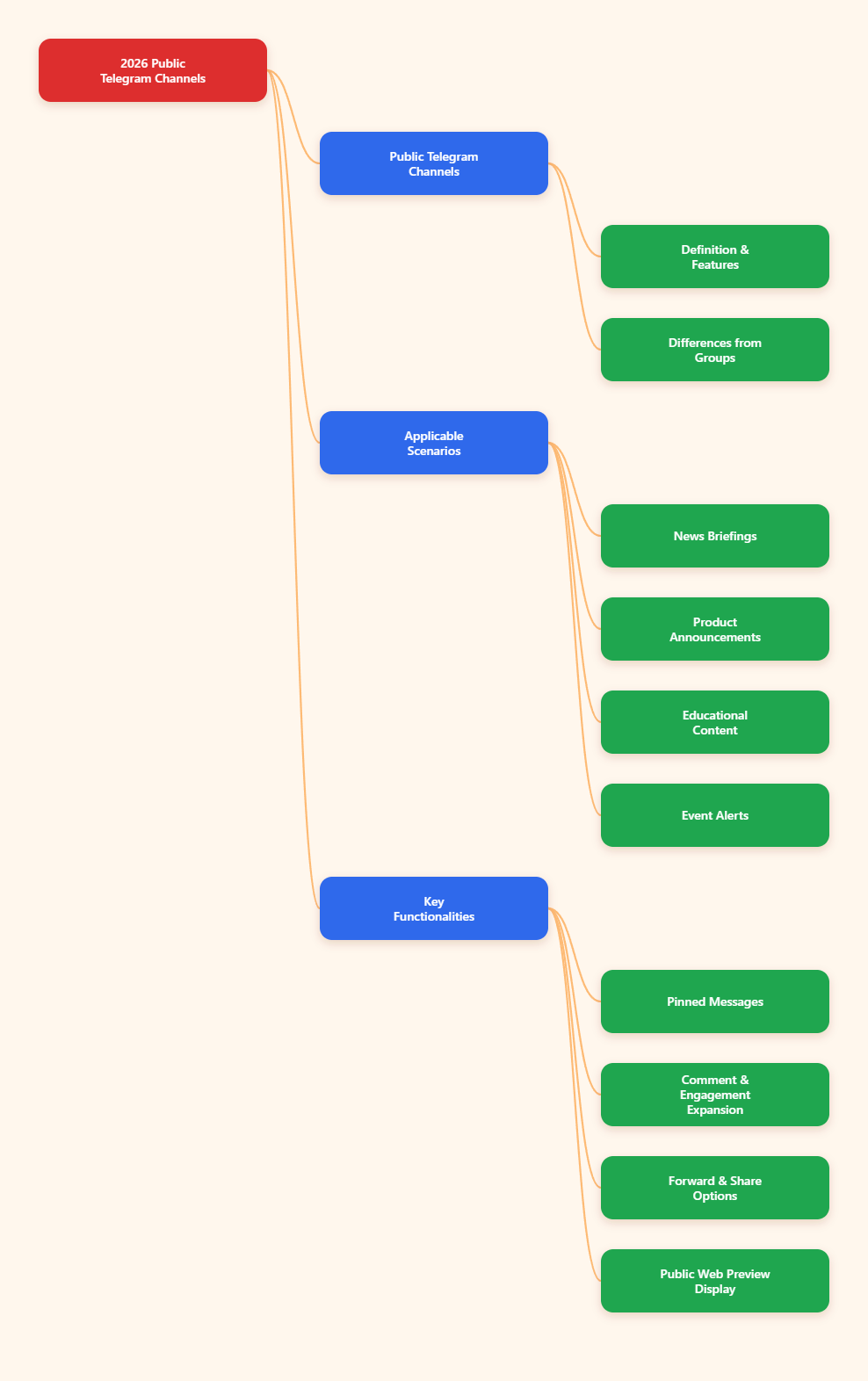
What is a public Telegram channel?
A Telegram channel is a broadcast tool where admins publish messages and subscribers receive them. In a channel, posts are shown under the channel’s name rather than the personal name of the admin who posted them. According to Telegram’s official channel documentation and FAQ, channels can have an unlimited number of subscribers.
A public Telegram channel is a channel with a username and a public link, usually in the format t.me/username. Public channels can be found by users through Telegram search, and their content can also be viewed on the web. Telegram’s official channel tour states that the contents of public channels can be seen on the web without a Telegram account and are indexed by search engines.
That makes public channels very different from private channels, which rely on invite links and are not openly discoverable in the same way.
Public Telegram channels vs groups
Many people confuse channels and groups because both can gather large communities. But they serve different purposes.
Use a public channel when you need:
- One-to-many broadcasting
- Announcements from a brand, creator, project, or organization
- A cleaner feed with less clutter
- A public archive of posts that new subscribers can read after joining
- Searchable public presence on Telegram and the web
Use a group when you need:
- Two-way conversation
- Community discussion
- Replies, feedback, and live member interaction
- Member participation as the main feature
Telegram’s FAQ describes groups as ideal for sharing and discussion, while channels are designed for broadcasting to large audiences. Telegram groups can support up to 200,000 members, while channels can have unlimited subscribers.
Quick differences
- Channel: admins post, subscribers mainly consume content
- Group: members participate in conversation
- Channel label: subscribers
- Group label: members
- Channel posts: each post can have its own view counter
- Group chat: designed around message threads and interaction
Why public Telegram channels are useful in 2026
Public channels are still relevant because they offer a direct distribution layer inside Telegram without depending on a typical social feed algorithm. Research and analytics-focused references in the source list repeatedly note that Telegram content is experienced differently from traditional social networks: users access channels in a chronological messaging environment, and public posts can continue to attract discovery over time.
For publishers, creators, educators, and communities, that creates several advantages:
- Direct reach: subscribers receive posts in their Telegram app
- Unlimited scale: channels are not capped like groups
- Public discoverability: a public username makes the channel searchable and shareable
- Web visibility: public channel pages can be opened in a browser
- Persistent history: new subscribers can view the full message history after joining
- Admin control: only approved admins can publish
This format works especially well for:
- News digests
- Product announcements
- Niche education
- Research updates
- Deal alerts
- Event notices
- Creator content distribution
- Official organizational communication
How public Telegram channels work
At a practical level, a public Telegram channel has a few core mechanics.
1. A public username
Public channels have a unique username. That username becomes the channel’s public address, such as t.me/yourchannel. Telegram usernames are globally unique across public users, bots, groups, and channels, so your preferred name may already be taken.
2. Broadcast posting
By default, only admins can post in the channel. This is what keeps a channel structured and readable, especially at scale.
3. Full history for new subscribers
Telegram states that new subscribers can see the entire message history once they join a channel. This is one reason channels work well for evergreen updates, tutorials, and reference content.
4. View counters on posts
Telegram documentation notes that each channel post has its own view counter. That gives admins a simple native signal for content reach.
5. Additional admins
Channel owners can appoint additional administrators to help manage posting and operations. Several references also note an admin limit of up to 50 accounts for channels.
6. Public web pages
Public channel posts can be viewed on the web through Telegram’s public page format. This is important because it extends visibility beyond the app.
How to create a public Telegram channel
The exact interface can vary slightly by device and app version, but the process is broadly consistent on Android, iPhone, desktop, and other Telegram clients.
Basic setup steps
- Open Telegram
- Tap or click the compose/new message button
- Select New Channel
- Enter a channel name
- Add an optional description and profile image
- Choose Public Channel
- Set an available username
- Add initial subscribers or skip and finish setup
Multiple setup guides in the reference list confirm this general flow. On some web-based setups, channels may default to private first, so it is important to check the Channel Type settings if your goal is public visibility.
Before you publish the first post
It is worth finishing a few essentials first:
- Choose a short, clear channel name
- Write a description that explains what subscribers will receive
- Upload a recognizable profile image or logo
- Pin a welcome post
- Create a consistent posting format
- Decide whether you also need a linked discussion group
Public vs private Telegram channels
The difference is simple but important.
Public channels
- Have a public username
- Can be found in Telegram search
- Use a shareable public link
- Can be opened on the web
- Are more suitable for audience growth and discoverability
Private channels
- Do not have open public discovery by default
- Typically use invite links with a generated hash
- Are better for controlled access
- Are often used for internal teams, paid communities, or limited-distribution updates
If your goal is broad distribution, the public option is usually the right starting point.
Important features available to public Telegram channels
Public channels are no longer just simple broadcast feeds. Telegram has expanded them over time with more admin and audience features.
Discussion groups
A channel can be linked to a discussion group, allowing each channel post to appear in a connected group as a discussion thread. This is one of the best ways to combine broadcast clarity with community conversation.
Use this setup if:
- You want the channel to stay clean
- You still need comments and feedback
- You want subscribers to discuss posts without turning the main channel into a chat room
Reactions
Telegram supports reactions, and channels can use them to measure lightweight audience response. Some technical references note that in channels, bots may receive reaction count updates rather than the identities of reacting users, which reflects the broadcast nature of channels.
Stories and boosts
Telegram introduced channel stories and a boost system. Official Telegram references explain that Premium users can boost channels, and channels gain extra features as they level up. Telegram’s Premium FAQ states that for each level gained, a channel can post one additional story per day and add one more custom reaction, along with other customization options.
This matters mainly for channels that already have an active subscriber base and want more publishing options.
Verification
Telegram offers verification for certain public figures and organizations. Its verification guidelines indicate that official public channels, bots, or public groups may be eligible if they meet Telegram’s criteria.
Verification is not available to everyone, but it can help audiences identify official sources.
Statistics
Telegram provides detailed statistics for channels of sufficient size. The exact threshold is server-side and surfaced through Telegram’s systems, rather than a universal number publicly guaranteed for every channel. Still, the existence of native statistics is useful for larger channels that need more than simple view counts.
Best practices for running a public Telegram channel
Creating a channel is easy. Running one well is harder. The biggest mistake is treating a channel like a dumping ground for random updates.
1. Define one clear subscriber promise
People subscribe when they know what they will get.
Good examples:
- Daily AI tool updates
- Weekly crypto policy summaries
- Language learning tips every morning
- Product release notes and maintenance alerts
Weak positioning sounds like this:
- News and thoughts
- Random updates
- Everything about tech
The narrower and clearer your promise, the easier it is to earn the right audience.
2. Use short, scannable posts
Telegram is a messaging environment. Dense blocks of text are harder to consume. Short paragraphs, bullets, and strong first lines perform better for readability.
A practical structure:
- One-line hook
- Two to four lines of context
- Bullets for the key points
- One clear action or takeaway
3. Be consistent with posting cadence
The references include several analytics and strategy sources suggesting that consistency matters more than posting as much as possible. While there is no single universal rule from Telegram itself, multiple 2025–2026 sources point to 1–3 quality posts per day as a common workable range for many channels, with much higher frequency increasing the risk of subscriber fatigue or muting.
That does not mean every channel should post daily. It means your schedule should match your content model.
Examples:
- News channel: multiple updates spread through the day
- Educational channel: one strong lesson per day may be enough
- Brand announcements: only post when there is something worth sending
4. Pin the most important message
Telegram allows admins to pin important messages. Use the pinned area for:
- Channel introduction
- Content index
- Rules and disclosures
- Main offer or resource hub
- Link to discussion group
5. Use a linked discussion group when conversation matters
If people need to ask questions, respond to updates, or help each other, do not force all interaction into direct messages. A linked discussion group is usually the cleaner setup.
6. Protect admin access
Only grant the permissions each admin actually needs. Telegram supports granular admin roles, and least-privilege access reduces mistakes.
Common mistakes with public Telegram channels
Making the channel public before branding it
A blank or poorly explained public channel looks abandoned or untrustworthy. Finish the basics first.
Posting too much low-value content
Unlimited publishing does not mean every update deserves a post. Repetitive or shallow content increases mute risk.
Using a vague username
Your public username becomes part of your identity and share link. Make it readable, memorable, and relevant.
Ignoring discoverability
Public channels can benefit from clear naming, descriptions, and consistent topic focus. If users cannot immediately understand what the channel offers, conversion from visits to subscriptions will be weaker.
Choosing a channel when you actually need a group
If your main goal is member conversation, a group is often the better primary format. You can still pair it with a channel later.
Who should use a public Telegram channel?
A public Telegram channel is a strong fit for:
- Independent creators publishing regular updates
- Media and research teams sharing curated information
- Businesses sending product announcements
- Projects that need an official public communication stream
- Educators distributing lessons or resources
- Communities that want a broadcast layer separate from discussion
It is less ideal if your main priority is peer-to-peer conversation or private membership control.
Can public Telegram channels be found on Google?
Telegram’s official channel tour says that the contents of public channels can be seen on the web without a Telegram account and are indexed by search engines. So, in general, yes, public channel pages and posts can be discoverable outside Telegram.
However, visibility in search results is never guaranteed for every page or every post. Search engines decide what to crawl, index, and rank. The practical takeaway is that public channels have stronger external discoverability than private channels.
Are there limits you should know?
Yes. Even though channels support unlimited subscribers, Telegram still applies certain operational limits and platform rules.
- Channels can have unlimited subscribers
- Groups are limited to 200,000 members
- Public usernames must be unique
- Channel admin count is commonly documented as up to 50
- Some advanced stats are only available when a channel is large enough
There are also practical constraints around moderation, naming availability, and admin workflows. If you are operating a high-volume or high-risk channel, you should monitor Telegram’s official documentation for updates.
Final thoughts
In 2026, public Telegram channels are still one of the most efficient ways to broadcast updates to a large audience inside Telegram. Their strengths are clear:
- Unlimited subscribers
- Public discoverability
- Clean admin-controlled publishing
- Web-accessible content
- Persistent message history
They work best when you treat them as a focused publishing product, not just another chat. Start with a clear topic, choose a strong public username, publish useful posts consistently, and add a linked discussion group if your audience needs conversation.