
If you want to add Telegram contacts without sending spam, the safest path is simple: use the contact method the person intentionally gives you, respect privacy settings, and avoid cold mass messaging. Telegram is useful for communities, customer conversations, networking, and private chats, but it also has strict anti-spam systems that react to unwanted contact.
This guide explains the right way to add people on Telegram in 2026 using phone numbers, usernames, QR codes, profile links, and group or channel invite links. It also shows what not to do, because many account restrictions begin with behavior that looks harmless to the sender but feels unsolicited to the receiver.
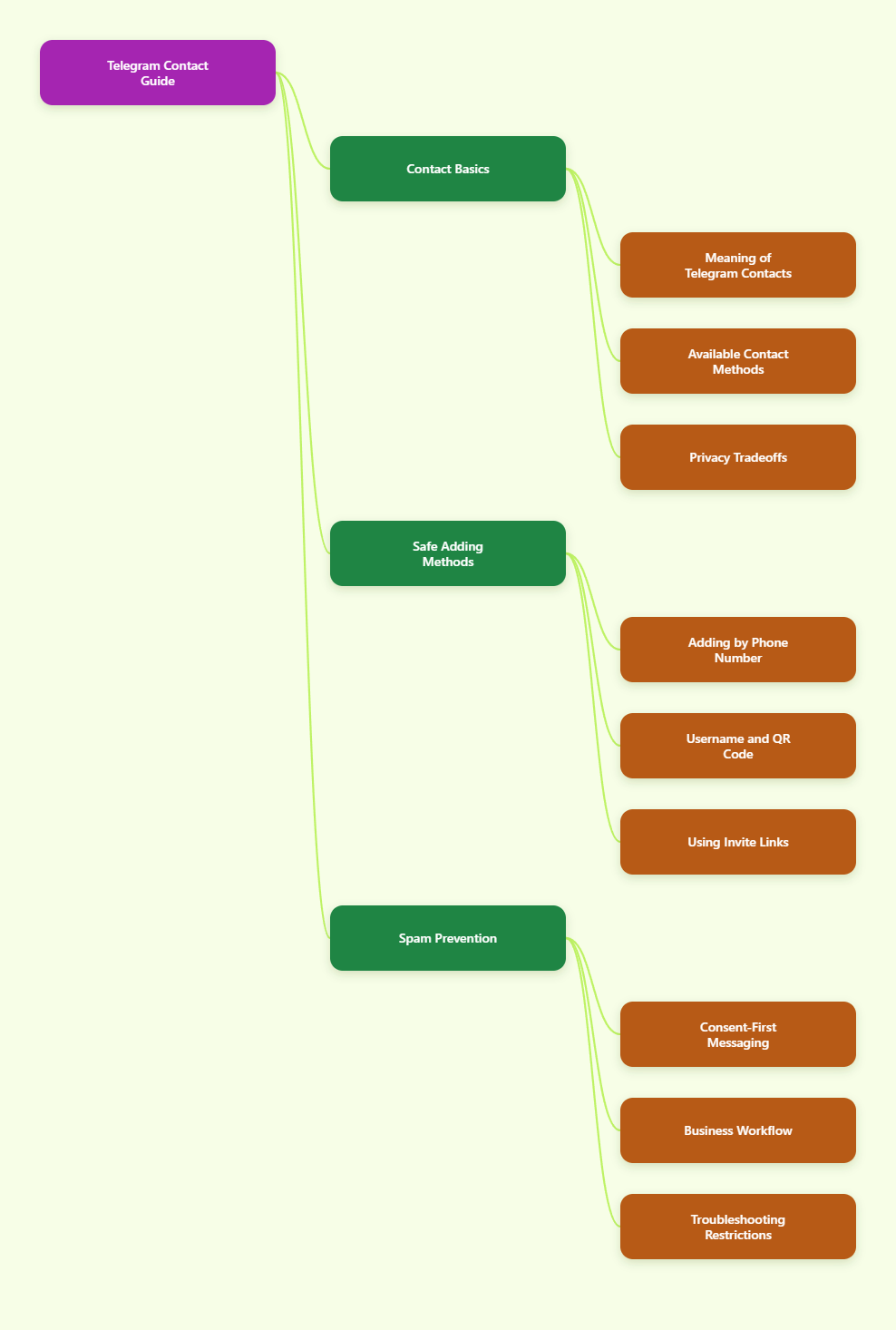
What “Adding Contacts” Means on Telegram in 2026
Telegram contacts are not exactly the same as phone contacts. Telegram can sync your phone address book if you allow it, but it also lets people connect through usernames, public profile links, QR codes, and shared groups.
According to Telegram’s own privacy information, Telegram uses phone numbers as account identifiers and asks permission before syncing contacts. When contact sync is enabled, Telegram stores contact names and phone numbers so it can show which people from your address book use Telegram.
That convenience creates a privacy trade-off. You may find people faster, but you may also upload contacts who never agreed to be used for Telegram discovery.
In practice, there are five common ways to connect:
- Phone number: works best for people who already shared their number with you.
- Username: useful when someone does not want to reveal a phone number.
- QR code: fast for in-person meetings, events, and business cards.
- Profile link: usually formatted as a t.me link for a person, group, or channel.
- Invite link: best for groups and channels where admins control entry.
The safest method depends on how the relationship started. A customer who filled out a form, a colleague who shared a username, and a stranger found through search should not be treated the same way.
How to Add Telegram Contacts Without Sending Spam
To add Telegram contacts without sending spam, start with consent. Telegram’s Spam FAQ says people usually do not like being contacted by strangers, and users can report messages they find annoying or unwanted.
When enough signals suggest unwanted messaging, Telegram may temporarily limit an account. Limited accounts can lose the ability to message non-contacts or post normally in some places.
A safe contact flow has three parts:
- Permission: the person has agreed to connect or clearly shared a contact route.
- Context: your first message explains why you are reaching out.
- Control: the person can ignore, decline, mute, leave, or unsubscribe without pressure.
This matters for individuals and businesses. A sales team that imports old lead lists and starts messaging people can trigger reports quickly, while a support team that replies to users who requested help is operating in a much safer context.
Method 1: Add by Phone Number
Adding by phone number is the most familiar option, but it is also the most sensitive. Use it only when the person gave you their number for communication, not just because you found it somewhere online.
On mobile, the usual flow is to open Telegram, go to contacts, choose add contact, enter the name and phone number, and save. If the number belongs to a Telegram user and their privacy settings allow discovery, the account may appear.
Use this method for:
- Friends, family, and colleagues who shared their number directly.
- Customers who opted into Telegram support.
- Event contacts who asked you to follow up on Telegram.
Do not use phone numbers scraped from websites, groups, spreadsheets, or public directories. Even one unwanted message can feel invasive when it arrives through a personal messaging app.
Method 2: Add by Username
A username is often safer than a phone number because it lets users be found without exposing private contact details. Telegram usernames usually start with the @ symbol, and public profile links often use the t.me format.
To connect, search the username in Telegram, open the correct profile, and start a conversation only if the context makes sense. If you want to save the person, use the profile menu or “Add to Contacts” option where available.
Username contact works well when:
- Someone publishes their Telegram username on a website or social profile.
- A community manager tells members where to ask questions.
- A client sends a username instead of a phone number.
Still, a public username is not an unlimited invitation to pitch. Telegram’s own spam guidance warns against using username search as a tool for contacting random strangers.
Method 3: Add by QR Code
QR codes are one of the cleanest ways to add Telegram contacts at events, offices, meetups, stores, and conferences. The person presenting the QR code is usually signaling that they want to be contacted through that route.
Telegram’s mobile apps commonly provide a profile QR code from the profile or settings area, especially when a username exists. The exact screen can vary by app version and device, so look for the QR icon near the profile, username, or sharing options.
For groups and channels, admins can turn a t.me link or invite link into a QR code for posters, packaging, event booths, or printed materials. This is useful because people scan voluntarily instead of being pushed into a chat.
QR codes are strongest when paired with clear wording:
- “Scan to message our support team.”
- “Scan to join the product update channel.”
- “Scan to connect with me on Telegram.”
That label sets expectations before the person scans. It also reduces accidental joins and later spam reports.
Best Methods Compared
Not every Telegram contact method carries the same privacy and spam risk. The table below helps you choose the right method before you reach out.
| Method | Best Use Case | Spam Risk | Safe Practice |
|---|---|---|---|
| Phone number | Known contacts and opted-in customers | Medium to high | Use only numbers shared for Telegram or direct contact |
| Username | Public professional contact | Medium | Mention where you found the username |
| QR code | Events, stores, networking | Low | Let users scan voluntarily |
| Profile link | Websites, email signatures, social bios | Low to medium | Send people to you instead of chasing them |
| Invite link | Groups and channels | Low if opt-in | Use admin controls, expiry, and approval when needed |
The safest contact methods are usually the ones where users take the first action. A QR code, public profile link, or clearly labeled invite link creates less friction and less risk than importing a list and starting private chats.
Privacy Settings You Should Check First
Before adding people, review your own Telegram privacy settings. This protects you and prevents accidental over-sharing.
Telegram lets users control who can see their phone number and who can find them by number. Depending on your privacy needs, you can limit visibility to contacts or hide your number from everyone.
Check these settings:
- Phone number visibility: decide who can see your number.
- Find by phone number: decide who can discover you through your number.
- Sync contacts: choose whether Telegram uploads your address book.
- Delete synced contacts: remove contacts previously uploaded to Telegram.
- Profile photo and bio: limit personal details if you join public groups.
If you use Telegram for work, consider separating personal and professional discovery. For example, use a public username and profile link for business conversations while keeping phone number discovery restricted.
This approach supports privacy and reduces awkward contact situations. People can reach you through the channel you intentionally publish.
How to Write a First Message That Does Not Feel Like Spam
The first message decides whether a new contact feels respected or interrupted. Keep it short, specific, and easy to decline.
A good first message includes three elements:
- Source: where the connection came from.
- Reason: why you are messaging now.
- Choice: a simple way for them to say no or ignore it.
Here is a safe example for networking:
“Hi Maya, we met at the SaaS meetup yesterday. You mentioned you were open to sharing Telegram contacts, so I’m sending the analytics checklist we discussed. No worries if now is not a good time.”
Here is a safe example for support:
“Hi Alex, this is Jamie from Northline Support. You requested Telegram follow-up about your order ending in 1842, so I’m sending the tracking update here.”
Here is what to avoid:
- Generic “Hi” messages with no context.
- Repeated follow-ups after no reply.
- Links in the first message to a cold contact.
- Mass-copied promotional text.
- Pressure phrases like “urgent,” “limited,” or “guaranteed profit.”
Telegram users can report messages quickly. If your message would annoy you from a stranger, rewrite it before sending.
Group and Channel Invites: Safer Than Manual Adding
For communities, invite links are usually better than manually adding people. They let users choose whether to join and give admins more control over the entry process.
Telegram invite links can be used for private groups and channels, and admin-created links may include controls such as expiration, usage limits, or approval requirements. These options are useful for paid communities, event groups, beta programs, and customer-only channels.
Use invite links when:
- You run a newsletter-style Telegram channel.
- You manage a customer support group.
- You host a temporary event community.
- You want to prevent unwanted members from joining freely.
Make the destination clear before someone joins. A link labeled “Join our Telegram” is weaker than “Join our Telegram channel for weekly product release notes.”
Clear expectations lower exits, mute rates, and reports. They also attract the right members.
Common Mistakes That Trigger Spam Reports
Most Telegram spam problems come from behavior, not one specific word. Telegram’s Terms of Service prohibit using the service to send spam or scam users, and the Spam FAQ explains that unwanted messages can lead to account limits.
Avoid these mistakes:
- Importing cold lists: old phone numbers are not permission.
- Messaging strangers from groups: shared membership is not consent.
- Sending the same text repeatedly: copy-paste outreach looks automated.
- Adding people to groups without context: surprise invites feel intrusive.
- Using automation too aggressively: fast repeated actions can trigger platform safeguards.
Be especially careful with new accounts. New or low-trust accounts that suddenly send many messages, join many groups, or contact many non-contacts are more likely to look suspicious.
Telegram does not publish a universal safe number for all outreach actions. Anyone claiming there is one exact daily limit for all accounts is oversimplifying how anti-spam systems work.
A Consent-First Workflow for Businesses
If you use Telegram for marketing, sales, support, or community building, document consent before adding contacts. This is not only safer for Telegram; it is better for customer trust.
Use this workflow:
- Step 1: Ask users to choose Telegram as a contact option.
- Step 2: Show exactly what they will receive.
- Step 3: Send them your username, QR code, or invite link.
- Step 4: Let them start the chat or join voluntarily.
- Step 5: Keep the first message relevant to their request.
For example, a checkout form could say: “Get shipping updates on Telegram. We will only send order notifications.” That is much clearer than adding the buyer to a promotional channel after purchase.
For a newsletter, use a channel rather than private messages. Channels are better for broadcasts because subscribers opt in and can leave whenever they want.
For support, ask the customer to message your official username first. This creates a clear record that the user initiated the conversation.
Troubleshooting: Why You Cannot Add Someone
Sometimes you cannot add or find a person even when you have their details. The reason is often privacy, not a technical failure.
Common causes include:
- The person has restricted who can find them by phone number.
- The phone number is not linked to an active Telegram account.
- The username was changed, misspelled, or impersonated by another account.
- You do not have permission to add members to a group.
- Your own account has temporary limits because of spam reports.
If you are unsure, ask the person to send their current t.me link or QR code through another channel. That is safer than guessing usernames or repeatedly trying phone numbers.
If your account is limited, Telegram’s official guidance points users to in-app appeal options and official spam information. Do not trust random “restriction removal” services that ask for your login code or session access.
2026 Checklist: Add Contacts Safely
Use this quick checklist before you add a Telegram contact or invite someone to a group.
- Did the person expect contact from you? If not, do not message.
- Are you using the method they shared? Prefer username, QR code, or invite link when available.
- Can your first message explain the context? If not, the contact is too cold.
- Are you sending links too early? Avoid links in first messages to unfamiliar users.
- Can the user opt out easily? Make leaving or declining normal.
- Are you respecting privacy settings? Do not work around restrictions.
This checklist is simple, but it prevents most problems. Telegram is designed for fast communication, not unsolicited lead harvesting.
Final Takeaway
The best way to add Telegram contacts without sending spam in 2026 is to make the contact user-led whenever possible. Use QR codes, usernames, profile links, and invite links so people choose the connection instead of feeling chased.