
Recurring Telegram posts are supposed to make channel management easier. In practice, they often do the opposite. Old offers stay visible, repeated announcements pile up, and subscribers keep seeing content that no longer matches your current campaign.
That is the real problem behind auto delete old recurring telegram published posts: not the scheduling itself, but the cleanup that comes after it. In 2026, channel teams want faster publishing, fewer stale messages, and a workflow that keeps the feed tidy without constant manual editing.
In this guide, you will learn where Telegram can help natively, where it still falls short, and how to build a simple recurring-post routine that avoids clutter. You will also see how a no-code bot workflow can support deletion, scheduling, and channel consistency at the same time.
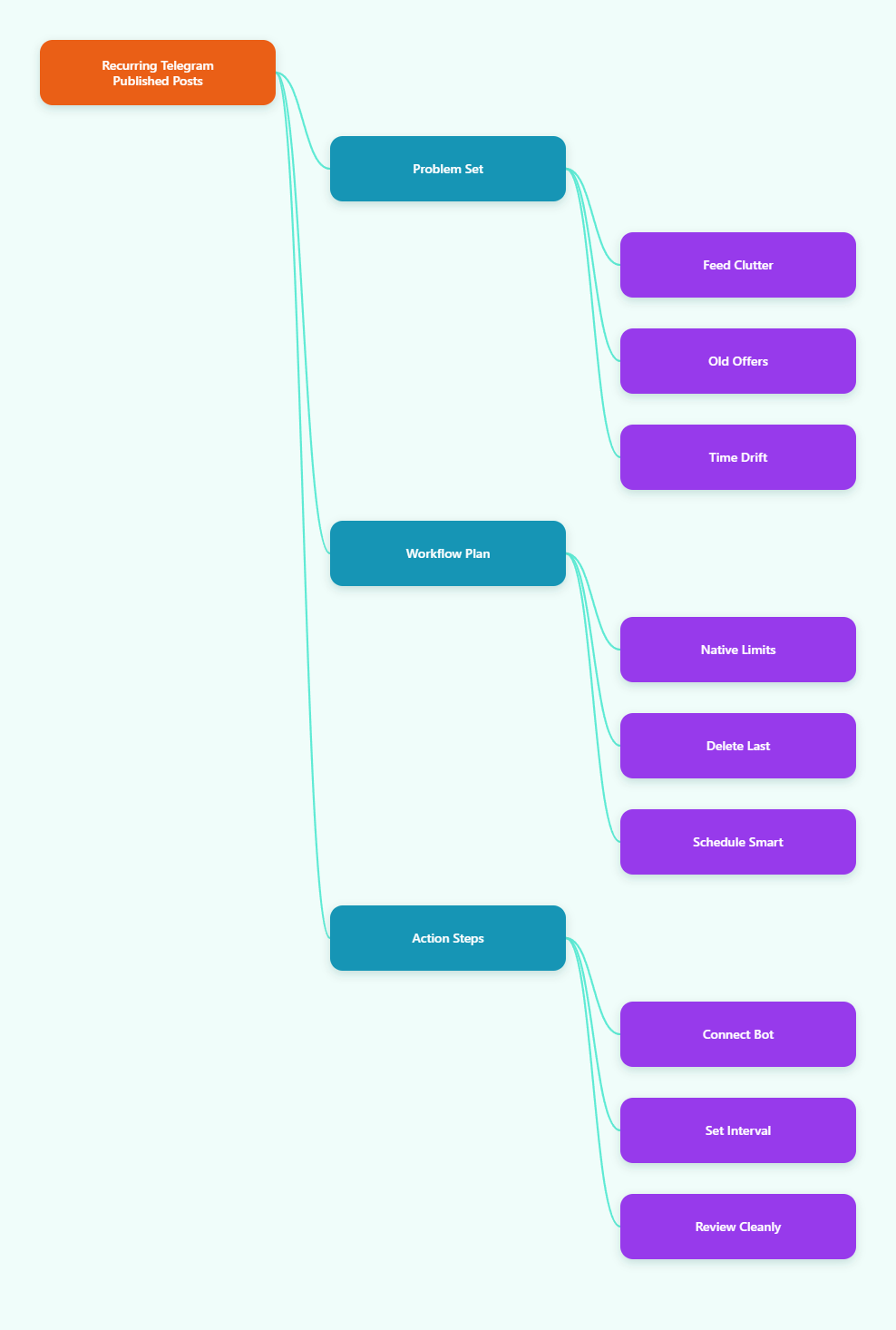
Why recurring Telegram posts get messy in 2026
Telegram is still one of the most flexible platforms for communities, private groups, and channels. But flexibility also creates friction. When you reuse the same post format every day, week, or month, the channel can begin to look outdated unless old posts are removed at the right time.
The biggest issue is mismatch. A subscriber clicks an old promotion, a pinned post points to a closed campaign, or a group sees repeated onboarding messages that no longer reflect the current offer. None of that is fatal, but it reduces trust and creates extra work for admins.
Time zones make the problem worse. A post that should disappear before the next region wakes up may still be visible during peak traffic. If your team runs multiple launches or rotates messages across campaigns, manual cleanup becomes easy to miss.
What usually breaks first
- Old links stay live after the campaign ends.
- Recurring announcements create feed clutter.
- Admins forget to delete the previous version.
- Pinned messages no longer match current priorities.
- Users reply to outdated information and support time increases.
What Telegram can do natively, and what it cannot
Telegram does offer scheduling, message deletion, and chat-level auto-delete features. Official scheduled messages can be sent later, and Telegram also supports repeating scheduled messages in its API context. That is useful, but it is not the same as having a clean recurring-post cleanup workflow for every channel team.
For channels and supergroups, deletion depends on permissions. In real operations, the exact behavior changes with chat type, admin rights, and whether you are trying to remove a recent message or an older one. That means the safest strategy is to design your publishing flow so stale content is not left behind in the first place.
Telegram’s built-in auto-delete timer is valuable in private conversations and some group contexts, but it is not a universal answer for recurring channel publishing. If your goal is to keep a public channel clean, you usually need a posting routine, not just a timer.
| Approach | Best for | Main strength | Main weakness |
|---|---|---|---|
| Native scheduling | One-time planned posts | Built into Telegram and easy to use | Does not automatically remove the previous recurring post |
| Manual cleanup | Very small channels | Full human control over each deletion | Slow, easy to forget, and hard to scale |
| Bot workflow | Recurring channel updates | Can combine posting, scheduling, and delete-before-send logic | Requires correct admin permissions and setup |
How to auto delete old recurring Telegram published posts without clutter
The cleanest method is simple: keep one active version of a recurring post, then remove the previous one before the next publish. That way, your channel always shows the latest version of the message instead of a stack of stale copies.
This is especially useful when you publish rotating offers, repeat reminders, or evergreen updates that change only slightly from one cycle to the next. Instead of treating every post as a separate item, think of it as a single slot that gets refreshed.
If you want a no-code route, OnlyTG Echo@EchoOnBot follows that logic with a Loop Post workflow. According to the official tutorial flow, you start by connecting your own bot, then open the channel post tools, and enable the options that match your publishing style.
Three real use cases
1. Daily promo rotation. A channel runs a short-term offer every day at the same hour. The admin wants the current deal visible, but not yesterday’s expired banner. Delete Last keeps the channel focused on the active promotion instead of stacking old versions.
2. Weekly content spotlight. A creator channel highlights one resource every Monday. By the next Monday, the previous spotlight is no longer the priority. A looped post with cleanup keeps the feed looking current and reduces confusion for new subscribers who browse the channel history.
3. Group announcement refresh. A support group uses a recurring welcome or reminder message, but the wording changes as policies or links change. Reposting without cleanup can leave multiple near-identical messages in the feed. A deletion-first routine keeps only the newest version visible.
Why this method works
- It reduces channel noise.
- It keeps one message tied to one purpose.
- It lowers the chance of outdated links staying public.
- It helps new subscribers see the current offer first.
- It makes campaign handoffs easier for small teams.
Other useful features to know
Once your recurring workflow is stable, a few extra tools can help. Preview links are useful when you want to check how the post looks before it goes live. Pinning is helpful when a recurring post should stay at the top during a campaign window.
Scheduling also matters. If your audience is spread across time zones, posting at the right hour is often as important as the content itself. For support-style channels, auto-reply and keyword reply can also reduce repetitive manual work when subscribers ask the same questions repeatedly.
OnlyTG Echo@EchoOnBot is not the only way to manage Telegram operations, but it fits teams that want a guided, low-code workflow around recurring posts, cleanup, and basic channel automation.
Practical rules for 2026 Telegram channel management
- Use one post per campaign slot instead of duplicating the same message.
- Delete or replace expired content before the next publish goes live.
- Keep pinned posts aligned with the current offer or update.
- Test your workflow in a small channel before scaling it.
- Make sure the bot has the right admin permissions before relying on deletion.
- Match post timing to the audience’s main time zones.
- Review channel history weekly so stale items do not accumulate unnoticed.
FAQ
Can Telegram auto delete recurring channel posts?
Telegram can schedule messages and delete messages when permissions allow, but a clean recurring deletion workflow usually needs a dedicated process. For public channels, most teams rely on a bot-based routine rather than a simple built-in timer.
Does Telegram support repeating scheduled messages?
Telegram’s scheduling system includes repeating scheduled messages in its API context. That is useful for automation, but it does not automatically solve the problem of removing the previous public post in a channel-focused workflow.
What is the safest way to avoid stale posts?
The safest method is to publish one active version, then remove the previous version before the next one appears. This keeps the channel clean and prevents old offers, outdated links, or duplicate announcements from building up.
Can bots delete channel messages?
Yes, bots can delete messages when they have the right admin permissions and the chat rules allow it. Because Telegram permissions vary by chat type, always test the exact setup in the same type of channel or group you plan to manage.
Is auto-delete the same as deleting the previous loop post?
No. Auto-delete is a broader timer-based idea, while deleting the previous loop post is a specific publishing workflow. For recurring public updates, the second approach is usually more practical.
Should I pin a recurring post?
Sometimes. Pinning works well when one message must stay visible during a campaign or onboarding period. If the post changes often, remember to update the pinned message so it does not become another stale item.
Do I need code for this workflow?
Not necessarily. Many teams prefer a guided no-code setup that handles posting, scheduling, and cleanup together. That is why a tool like OnlyTG Echo@EchoOnBot can be practical for channel operators who want speed without custom development.
Conclusion
If you manage Telegram content in 2026, the real challenge is not posting more often. It is keeping the channel clean while you post more often. That is why auto delete old recurring telegram published posts is best treated as a workflow question, not just a deletion question.
Use Telegram’s native scheduling where it fits, but build a repeatable cleanup habit for anything that updates on a cycle. If you want a simpler no-code path, OnlyTG Echo@EchoOnBot can help you connect the dots between recurring publishing, replacement logic, and a cleaner channel feed.