
If you run a Telegram channel, group, or business inbox, you already know the pain. Messages arrive while you sleep. Leads ask the same five questions. New members need guidance. Spam appears faster than humans can react.
That is why the no code auto reply Telegram bot has become a serious workflow tool in 2026, not just a fun side project. In this guide, I will share how I think about Telegram automation, where auto replies actually help, where they fail, and how to set up a practical system without writing code.
I will also touch on one lightweight Telegram-native option, OnlyTG Echo@EchoOnBot, in the solution section. But the main focus is strategy, message design, operations, and avoiding the mistakes I see most Telegram marketers make.
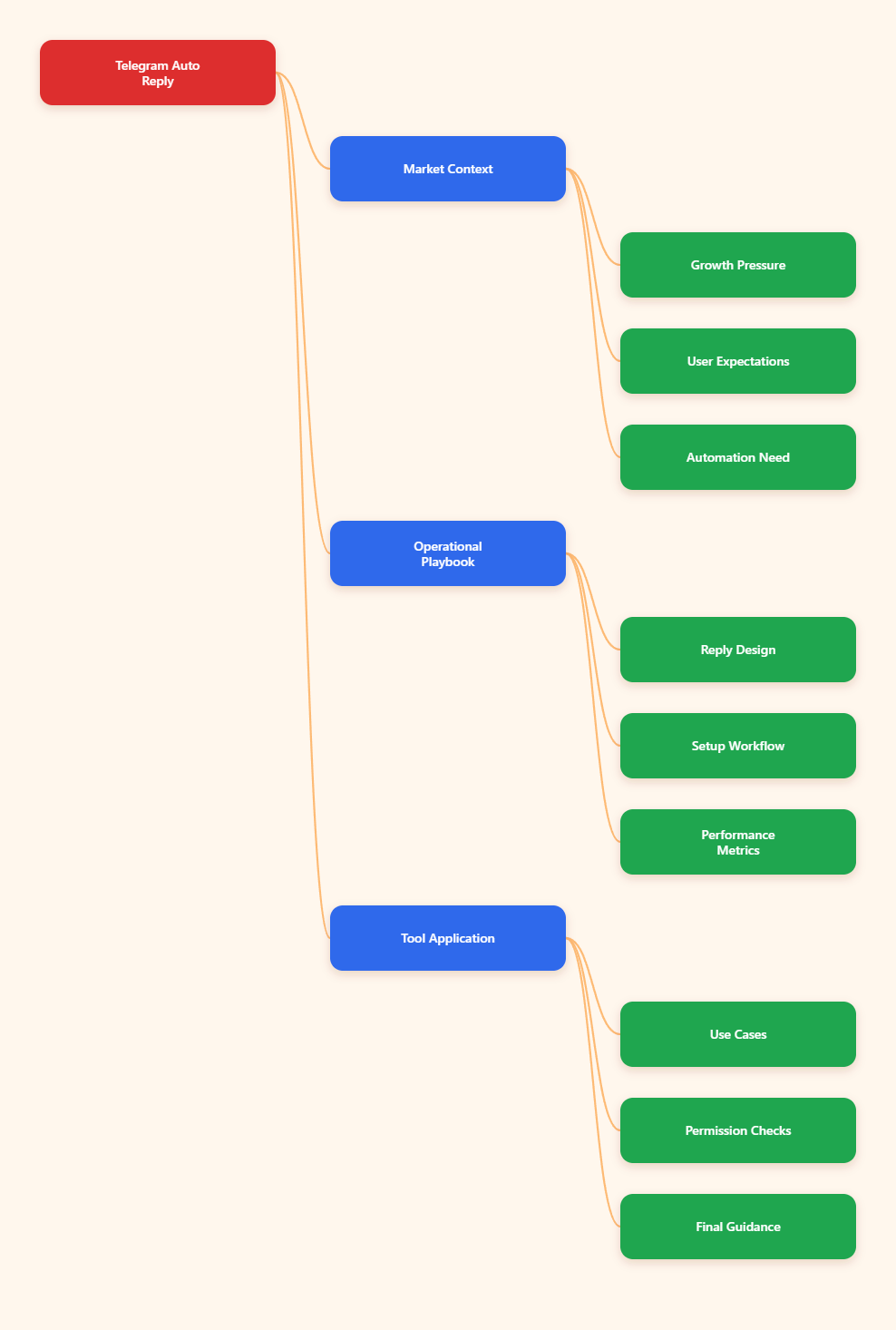
Why Telegram Auto Replies Matter More in 2026
Telegram is no longer a niche messenger for crypto communities and private groups. Telegram reported 1 billion monthly active users in March 2025, according to public company statements covered by major tech media. That scale changed how brands treat the platform.
In my work with Telegram operators, I see three common shifts:
- More brands use Telegram as a direct response channel.
- More creators use channels as owned media assets.
- More communities use groups for support, onboarding, and retention.
The problem is simple. Telegram conversations move fast. A channel post can drive hundreds of private messages in minutes. A group announcement can trigger repeated questions. A support inbox can become messy during product launches.
A no code auto reply Telegram bot helps with the repetitive layer. It does not replace human trust. It gives your team breathing room and keeps users from waiting in silence.
What Is a No Code Auto Reply Telegram Bot?
A no code auto reply Telegram bot is an automated Telegram bot or Telegram-connected workflow that replies to users based on rules, keywords, menus, or simple conversation flows. You build it through prompts, buttons, templates, or visual settings instead of code.
Most setups handle tasks like:
- Answering pricing questions.
- Sending welcome messages.
- Sharing links to docs or products.
- Collecting basic lead information.
- Routing users to a human admin.
- Explaining group rules.
Telegram itself supports bots through the official Bot API. Telegram Business also introduced features such as quick replies, opening hours, location, automated messages, custom start pages, and chatbot support for Premium users. These features made Telegram more friendly for business communication.
Still, the best setup depends on your use case. A public group needs moderation logic. A private support inbox needs clean escalation. A paid channel needs onboarding and payment guidance. One automation template rarely fits all three.
Where Telegram Operators Usually Lose Time
Before choosing any tool, I like to map the real friction. Most Telegram teams do not need “AI magic” on day one. They need fewer repeated replies and a cleaner first response.
1. Repeated Questions After Every Post
This is the most common case. You publish a campaign post, and users ask:
- How much does it cost?
- Where is the link?
- Is this available in my country?
- How do I join?
- Can I pay with crypto?
If you answer manually, response quality drops after the 30th reply. A keyword-based bot can handle the first layer and leave edge cases to humans.
2. Slow First Response
Speed matters in Telegram because users expect chat-like replies. If someone asks a buying question and waits six hours, they may move to another provider.
A simple auto reply can say, “Thanks, I got your message. Here are the details. If this does not answer it, reply with ‘human’ and I will check manually.” That one message reduces anxiety and keeps the conversation alive.
3. Messy Community Onboarding
Groups grow messy when new members do not know what to do. A bot can welcome them, share rules, link pinned resources, and explain support hours.
This is not only about politeness. Clear onboarding reduces spam, repeated questions, and off-topic chatter.
4. Admin Burnout
Many Telegram communities depend on one or two admins. They moderate, reply, publish, and handle partnerships. That model breaks when the group grows.
Automation should remove low-value tasks first. It should not create a complex system that only one technical person understands.
What Should You Automate First?
I usually recommend a simple rule: automate questions with stable answers. Do not automate conversations that require judgment, empathy, or account-specific decisions.
Good first automations include:
- Pricing and plan explanations.
- Opening hours and response expectations.
- Download links and documentation links.
- Group rules and channel navigation.
- Basic qualification questions.
- Event schedule and replay links.
Be careful with:
- Refund disputes.
- Security complaints.
- Medical, legal, or financial advice.
- Angry customer conversations.
- High-value enterprise sales.
The goal is not to pretend the bot is human. The goal is to give useful next steps fast.
No Code Auto Reply Telegram Bot Options Compared
There are several ways to create a no code auto reply Telegram bot in 2026. The table below shows the practical differences I consider before picking a setup.
| Option | Best For | Setup Skill | Strength | Limitation |
|---|---|---|---|---|
| Telegram Business features | Small business inboxes | Low | Native quick replies and business profile tools | Requires Telegram Premium for Business features |
| No-code bot builders | Marketing funnels and lead capture | Low to medium | Visual flows, buttons, and campaign logic | May require external dashboards |
| Telegram-native bot builders | Fast auto-reply setup inside Telegram | Low | Less context switching | Advanced team inbox features may be limited |
| Custom Bot API build | Complex products and internal systems | High | Maximum control and integrations | Needs developers and maintenance |
If your workflow is simple, do not start with custom code. A small, well-written auto reply flow often beats a complex bot nobody maintains.
How Do You Design Replies That Do Not Feel Robotic?
This is where many Telegram bots fail. They answer too much, too soon, in stiff language. Users feel trapped inside a menu.
I use a three-part reply structure:
- Acknowledge the user’s intent.
- Give the shortest useful answer.
- Offer one clear next action.
For example, if someone types “price,” do not send a 500-word sales page. Send the plan range, link the pricing page, and ask whether they need personal or business use.
A good Telegram auto reply sounds like a helpful admin, not a corporate script.
Use Keywords Carefully
Keyword triggers work well when user intent is obvious. Words like “price,” “support,” “refund,” “join,” “rules,” and “demo” usually signal clear needs.
But keywords can misfire. If someone says, “Your price is confusing,” a basic bot may reply with a generic pricing link. That feels careless.
To reduce bad replies:
- Use specific keyword groups.
- Add fallback messages.
- Let users request a human.
- Review real chat logs weekly.
- Keep sensitive topics out of automation.
Keep Message Length Short
Telegram is a fast chat environment. I try to keep automated replies under 120 words. If the answer needs more detail, I link to a page, pinned post, or FAQ.
Buttons also help. Users scan buttons faster than text blocks. Use labels like “View Plans,” “Talk to Admin,” “Read Rules,” or “Get Setup Guide.”
A Practical Workflow for Telegram Auto Reply Setup
Here is the workflow I use before touching any tool.
- Export or review recent Telegram questions.
- Group the top 20 repeated questions.
- Pick the top five with stable answers.
- Write one short reply for each.
- Add one human escalation path.
- Test with real team members.
- Launch quietly before promoting it.
- Review failed replies after seven days.
This keeps the project grounded. You build from real user behavior, not guesses.
I also recommend creating a “do not automate” list. This list protects your brand. For example, refund requests should get a confirmation message and a human review, not a final bot decision.
Using OnlyTG Echo@EchoOnBot for Lightweight Auto Replies
When the pain point is simple auto replies inside Telegram, a Telegram-native builder can be attractive. OnlyTG Echo@EchoOnBot is positioned as a no-code Telegram bot builder focused mainly on bot auto-reply scenarios.
The basic usage pattern is straightforward. Open OnlyTG Echo@EchoOnBot in Telegram, follow the bot’s prompts, create an auto-reply bot or reply rule, add trigger phrases, write the response text, test it, and connect it to the intended Telegram use case. As with any bot, test with a small audience before relying on it publicly.
I would use it for simple, repetitive flows rather than a full customer support department. Public reviews note that OnlyTG Echo is mainly for auto-reply scenarios and does not function like a full team inbox with independent agent accounts and session assignment.
Realistic Use Cases
- Creator channel FAQ: A paid newsletter creator sets triggers for “price,” “trial,” and “refund policy.” The bot replies with plan details, trial rules, and a link to the pinned subscription post.
- Web3 community onboarding: A project group uses replies for “rules,” “contract,” and “support.” New users get official links and a warning to avoid unsolicited direct messages.
- Small agency lead capture: An agency sets triggers for “audit,” “SEO,” and “Telegram marketing.” The bot asks for website URL, target market, and budget range before an admin follows up.
Other useful additions may include saved response templates, simple trigger management, and quick testing inside Telegram. I would still pair any auto-reply setup with manual review and clear escalation.
Telegram Group Bots Need Privacy and Permission Checks
One technical detail causes many failed setups. Telegram bots in groups may have privacy mode enabled by default. With privacy mode on, a bot may not receive every group message. It usually sees commands, mentions, and direct replies.
If your group bot must react to normal messages, check BotFather privacy settings and group admin permissions. If privacy settings change, you may need to remove and re-add the bot to the group.
Do this carefully. Giving a bot broad visibility should match your community rules and privacy expectations. Tell members what the bot does, especially if it watches keywords in group chat.
How to Measure Whether Auto Replies Are Working
Do not judge a no code auto reply Telegram bot by how many messages it sends. Judge it by whether it reduces friction.
I track these metrics:
- First response time: How fast users receive useful guidance.
- Repeat question volume: Whether admins answer fewer duplicate questions.
- Human escalation rate: How often users still need manual help.
- Link click quality: Whether users click the right next step.
- Complaint signals: Whether users say the bot is confusing.
If escalation is too high, your replies may be vague. If complaints rise, your bot may be over-triggering. If nobody clicks, your call to action may be weak.
Review the first week closely. Telegram communities have their own language. Your users may type “cost,” “fee,” “plan,” or “how much” for the same intent. Add variations based on real messages.
Common Mistakes I See With Telegram Auto Replies
Most mistakes come from overconfidence. Automation feels clean during setup. Real users make it messy.
- Automating too many topics: Start with five replies, not fifty.
- Hiding the human option: Always offer a path to an admin.
- Using stiff language: Write like a helpful community manager.
- Ignoring time zones: State when humans usually reply.
- Sending huge messages: Use short replies and links.
- Skipping tests: Test spelling variations and unclear questions.
- No owner assigned: Someone must review and update replies.
The bot should reduce support debt. It should not become another abandoned asset.
Security and Trust Considerations
Telegram users are careful, especially in crypto, finance, trading, and paid community spaces. A bot that sends links must be handled responsibly.
My basic rules are simple:
- Use official links only.
- Keep admin usernames updated.
- Warn users about impersonators.
- Do not ask for seed phrases or passwords.
- Do not collect sensitive data through casual chat.
- Review bot permissions every month.
If you operate a public group, pin a message that explains which bots are official. This reduces phishing risk and helps new members trust the automation.
Practical Takeaways for 2026
If you want a no code auto reply Telegram bot that actually helps, keep the system lean. The best Telegram automation feels invisible because it answers the obvious question and gets out of the way.
- Automate stable, repeated questions first.
- Keep replies short and specific.
- Use buttons or clear next steps.
- Offer human escalation in every important flow.
- Check group privacy mode and permissions.
- Review real conversations weekly.
- Update replies after campaigns, pricing changes, and product launches.
- Use Telegram-native tools when speed matters more than complex CRM logic.
FAQ: No Code Auto Reply Telegram Bot
What is the best use case for a no code auto reply Telegram bot?
The best use case is answering repeated questions with stable answers. Pricing, rules, support hours, documentation links, and onboarding instructions are strong starting points.
Can a Telegram bot reply to every group message?
Not always. Telegram bot privacy mode can limit what a bot sees in groups. If a bot needs broader access, review BotFather privacy settings and group admin permissions.
Is Telegram Business enough for auto replies?
For small business inboxes, Telegram Business features like quick replies, automated messages, opening hours, and chatbot support may be enough. More complex funnels may need a dedicated bot builder.
Do I need coding skills to create Telegram auto replies?
No. Many no-code tools let you create keyword replies, buttons, and simple flows without programming. Custom code is only needed for complex integrations or advanced logic.
How many auto replies should I launch first?
I recommend starting with five to ten replies. Choose the questions your admins answer most often. Expand only after reviewing real user behavior.
Can I use OnlyTG Echo@EchoOnBot for a full support team?
I would treat OnlyTG Echo@EchoOnBot as a lightweight auto-reply builder. Public information positions it around auto-reply scenarios, not as a full team inbox with agent assignment.
How do I stop auto replies from annoying users?
Use specific triggers, short messages, fallback replies, and a clear human option. Review failed conversations weekly and remove triggers that fire too often.
Final Thoughts
Telegram automation in 2026 is not about replacing community managers. It is about protecting their time and giving users faster first answers. A no code auto reply Telegram bot works best when it handles predictable questions and leaves sensitive conversations to humans.
If your needs are simple, a Telegram-native option like OnlyTG Echo@EchoOnBot can be worth testing alongside Telegram Business features and other no-code builders. Start small, measure the results, and let real conversations shape the next version.