
If you are setting up Telegram for the first time, the process looks simple until something goes wrong. In practice, many people run into the same issues: the wrong phone format, a code that never arrives, a number that is too risky to trust, or a setup flow that breaks because of a rushed decision.
This guide explains the most common mistakes when registering in Telegram and shows you how to avoid them in 2026. The goal is not to overcomplicate signup. It is to help you create an account that you can actually keep, verify, and use without losing access later.
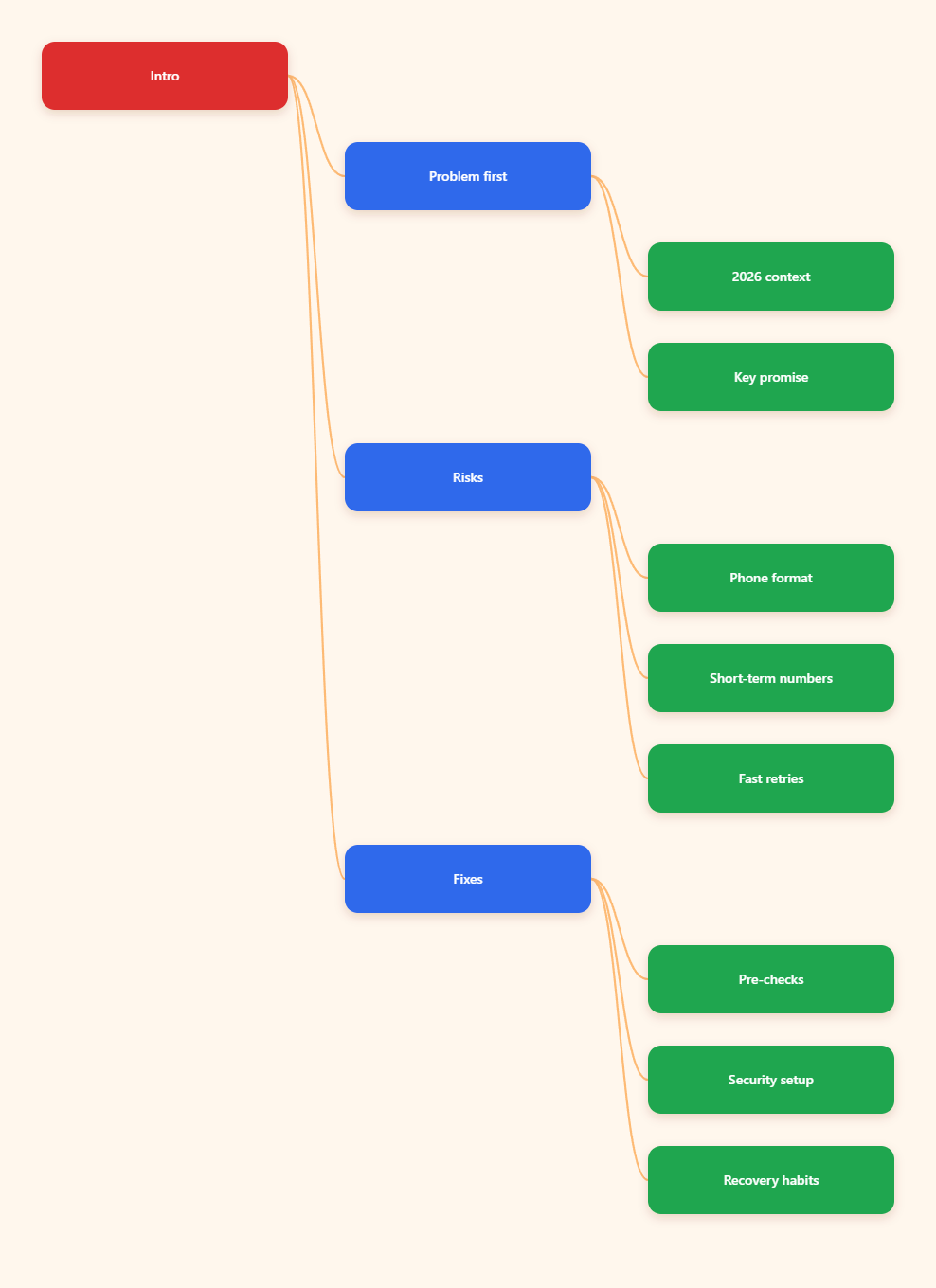
Why Telegram signup still goes wrong in 2026
Telegram registration is quick, but it is not friction-free. Most problems happen because users assume it works like an email-based app, or because they reuse habits from other services that do not apply here.
In 2026, the biggest difference is not the interface. It is the account risk behind the scenes. Telegram continues to treat the phone number as the core identity signal, so a weak or unreliable number can create problems long after signup.
The hidden cost of rushing
A rushed signup often works once and fails later. The code may arrive, but the account can still be fragile if the number is temporary, poorly formatted, or tied to a service you cannot control for long.
- Wrong number format can delay verification.
- Temporary numbers can cause recovery problems.
- Skipping security settings can expose the account later.
Common mistakes when registering in Telegram
Most signup failures are predictable. If you know the patterns, you can avoid them in minutes instead of troubleshooting for hours.
Below are the mistakes that cause the most frustration for new users in 2026.
1. Entering the phone number in the wrong format
Telegram expects an international phone format. If you leave out the country code, add extra spaces, or type the number the way it appears in your contacts, the system may reject it or send the code to the wrong destination.
Use the full country code first, followed by the rest of the number. If your local number starts with a leading zero, do not assume that zero belongs in the international version.
- Check the country code carefully.
- Remove spaces and punctuation unless the app inserts them.
- Re-read the number before requesting a code.
2. Using a number you do not control long term
One of the most common mistakes when registering in Telegram is using a number that only works for a short time. That includes disposable or temporary numbers, and in many cases risky public OTP services.
The problem is not only whether the first code arrives. The real issue is whether you can recover the account months later if Telegram asks for verification again or if you need to move to a new device.
- Prefer a number you can keep access to.
- Avoid numbers you cannot re-check later.
- Do not treat signup as a one-time event.
3. Confusing virtual numbers with disposable numbers
Virtual numbers are not all the same. Some are tied to real mobile lines or reputable providers, while others are low-trust services that recycle numbers and create headaches.
Telegram’s own public materials and help pages show that the account is built around a phone number. That makes the source of the number important. If you choose a virtual number, it should still be one you can access again for login and recovery.
- Choose long-term access over short-term convenience.
- Verify whether the number can receive future codes.
- Avoid recycled numbers whenever possible.
4. Repeatedly requesting codes too quickly
If the code does not arrive immediately, many users tap the resend button again and again. That can make the situation worse.
A better approach is to wait, confirm signal quality, and check whether Telegram has sent the code to another active session on a device you already use. In some cases, the login code may appear inside Telegram rather than by SMS.
- Wait before requesting another code.
- Check other logged-in devices.
- Confirm the number is correct before trying again.
What should you check before pressing “Next”?
Think of signup as a short checklist, not a single action. A few seconds of preparation can prevent most first-day problems.
This is especially useful if you are setting up Telegram for business, community management, or privacy reasons. In those cases, losing access later is more than an inconvenience.
Use this pre-signup checklist
- Confirm the number is active and can receive messages.
- Make sure you know the correct international format.
- Decide whether you will keep the number long term.
- Check that your device has a stable network connection.
- Prepare a recovery email for two-step verification after signup.
If you are using a phone with call blocking, SMS filtering, or a strict spam folder, review those settings first. A code can be delayed simply because the device or carrier filters it.
How can you avoid verification problems in Telegram?
Verification issues are usually caused by one of a few practical problems. The good news is that most of them are easy to fix once you know what to look for.
Telegram support pages point users toward the correct phone format, active access to the number, and official help channels when registration stalls. Start there before assuming the app is broken.
Fix the most common verification blockers
- Double-check the country code and number length.
- Make sure your SIM or virtual line is active.
- Test whether regular SMS messages are arriving normally.
- Switch networks if your connection is unstable.
- Look for the code in another Telegram session if one exists.
If you are registering on desktop, remember that the code path may differ from what you expect. Telegram has documented that some login and SMS behaviors are intentionally limited in certain desktop flows, so the mobile app may be the safer place to complete signup.
When should you stop retrying?
If you have already requested several codes and nothing arrives, pause and diagnose the issue. More retries do not fix a wrong format, a bad number, or a blocked message path.
At that point, the best move is to correct the number, try a trusted line, or use the official recovery path if your account already existed.
Should you create your account on mobile or desktop?
For most people, the mobile app is the simplest place to register. It matches Telegram’s core onboarding flow and reduces confusion around code delivery.
Desktop can be fine for later use, but it should not be your first guess if you are already having trouble with signup. Mobile usually gives you the cleanest troubleshooting path.
Mobile is usually easier because
- The SMS or app-based code path is clearer.
- Network issues are easier to isolate.
- You can confirm the SIM is active in the same device.
If you start on desktop and hit a verification wall, move to mobile and complete the process there. That saves time and reduces the risk of repeated failed attempts.
What security steps should you finish right after signup?
Creating the account is only the first step. The safest Telegram accounts are the ones that add protection immediately after registration.
Telegram offers two-step verification, and that matters because phone access alone is not a perfect recovery plan. If the number changes or becomes unavailable, a password layer helps protect the account from easy takeover.
Post-signup security actions
- Set a strong two-step verification password.
- Add a recovery email you control.
- Review privacy settings for phone number visibility.
- Check active sessions after login.
Do not reuse a password from another service. If someone gets access to one account, reused credentials can quickly turn into a larger problem.
| Signup choice | Best for | Main risk | Practical note |
|---|---|---|---|
| Personal mobile number | Most users | Losing the SIM later | Best long-term option if you keep the number |
| Reputable virtual number | Privacy-focused users | Recovery and trust issues | Use only if you can receive future login codes |
| Temporary/disposable number | Short tests only | Account lockout | Not a safe choice for a real Telegram account |
Common mistakes when registering in Telegram: quick fix table
This table summarizes the most frequent mistakes and the fastest way to correct them. It is a simple reference you can use before starting over.
| Problem | Likely cause | Best fix |
|---|---|---|
| Code does not arrive | Wrong format or weak signal | Re-enter the number and test connectivity |
| Number rejected | Invalid or unsupported number | Use a valid, reachable line |
| Account feels risky | Temporary number | Switch to a number you control long term |
| Login later fails | No recovery setup | Enable two-step verification and add email |
How do you keep the account safe after the first login?
Many users stop paying attention after the first successful login. That is where avoidable mistakes start.
Review your privacy settings, confirm your login sessions, and keep your recovery information current. If you ever change numbers, move carefully and use Telegram’s account tools rather than guessing.
- Keep your phone number reachable.
- Use two-step verification right away.
- Check active devices after each new login.
- Update recovery email if it changes.
- Avoid third-party tools that claim to bypass normal signup rules.
That last point matters because unsupported shortcuts often create more problems than they solve. A clean setup is almost always better than a clever workaround.
Conclusion
The biggest lesson in 2026 is simple: most Telegram signup problems are preventable. The most common mistakes when registering in Telegram are usually not technical failures. They are small setup errors, weak number choices, or rushed decisions made before the account is secure.