
If you use Telegram for work, communities, crypto groups, customer support, or personal chats, one profile may no longer be enough. The good news is that learning how to register multiple Telegram accounts on one device is still simple in 2026, as long as you understand Telegram’s account limits and phone number rules.
This guide explains the safest practical setup for Android, iPhone, desktop, and web users. You will also learn when to use built-in multi-account support, when a second device is cleaner, and what privacy settings to adjust before you start messaging.
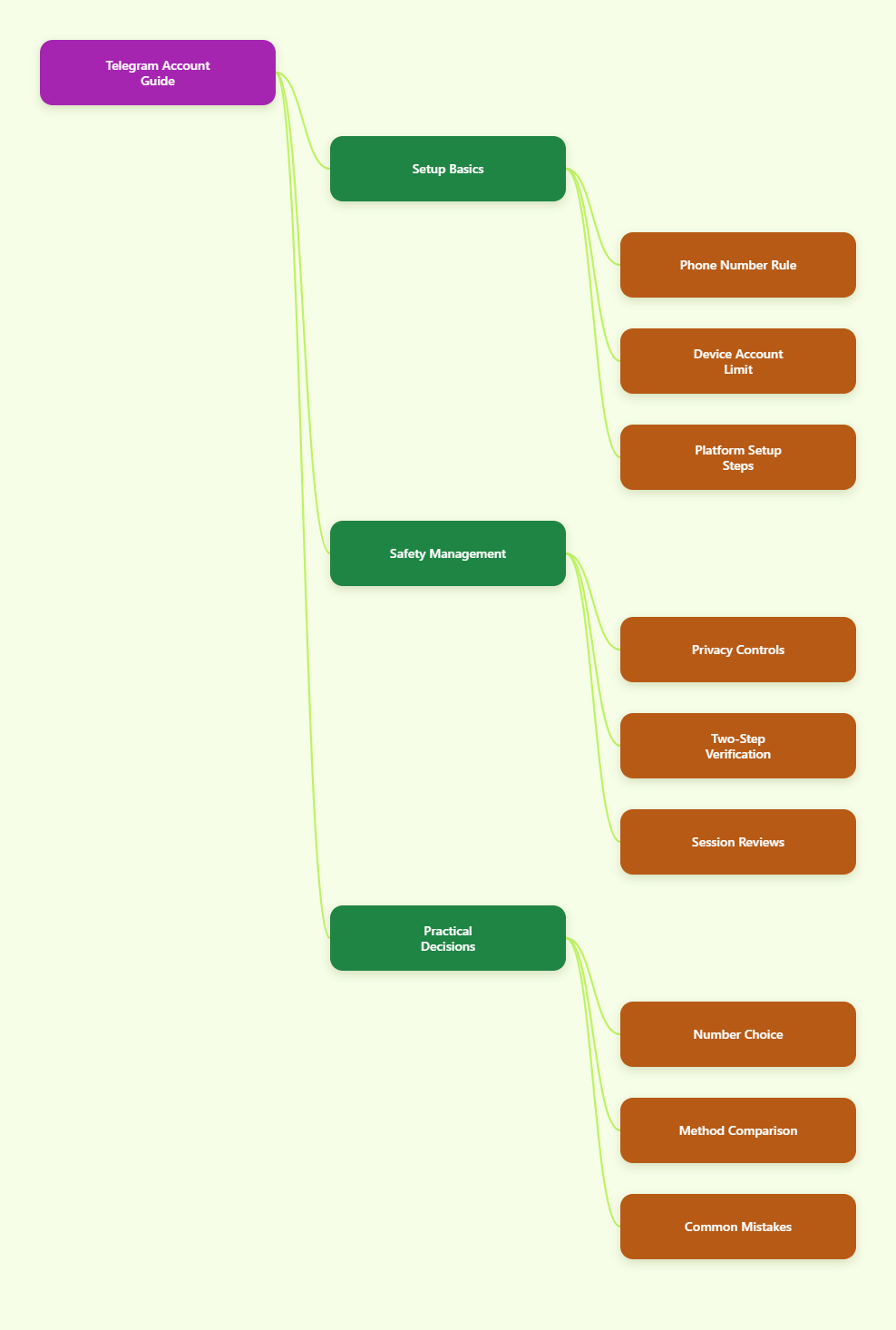
What Should You Know Before Creating Multiple Telegram Accounts?
Telegram identifies accounts by phone number
Telegram’s official FAQ explains that a phone number is currently the main way Telegram identifies a user during registration. That means you cannot create two separate Telegram accounts with the same phone number.
For every extra account, you need a separate number that can receive the login code. This may be a second SIM, eSIM, business line, or another number you permanently control.
- One phone number = one Telegram account.
- You must be able to receive verification codes later.
- Temporary public SMS numbers are risky because you can lose access.
- Recycled or low-quality virtual numbers may fail verification.
Official multi-account support has limits
Telegram introduced multiple account switching years ago, and its official app has long supported adding up to three accounts with different phone numbers. Many 2026 guides also report that Telegram Premium users may see a fourth account slot where supported.
For most people, the safest assumption is: plan around three free in-app accounts, and verify any Premium limit inside your own app version before relying on it.
How to Register Multiple Telegram Accounts on One Device?
Step-by-step setup on Android
Android is the easiest platform for most users because Telegram’s account switcher is built into the app. You do not need to log out of your first account.
- Open Telegram on your Android phone.
- Tap the menu icon or your profile area.
- Tap the small arrow next to your account name.
- Select Add Account.
- Choose the country code and enter the second phone number.
- Enter the SMS or Telegram verification code.
- Add your display name and profile details.
After setup, tap your profile area to switch accounts. Notifications can arrive from all logged-in accounts unless you adjust notification settings.
Step-by-step setup on iPhone
On iPhone, the process is similar but usually starts from the Settings tab. Keep your second number active nearby before you begin.
- Open Telegram on your iPhone.
- Go to Settings.
- Tap your name or account area.
- Choose Add Account.
- Enter a different phone number.
- Confirm the login code.
- Finish the profile setup.
If you cannot see the option, update Telegram from the App Store. Account features can vary by app version and region.
Can You Use One Telegram Account on Multiple Devices?
Accounts and device sessions are different
Many users mix up two separate ideas: multiple accounts on one device and one account on multiple devices. Telegram allows the same account to stay logged in across phones, tablets, desktop apps, and web sessions.
This is useful if you want your main account on both your phone and laptop. It does not create a new account, and it does not remove the need for a separate phone number when registering another account.
When multiple sessions help
Multiple device sessions are best for productivity, not identity separation. For example, a community manager may reply from the same support account on a phone during travel and from Telegram Desktop at work.
- Use one account on many devices for convenience.
- Use multiple accounts for separate roles, brands, or privacy boundaries.
- Review active sessions regularly in Privacy and Security settings.
- Terminate old sessions you no longer recognize.
Telegram has supported active session management and two-step verification for years. These settings remain important in 2026 because account takeover usually starts with weak login protection.
Which Phone Numbers Work Best for Extra Telegram Accounts?
Use numbers you can keep
The best number for a Telegram account is not always the cheapest number. It is the number you can control long term, because Telegram may require a code again when you reinstall the app, change devices, or trigger a security check.
For stable use, consider these options:
- Physical SIM: reliable, carrier-backed, and easy to recover.
- eSIM with voice or SMS: convenient for travel or business use.
- Dedicated business number: useful for teams and customer support.
- Paid private virtual number: possible, but quality varies widely.
Avoid disposable numbers
Free public SMS inboxes and one-time temporary numbers are poor choices for Telegram. Anyone who later receives that number may be able to request codes or compromise your access.
Some virtual or VoIP numbers may also be rejected or restricted, especially if they come from recycled pools with abuse history. Telegram does not publish every detection rule, so use conservative, permanent numbers rather than trying to bypass checks.
What Is the Best Setup Method in 2026?
Compare the practical options
The right setup depends on your goal. A freelancer with two brands needs a different workflow from a support team that manages many customer conversations.
| Method | Best For | Pros | Limits and Risks |
|---|---|---|---|
| Official app account switcher | Personal, freelance, small business use | Simple, stable, no logout needed | Usually up to 3 free accounts; Premium may allow 4 |
| One account on multiple devices | Working across phone and desktop | Fast replies, synced chats | Not a way to create extra accounts |
| Second phone or tablet | Clear separation between work and personal use | Cleaner notifications and lower confusion | More hardware to manage |
| Built-in Android dual app feature | Users who need another app instance | Separates icons and notifications | Availability depends on phone brand |
| Third-party cloners or automation tools | Advanced workflows only | May separate environments | Privacy, security, and policy risks |
Choose the simplest safe option
If you only need two or three accounts, use Telegram’s built-in account switcher. It is the cleanest option because it follows the normal app experience and keeps updates, notifications, and security settings in one place.
If you manage sensitive client work, a second physical device can be safer than complicated app cloning. Separation reduces accidental posting from the wrong account.
How Do You Manage Multiple Telegram Accounts Safely?
Set privacy before outreach
Before joining groups or messaging new contacts, review your privacy settings for each account. Do not assume settings from your main profile automatically match the new one.
- Set who can see your phone number.
- Control who can find you by number.
- Limit profile photo visibility if needed.
- Review group invite permissions.
- Use a clear username only when you want to be searchable.
For business accounts, use consistent names, profile images, and bios. For private accounts, avoid reusing the same photo or username if separation matters.
Turn on two-step verification
Two-step verification adds a password to the normal login code process. This matters because anyone who controls your phone number or SIM may try to access your Telegram account.
Go to Settings > Privacy and Security > Two-Step Verification, then create a strong password and recovery email. Repeat this for every account, not just your main one.
Avoid spam-like behavior
Having several accounts is not the same as using them for mass unsolicited messaging. New accounts that join too many groups, send repetitive links, or contact many strangers quickly may trigger restrictions.
Use each account naturally. Build profile history, respect group rules, and avoid automation unless you fully understand Telegram’s platform policies and the tool’s security impact.
Common Mistakes When Registering Multiple Telegram Accounts
Using numbers you cannot recover
The most damaging mistake is registering with a number you will lose next week. If Telegram later asks for a verification code, you may be locked out permanently.
Keep a simple record of which number belongs to which account. Store it securely, not inside the Telegram account itself.
Mixing account roles
Multiple accounts only help if each one has a clear purpose. If you use a personal profile for client support one day and a brand profile for private chats the next, you increase mistakes.
- Main personal account: friends, family, trusted communities.
- Work account: colleagues, clients, professional groups.
- Brand account: public channel, support inbox, campaigns.
Ignoring notification control
Once several accounts are active, notifications can become noisy. Telegram lets you customize notifications per account, chat, group, or channel.
Mute low-priority channels, pin key chats, and use folders if available. A clean notification system is what makes multiple accounts practical instead of stressful.
Conclusion
In 2026, the safest way to manage multiple Telegram identities is still the official path: use a separate phone number for each account, add accounts through Telegram’s built-in switcher, and keep every number under your long-term control. That is the practical answer to how to register multiple Telegram accounts on one device without creating unnecessary recovery or security problems.